

Resources
1 optionAdjust your Stars while the Mad Hatter Shop is open.
View resources →Plan ingredient combinations and keep orders moving in Abra-Cooking-Dabra's Wonderland kitchen. These Windows controls help with active card tasks and the Mad Hatter Shop, where Stars and card availability serve different purposes.
Cooking for Wonderland's guests
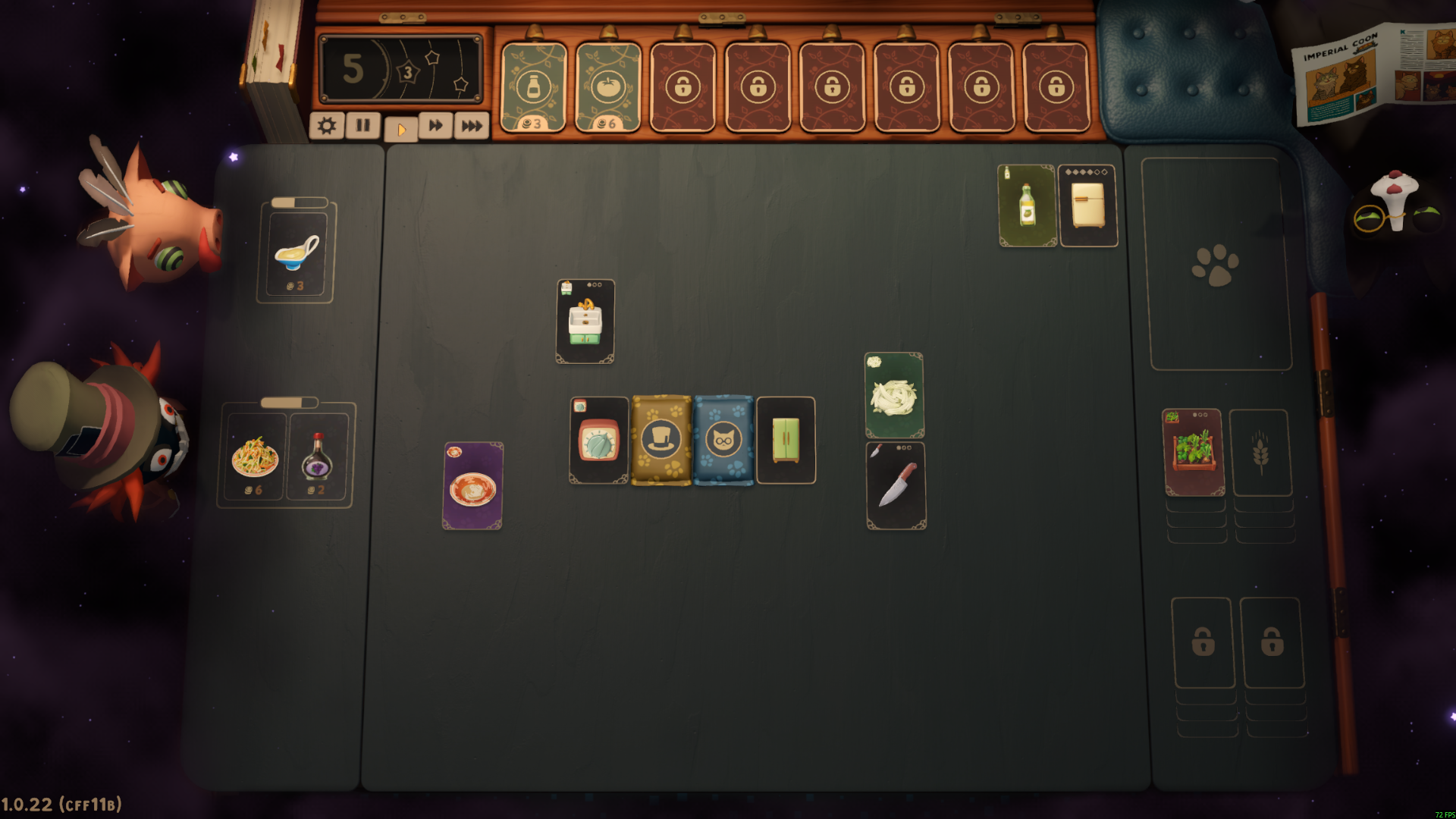
Combine ingredient and equipment cards while keeping an eye on your guests' orders in Abra-Cooking-Dabra.
Game Actions finishes active card tasks, Resources adjusts Stars in the shop, and Unlocks makes shop cards available to purchase. The unlock is free; Stars and Finish Card Actions are Premium.
Install Bytonian Mods, open Abra-Cooking-Dabra and select it in the app. Follow the connection prompts, then enter the kitchen or Mad Hatter Shop for the relevant control.
Adjust your Stars while the Mad Hatter Shop is open.
View resources →Unlock card availability without making purchases free.
View unlocks →Complete active card tasks while order timers remain separate.
View game actions →Download the Windows app and follow the setup prompts.
Open Abra-Cooking-Dabra and select it in Bytonian Mods. Follow the app’s connection prompts.
Review the available options in the app and choose the ones that suit how you play.