
How Bytonian Mods works
Halfway through Sons of the Forest and need a compound bow? Pick one in the free item spawner and add it straight to your backpack.
You can install Bytonian Mods while a supported Steam or Xbox PC game is running. With your permission, it changes the game in real time without editing your installed game files.
Windows installation guide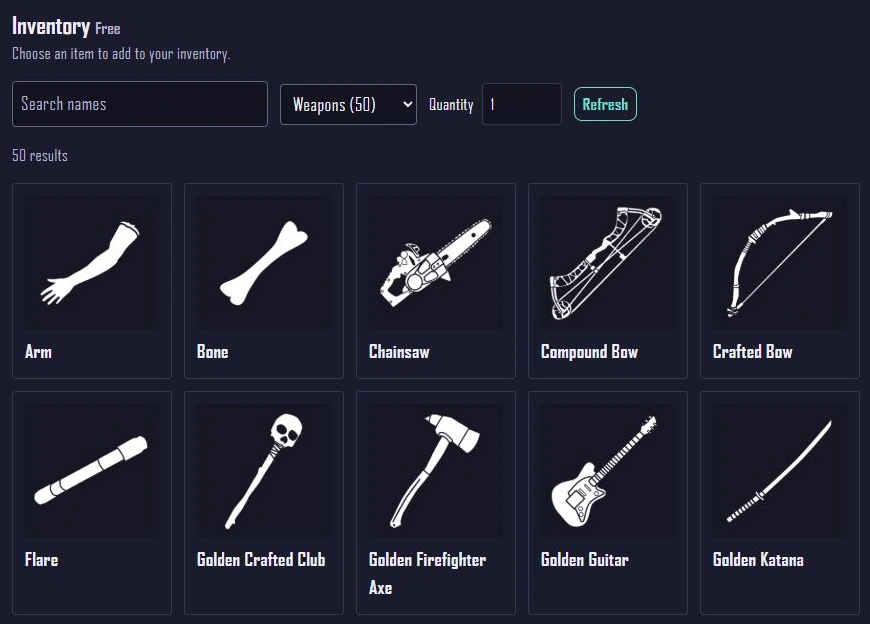
Using mods in a Windows game
Find your game
Install the Windows app and choose your Steam or Xbox PC game. Its page lists available mods and any special launch instructions.
Give permission for this game
Approve the connection so the app can install the mods you choose. You decide separately for each game.
Try a mod while you play
Switch on a feature, return to the game and try it. You can adjust live settings or turn the feature off during the same session.
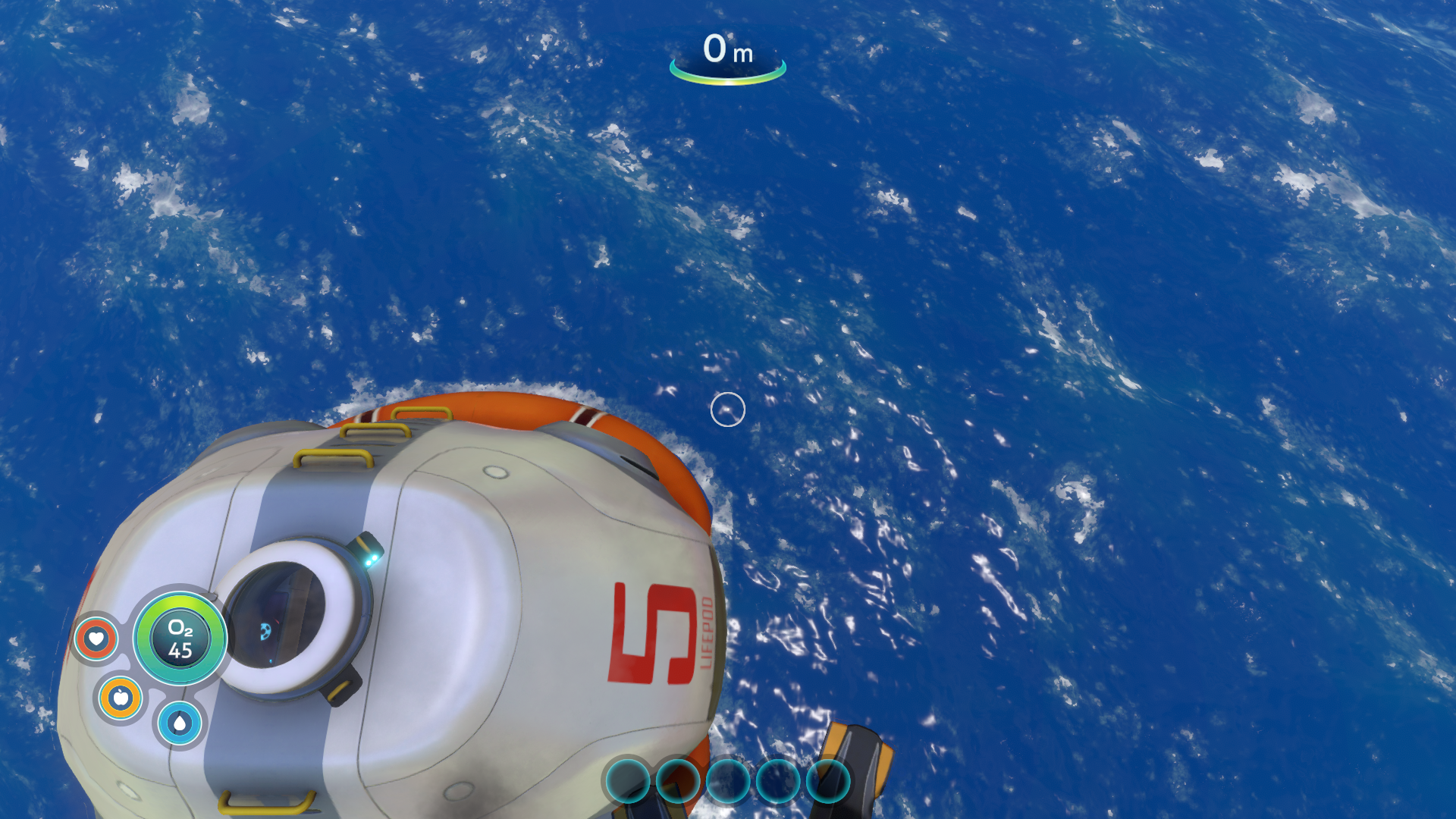
Switch on Fly to rise above the escape pod. Turn Movement off to return to the usual controls.
Two free ways to control your mods
Use the overlay or pair a second screen to control the mods you already have access to. Both options work without a Premium membership.
Open the in-game overlay
In a supported game, press your overlay shortcut to bring up the mod controls. Turn a mod on or off, adjust a setting, then press the shortcut again to hide the overlay and keep playing.
Use your phone as a second screen
Keep the game full-screen and use a phone, tablet or another compatible device to control your mods. In the Windows app, open Settings → Phone control to pair it. You approve the device on your PC, and its controls use an encrypted connection on your local network. You can revoke access at any time.
Free mods and Premium
We aim to give you something useful to play with for free in every game we support. Check your game’s page to see what you can use right away and what’s included with Premium.
Free Steam achievement unlocker
Add a Steam game you own by pasting its store link into the app, then choose which achievements to unlock. This is free for any Steam game with achievements, even games outside our mod catalog.
See how to unlock achievementsWhat does Premium add?
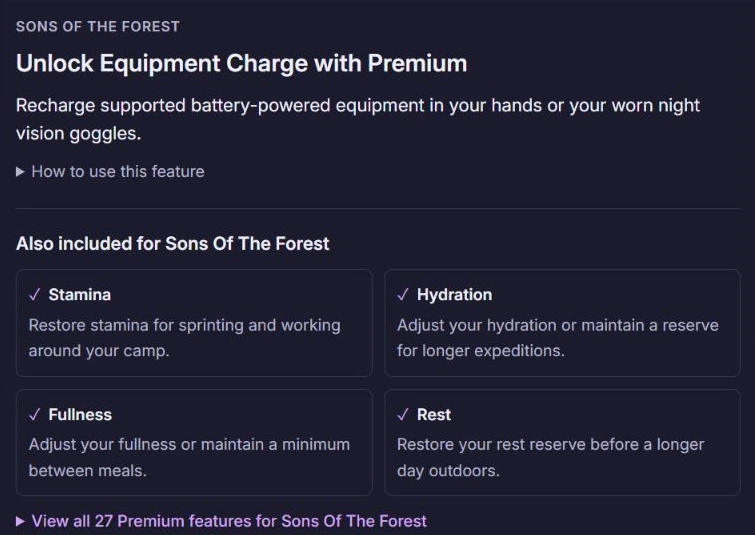
In Sons of the Forest, the item spawner is free. With Premium, you can also recharge the battery-powered equipment in your hands or the night-vision goggles you’re wearing while you explore.
One membership covers eligible Premium mods across supported games for the duration of your plan. Your membership also helps us bring mods to more games and build new features for the ones you already play.
Playing a YouTube Playable?
In the Windows app, open Settings → Browser Extension to install and link the extension for Chrome or Edge. Enable it on a supported game tab before you start playing. The tab reloads, then you can choose mods in the app.
Set up browser game modsWhich mod would you like next?
Tell us which game you play and what you’d like to change. We review suggestions for new mods and games, and welcome feedback on the ones you’ve tried. Open Support in the app or send us your idea online.