

Resources
8 optionsSeparate controls for survival reserves, rebreather air and equipment charge.
View all resources →Shape your next island expedition around the parts you enjoy. Build a forest base, manage survival reserves, choose a different movement style or browse supplies and wildlife in Spawn.

Start with free mods
Download Bytonian Mods for Windows and try these free features. Choose one to see how it works and any requirements.
Choose a movement style for exploring the forest, building sites and caves.
Choose a style in Movement, adjust its settings and turn it on. Turn Movement off to return to normal movement.
Only one movement style is active at a time. Board water flotation is unavailable in this game.
Add selected supplies directly to your inventory.
Open Spawn and choose Inventory. Search the item list and select the supplies you want to add.
Inventory capacity still applies. This adds items to your inventory rather than placing world objects.
Protect your survivor with the game's damage protection setting.
Enable Prevent player damage. Use the separate Health card when you want to adjust your health reserve.
Protect your buildings using the world's destruction controls.
Explore this free feature →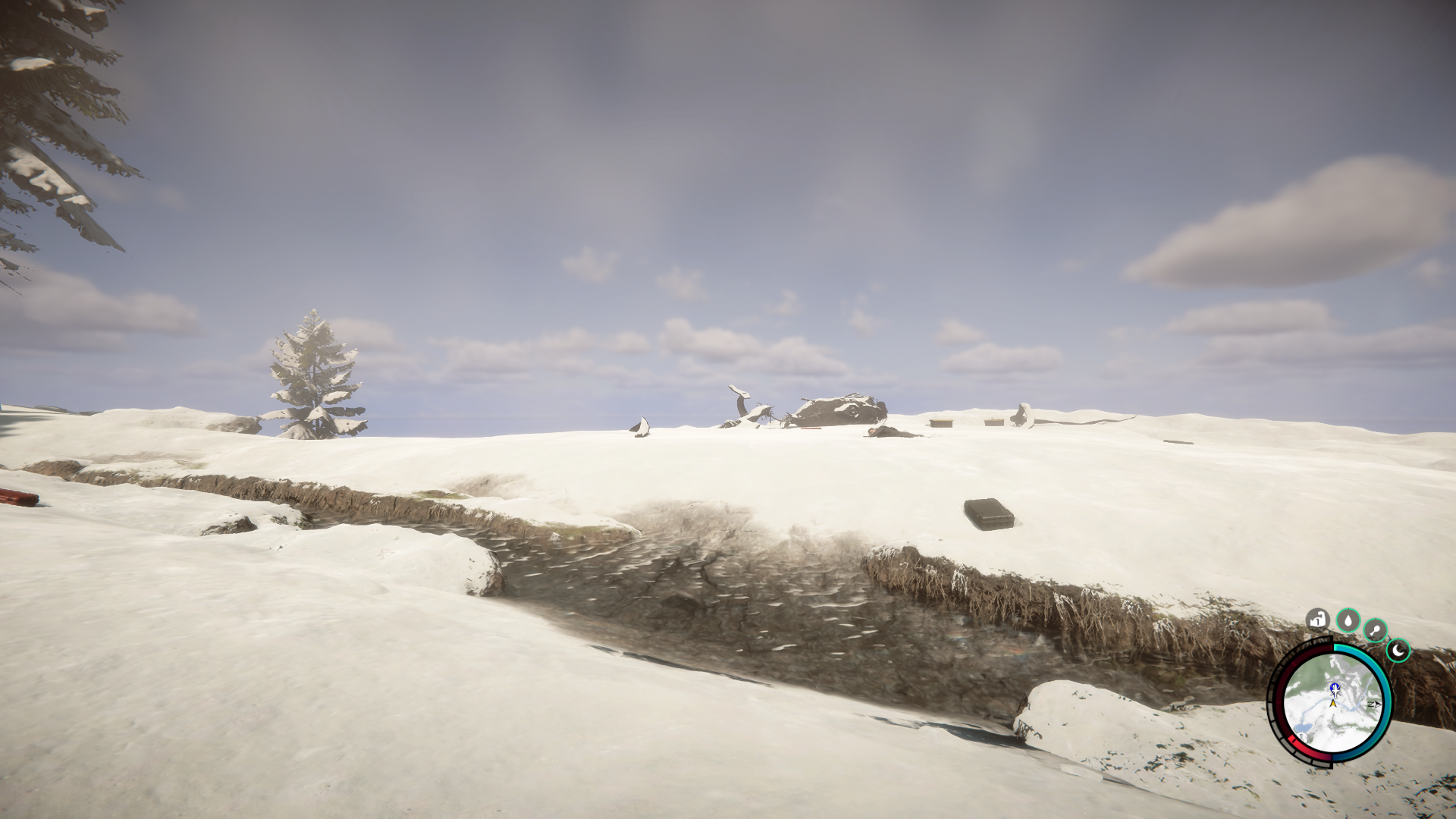
Explore the mountain crash site
A snowy starting area in Sons Of The Forest, with supplies scattered around the crash site.
I Deleted the Ocean. The Sharks Kept Swimming.
Removing the ocean leaves the shark raft in the air. My dry shortcut needs flight to finish the trip, while a seagull makes it look easy.
Health, Stamina, Hydration, Fullness, Rest and Strength have separate controls. Prevent player damage adds protection, while One-hit tree felling helps gather logs for your next base.
Choose the passing day, weather and season around camp, or add extra light for darker areas.
Avoid triggering traps keeps your survivor from setting off traps. Use Container loot rules to choose reusable containers and food or ammunition scarcity for future loot.
Refill rebreather air or equipment charge, finish placed blueprints, adjust equipped weapon damage and choose practical building and forest rules.
Unrestricted placement opens up unsupported log building, while the rope gun toggle lets you connect distant anchor points with long ziplines. Finish blueprints and Auto finish handle the remaining materials for placed book structures.
Movement offers eleven styles, including flight, a rolling ball, a board and a kart. Select one style at a time and use its controls to turn it on or return to normal movement.
Spawn separates world objects, Inventory and original Bytonian Gear. Browse native supplies and wildlife, add selected items directly to your inventory, or equip original tools and weapons.
Install Bytonian Mods, open Sons Of The Forest in the app and enable the content you want. Open Movement to select a style, or Spawn to browse world objects, inventory items and Bytonian Gear.
Separate controls for survival reserves, rebreather air and equipment charge.
View all resources →Ordinary travel settings and equipped weapon damage.
View stat modifiers →Building freedom, long ziplines, ammunition and material preservation, and survival protection.
View all rule modifiers →Eleven movement styles with shared controls.
View ability modifiers →An adjustable personal light for nearby surroundings.
View presentation modifiers →Daylight, weather, seasons, enemy spawning, tree regrowth, water and creature activity.
View all world modifiers →Original Gear, blueprint completion, nearby tree clearing and recovery.
View all game actions →World-object spawning, inventory supplies and Kelvin or Virginia controls.
View all utilities →Browse the Steam achievement names and descriptions for Sons Of The Forest. Choose and unlock achievements for free with Bytonian Mods in the Windows app.
View all achievements →Download the Windows app and follow the setup prompts.
Open Sons Of The Forest and select it in Bytonian Mods. Follow the app’s connection prompts.
Review the available options in the app and choose the ones that suit how you play.