

Choose the picture level to play
Set the level number you want, then open that puzzle from the game's Play screen. Use the same control to revisit earlier scenes or try a later picture pair.
Requires the Windows app and the Bytonian Mods browser extension for Chrome or Edge. Browser setup guide

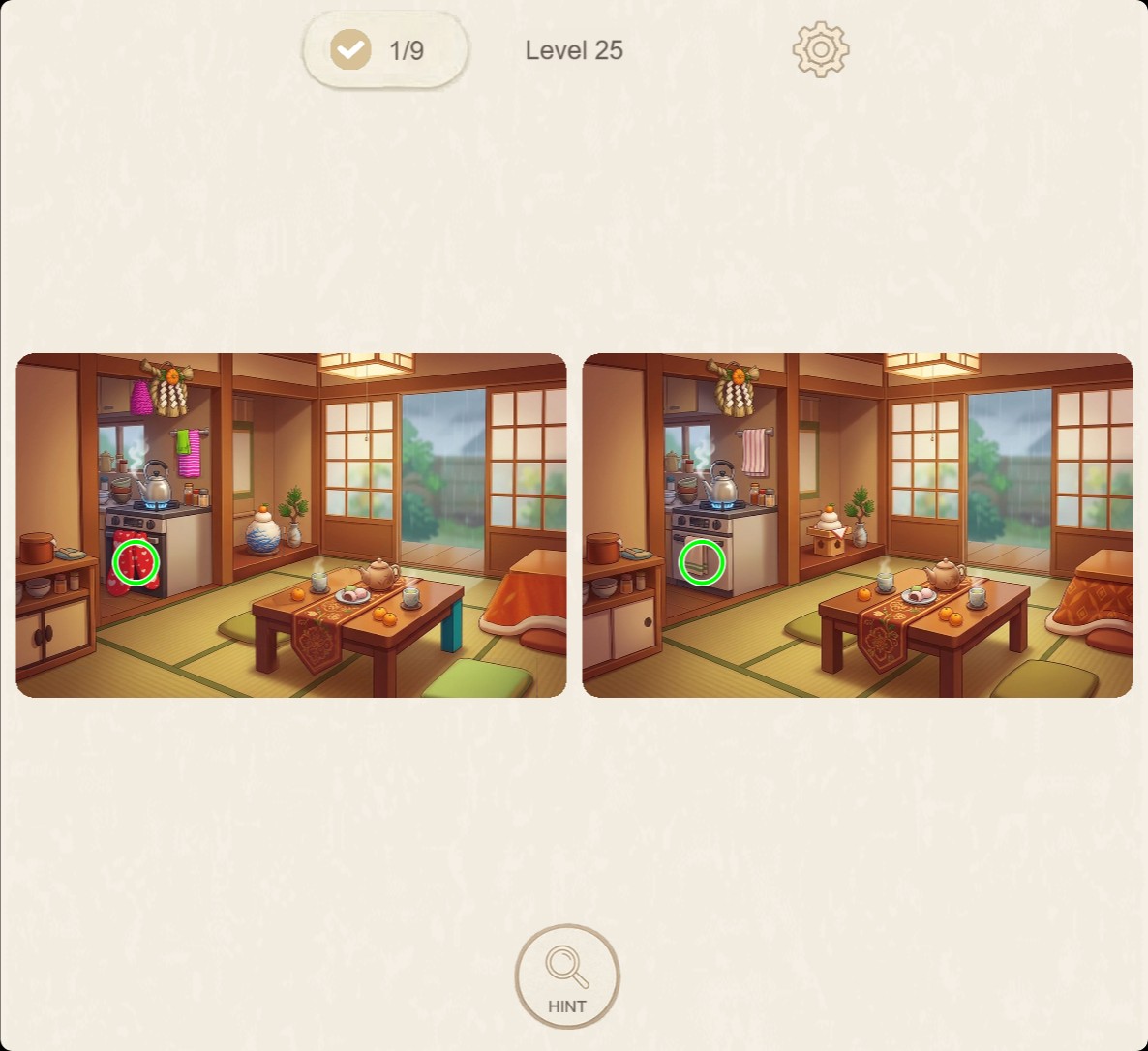
Choose a new picture puzzle
Open Level 25 and compare its kitchen scenes, then find the differences with the normal picture controls.
Select your level
Choose a whole number from 1 to 289. The Play screen shows your selected level before you enter the puzzle.
Compare and mark differences
Press Play to load the picture pair. Tap a detail that differs between the images and watch the found-difference count increase.
Available customisation options
LevelFree
Choose the picture puzzle level to open.
Set a level from 1 to 289, then press Play on the game's level screen.
Questions about customisation options
- Where do I open the selected puzzle?
- Press Play after choosing the level number.
- Can I return to an earlier scene?
- Yes. Choose its earlier level number and press Play.
Using these features
Connect your game, then open Customise in the Windows app. Choose an option, check its available values and follow its instructions. Each option lists its own requirements and limits.
Setup for Zen Differences →