
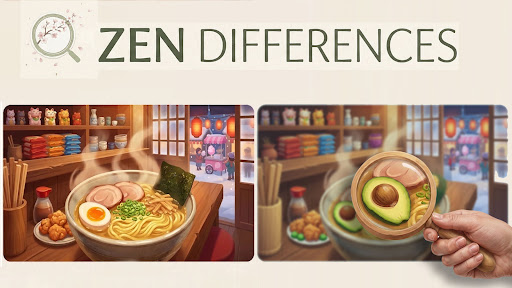
Customise
1 optionSet a level number and open its illustrated puzzle.
View customisation options →Choose the picture puzzle you want to play next. Compare the illustrated scenes and spot the small details that change between them.
Requires the Windows app and the Bytonian Mods browser extension for Chrome or Edge. Browser setup guide
Start with free mods
Download Bytonian Mods for Windows and try these free features. Choose one to see how it works and any requirements.
Choose the picture puzzle level to open.
Set a level from 1 to 289, then press Play on the game's level screen.
Choose a new picture puzzle
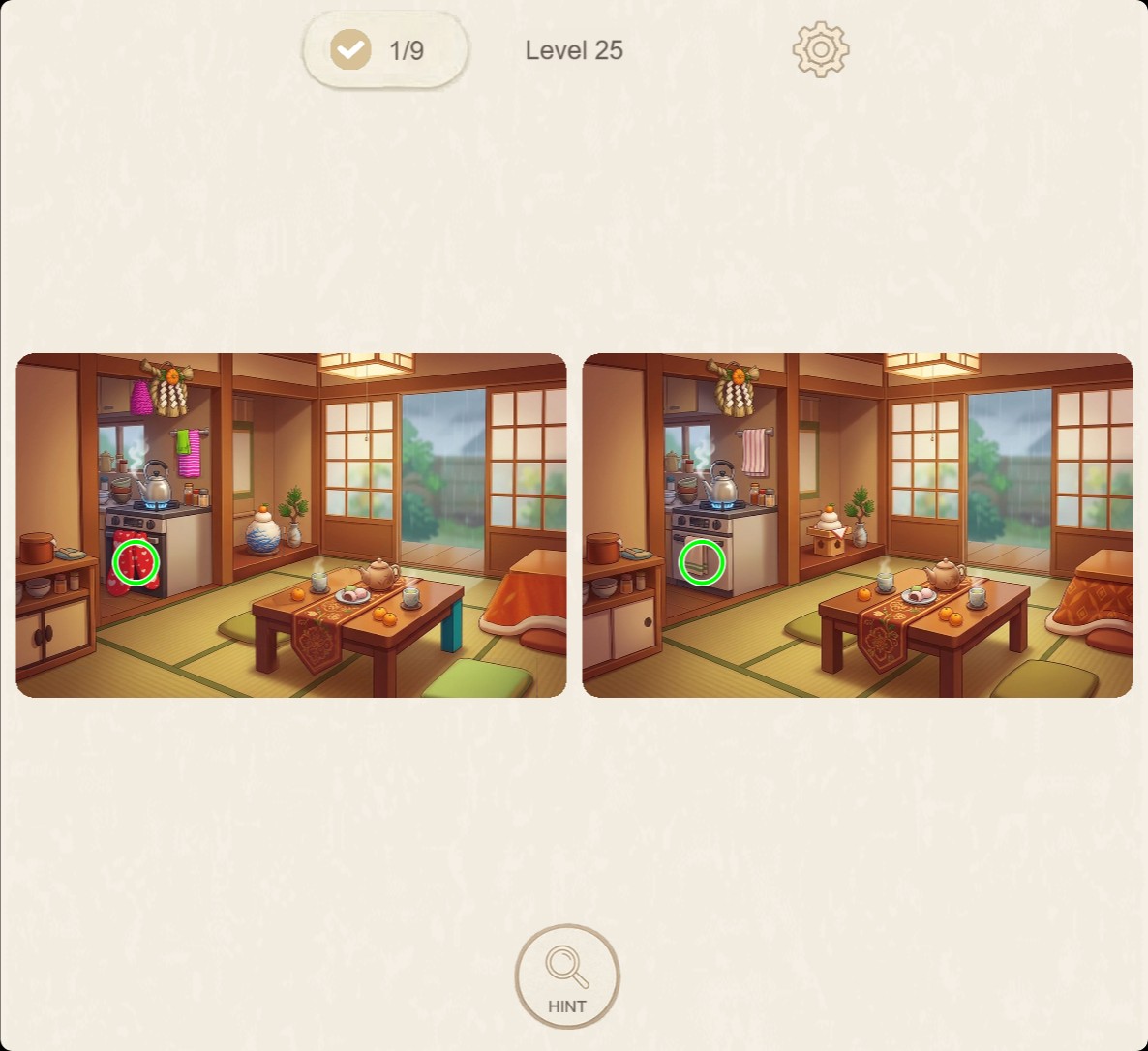
Open Level 25 and compare its kitchen scenes, then find the differences with the normal picture controls.
Choose a level from 1 to 289, then press Play. Revisit an earlier picture pair or move ahead to another scene without working through each puzzle in order.
The selector opens your chosen picture puzzle. Compare the two images and tap the differences to mark them, using the game's normal controls.
Set a level number and open its illustrated puzzle.
View customisation options →Download the Windows app and follow the setup prompts.
Set up the browser extension in Chrome or Edge, then open the supported YouTube Playable. Follow the connection guide if the game is already running.
Open Customise in Bytonian Mods, choose an option and follow its instructions. Check the available values and any limits before making your change.