
Presentation Modifiers
1 optionA larger outlined version of the game's own crosshair.
View presentation modifiers →Keep track of the center dot while exploring Worst Class Ever's school. High contrast crosshair gives the small native dot a larger shape and a dark border that stands out against bright walls and floors.

Start with free mods
Download Bytonian Mods for Windows and try these free features. Choose one to see how it works and any requirements.
Make the existing center dot larger and add a dark outline so it is easier to see against bright school surfaces.
Enable the package and turn on High contrast crosshair under Presentation Modifiers. Turn it off to restore the original dot.
Uses the normal crosshair layout. A mod that replaces, resizes or already outlines the dot can prevent it from applying.
Outside the classroom
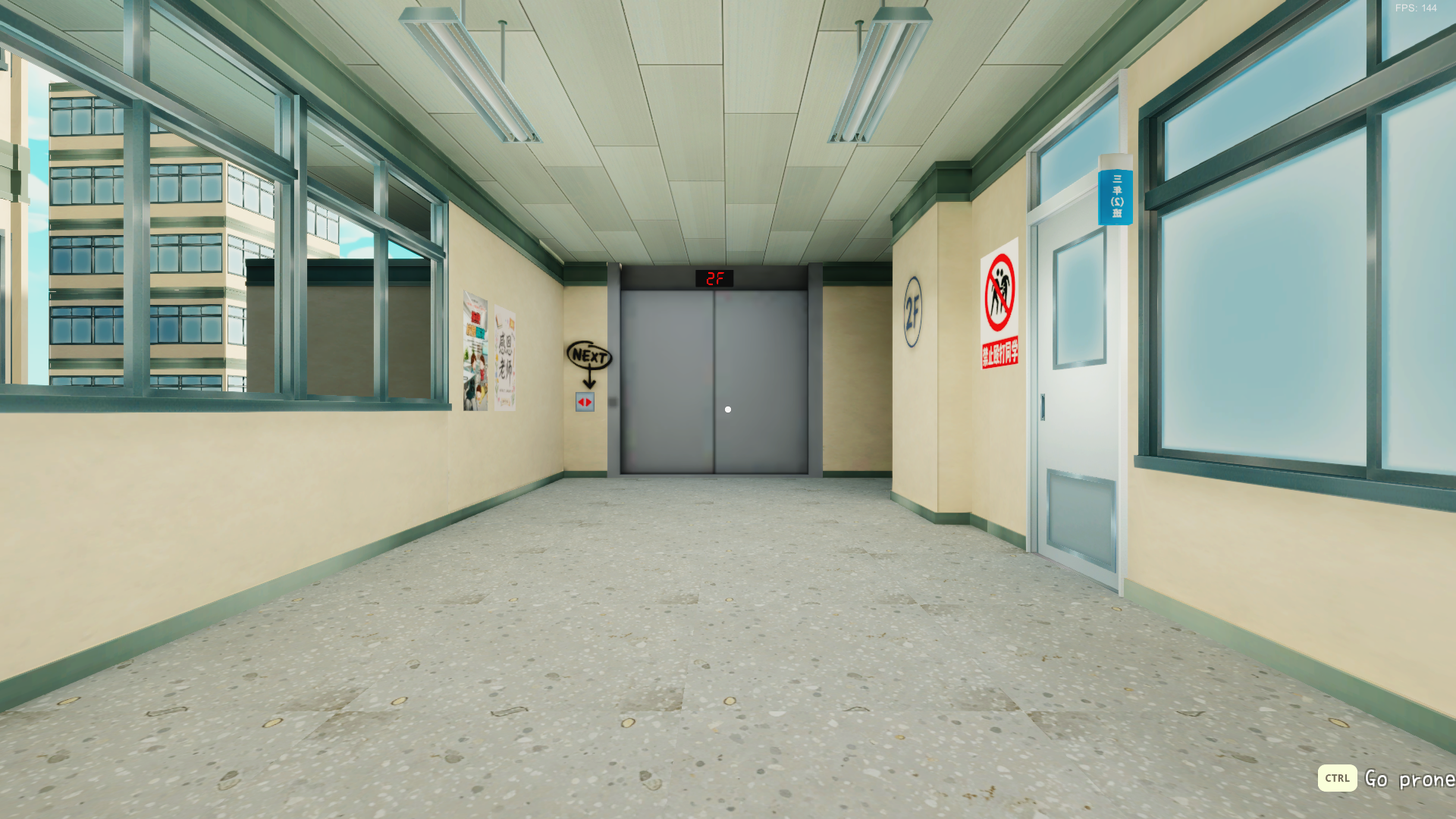
The school corridor beside a classroom, with the normal center dot and movement hint visible.
Turn on High contrast crosshair to enlarge the existing dot and add an outline. The game keeps control of its color, position and visibility.
Install Bytonian Mods for Windows, select Worst Class Ever and enable High contrast crosshair. Turn on its toggle under Presentation Modifiers once you are in the game. This feature is free.
A larger outlined version of the game's own crosshair.
View presentation modifiers →Browse the Steam achievement names and descriptions for Worst Class Ever. Choose and unlock achievements for free with Bytonian Mods in the Windows app.
View all achievements →Download the Windows app and follow the setup prompts.
Open Worst Class Ever and select it in Bytonian Mods. Follow the app’s connection prompts.
Review the available options in the app and choose the ones that suit how you play.