


Find the finish you want
Try another coat, change how strongly the spray covers your piece or move on when you're ready for the next stage.
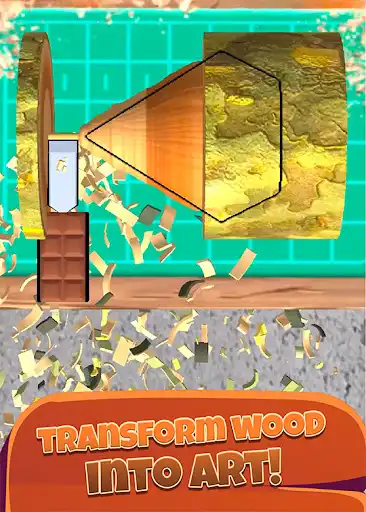
Start the color again
Use Clear paint during painting to remove the current coat. Your carved shape stays ready for a new look.
Choose your spray coverage
Set Paint opacity between 10% and 100%, then apply it before spraying. Lower values give lighter coverage; higher values build a stronger coat of color.
Keep the project moving
Next crafting stage moves your current project to the next available crafting phase. Continue the remaining steps normally to finish the customer's order.
Available game actions
Clear paintFree
Remove the paint from your current piece and try a new look.
Use while painting to keep your shape and start the color again.
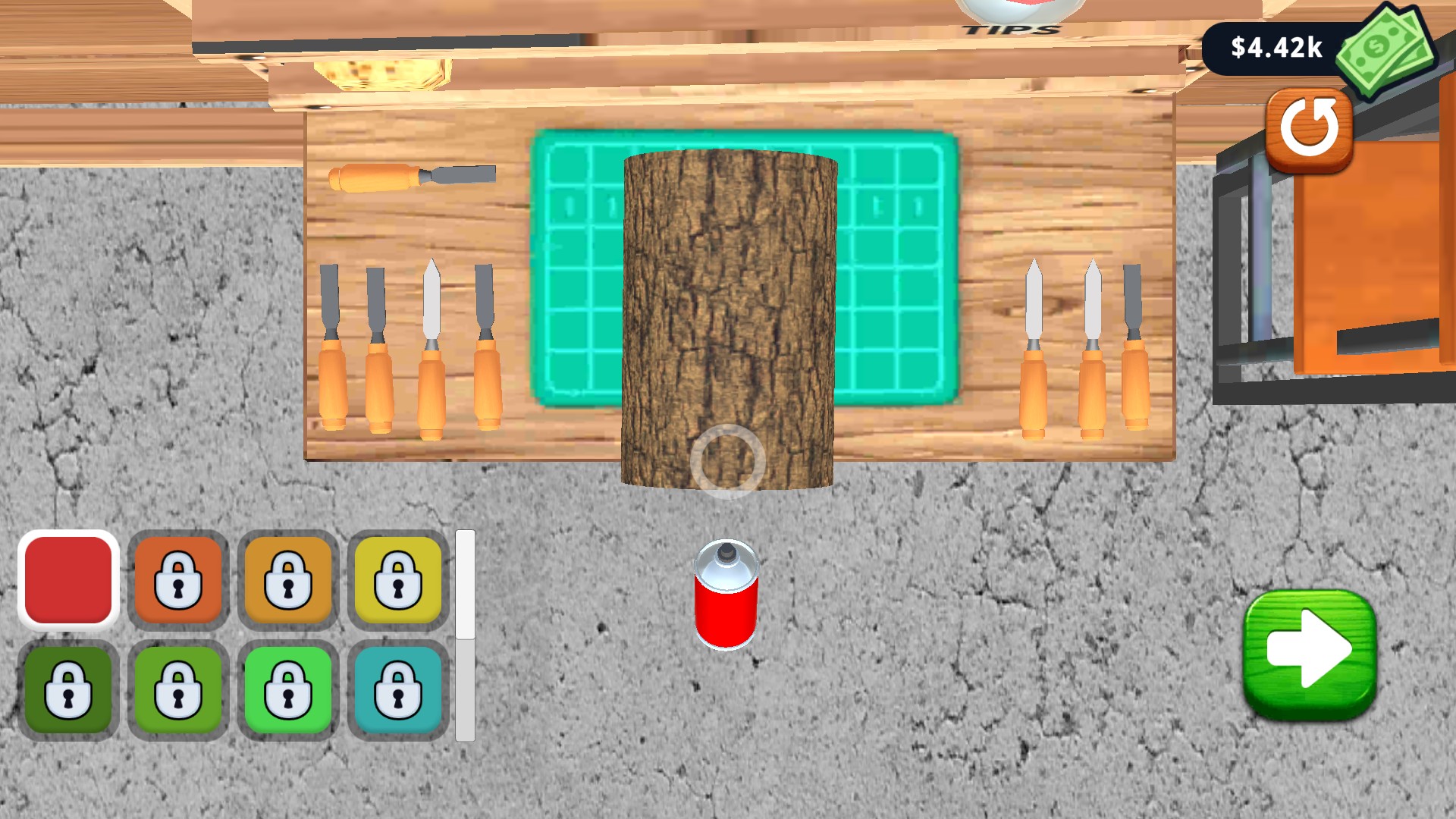
Give your piece a fresh finish
Clear the paint from your current piece and try a new look.
Next crafting stagePremium
Move your current project to the next available crafting stage.
Use during crafting, then continue the remaining steps to finish the order.
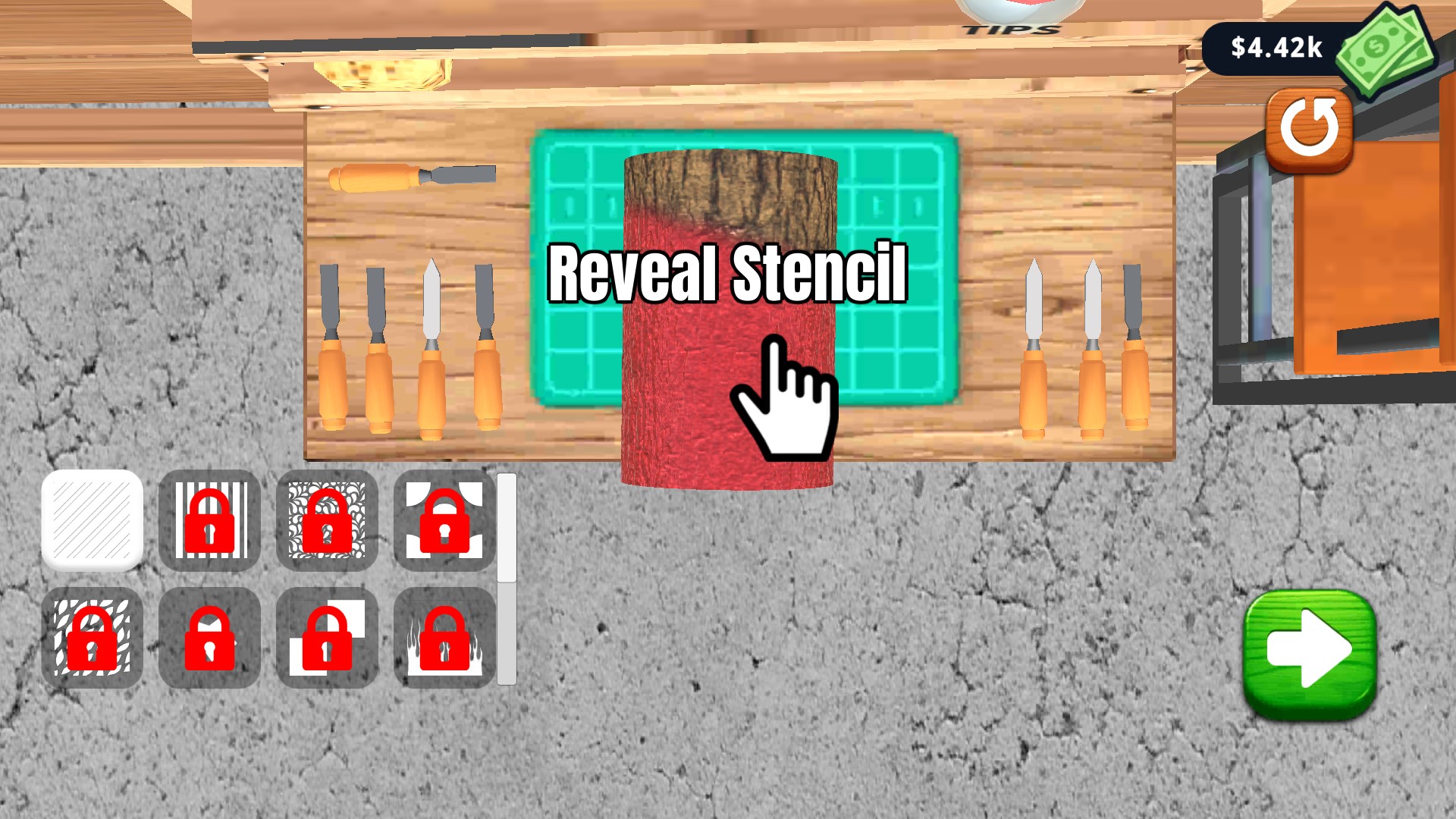
Keep your project moving
Move past painting and continue with the next finishing stage.
Paint opacityPremium
Choose how strongly the spray covers your piece, from a light finish to a richer coat.
Choose an opacity percentage, then apply it while painting before you spray.
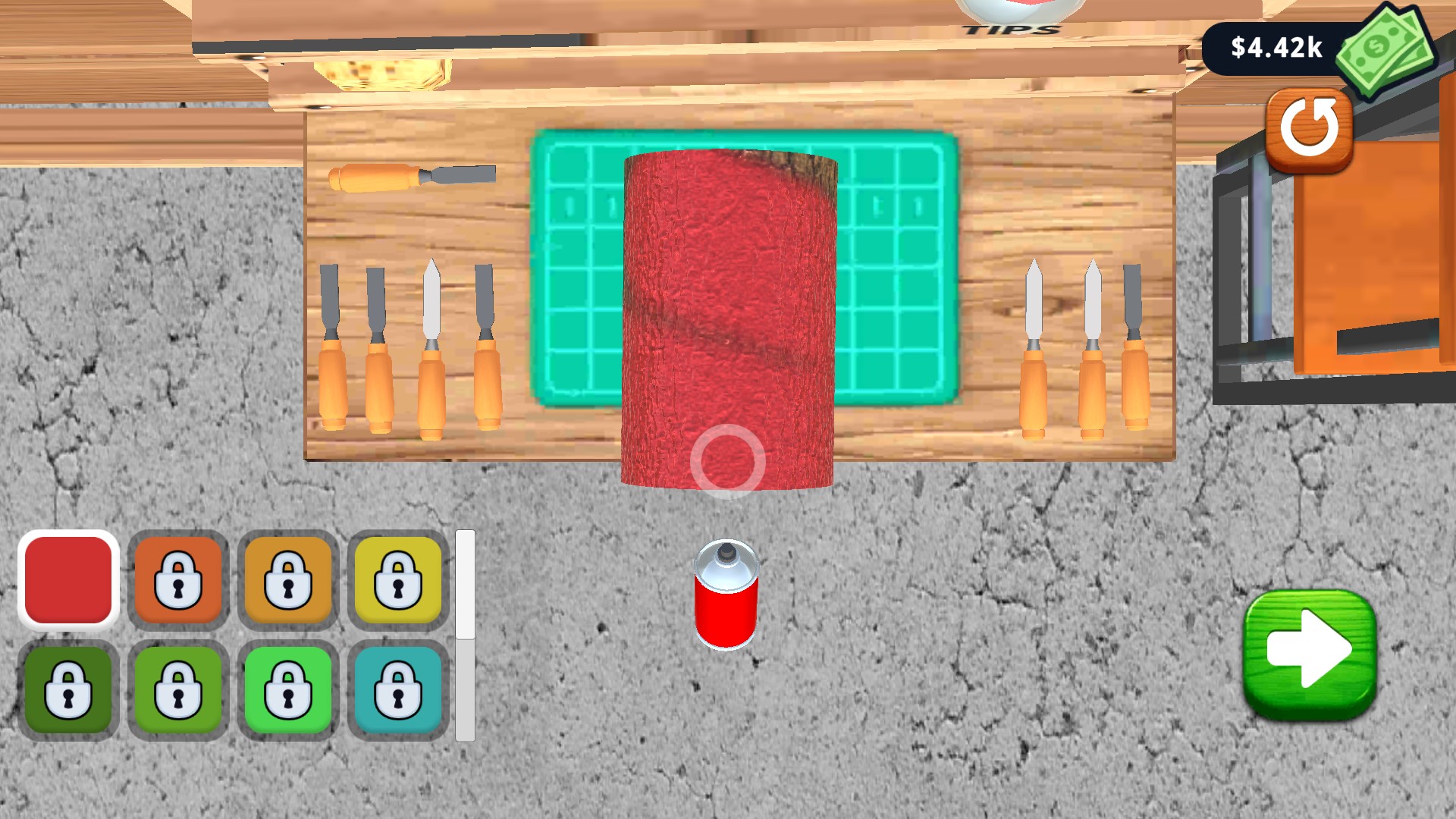
Choose your paint coverage
Set the strength of each spray for a lighter finish or a richer coat of color.
More ways to customise Woodturning 3D
- Woodturning 3D resources
Set your cash balance and choose where to spend it in the workshop.
Using these features
Choose the feature in the Windows app after connecting your game. Check its requirements before making a change.
Setup for Woodturning 3D →