

Resources
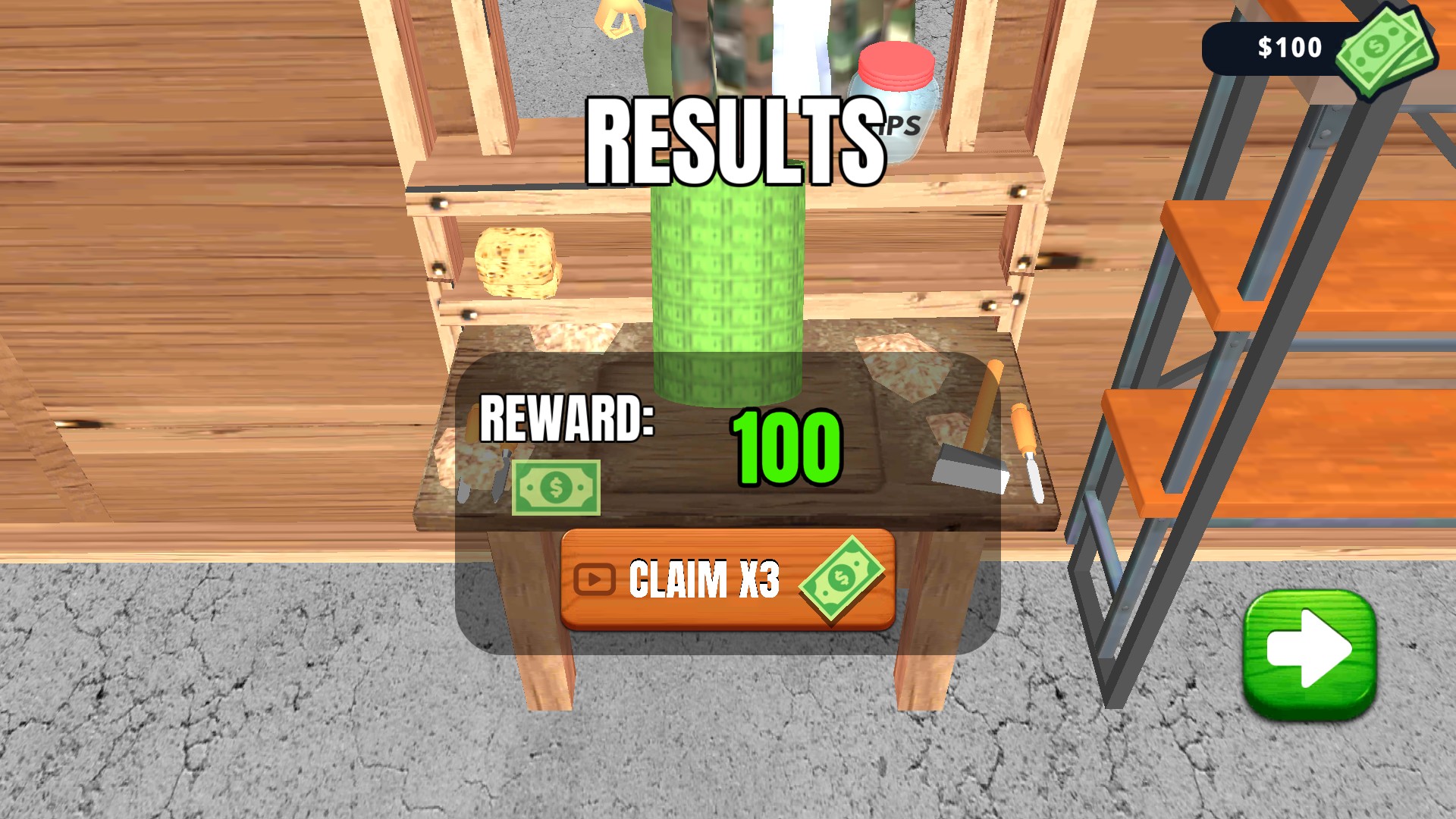
1 optionSet your cash balance and choose where to spend it in the workshop.
View resources →Shape wooden pieces for waiting customers, then give each project a finish you like. Choose your cash balance to help grow the workshop, refresh a painted piece or keep the crafting process moving.
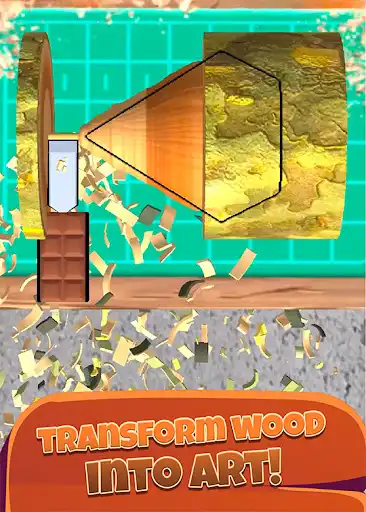
Clear paint gives your current piece a clean start while keeping its shape. Paint opacity lets you choose between lighter coverage and a richer coat before you spray.
Open Woodturning 3D with Bytonian Mods and enable the controls you want. Use cash in the workshop, and use the finishing controls when your piece reaches the matching crafting stage.
Your next woodturning project
Shape wooden pieces, add your finish and show your work to waiting customers.
Set your cash balance and choose where to spend it in the workshop.
View resources →Refresh your paint, choose spray coverage and control when your project moves forward.
View game actions →Download the Windows app and follow the setup prompts.
Set up the browser extension in Chrome or Edge, then open the supported YouTube Playable. Follow the connection guide if the game is already running.
Review the available options in the app and choose the ones that suit how you play.