


Choose Your Puzzle Coins
Set a coin balance for paid puzzle tools, then use Shuffle through the game's normal controls.

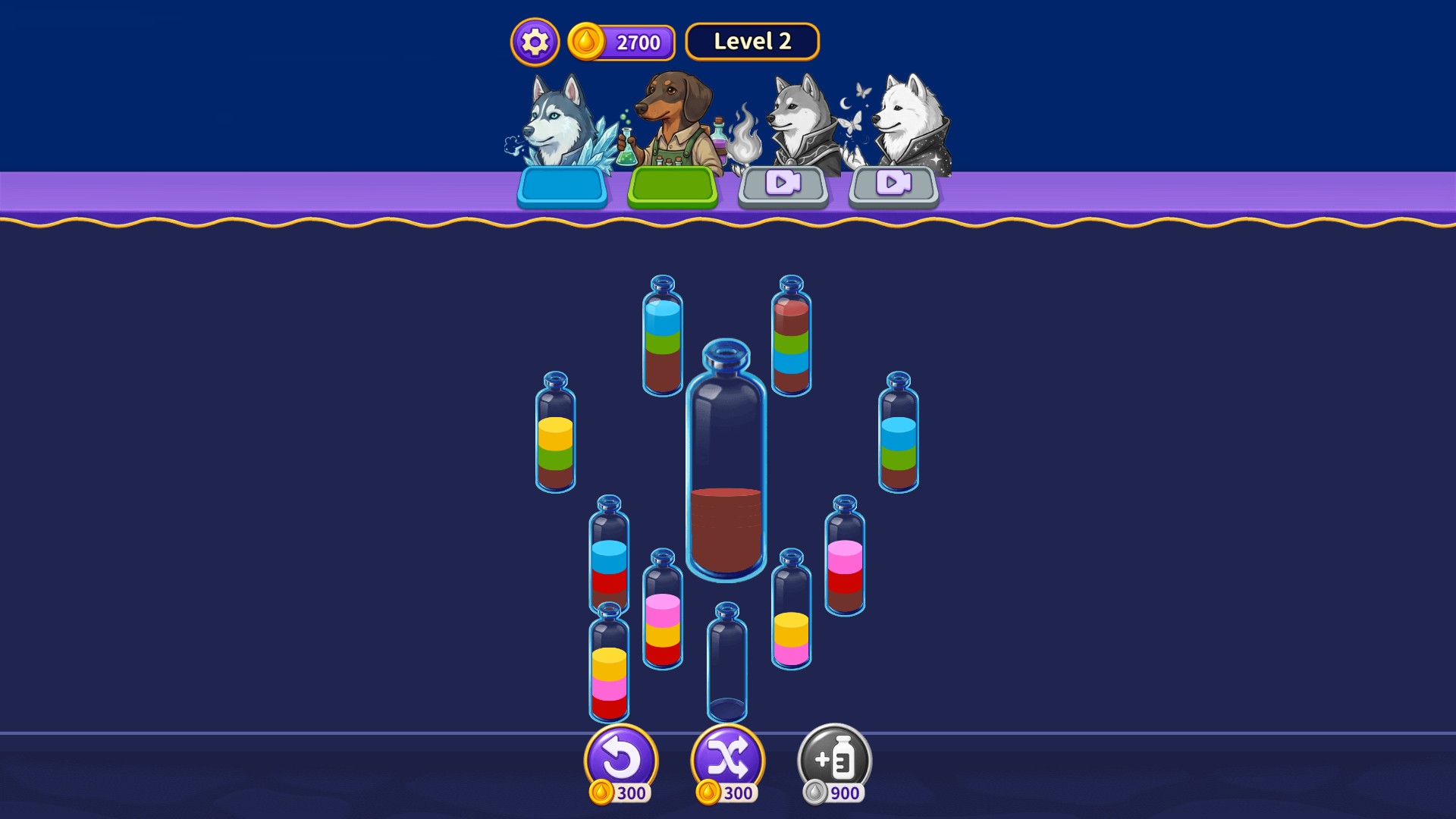
Use coins for a fresh arrangement
Choose Shuffle and select a bottle to rearrange its colored layers through the regular puzzle tool.
Set your balance
Enter the coin amount you want and apply your choice. Check the balance above the puzzle when the game opens.
Select a bottle to shuffle
Press Shuffle below the board, then choose the bottle you want to rearrange. Once the tool is used, continue with normal bottle pours.
Available customise
CoinsFree
Choose your coin balance for the puzzle's paid tools.
Enter a whole number from 0 to 100,000 and apply it. Press Shuffle, then select a bottle to rearrange its layers.
Questions about customise
- Is the Coins control free?
- Yes. The Coins control is free to use.
- Does Shuffle solve the puzzle?
- Shuffle rearranges the selected bottle's layers. You still choose the pours needed to complete the puzzle.
Using these features
Choose the feature in the Windows app after connecting your game. Check its requirements before making a change.
Setup for Wizard Puppy: Magic Sort →