

Customise
1 optionThe free Coins control accepts whole-number balances from 0 to 100,000.
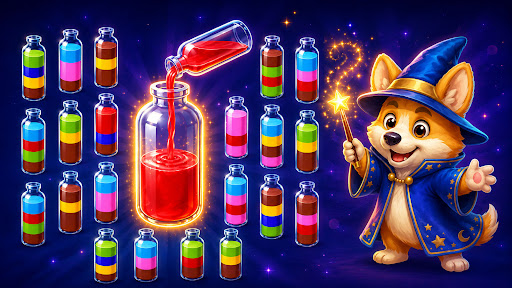
View customise →Sort colorful liquids into bottles and fill the orders waiting at the counter. Give yourself coins for a fresh arrangement when a bottle needs a different mix.
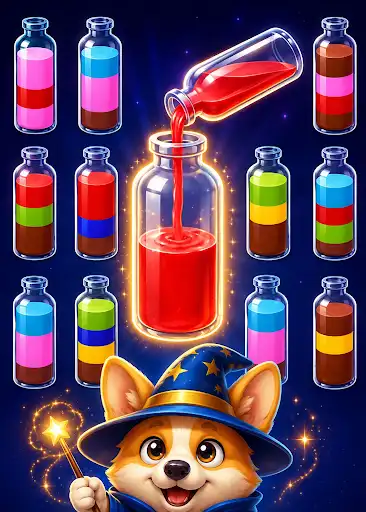
Press Shuffle below the puzzle, then select a bottle. The tool rearranges that bottle's colored layers so you can consider your next pour.
Tap a bottle to select it, then choose a destination with room for the same color. Empty bottles give you space to work as you sort the layers.
The free Coins control accepts whole-number balances from 0 to 100,000.
View customise →Download the Windows app and follow the setup prompts.
Set up the browser extension in Chrome or Edge, then open the supported YouTube Playable. Follow the connection guide if the game is already running.
Review the available options in the app and choose the ones that suit how you play.