


Control your flight through Viewfinder
Fly lets you move through the environment in the direction you look, with separate keys for rising and descending. Choose a slower speed to inspect nearby scenery or hold the faster-flight key to travel farther.

Default flight keys
W, A, S and D control directional movement. Space moves up, Ctrl moves down and Shift uses Fast Fly Speed. These bindings can be changed, so check the controls shown in your app.
Adjust your pace
Fly Speed starts at 5 and Fast Fly Speed at 20. Set both values to suit the space you are exploring. Move back to a clear, walkable position before disabling the toggle.
Keep puzzle requirements in mind
Flying through scenery can take you beyond the usual route, but movement alone does not guarantee that a puzzle, teleporter or progression requirement is completed. Return to the intended play area to continue working through the puzzle.
Available ability modifiers
FlyFree
Fly above the usual route and move through scenery to inspect Viewfinder's environments from new positions.
Enable Fly and use the configured movement keys. Defaults are WASD for direction, Space up, Ctrl down and Shift for faster flight. Adjust both flight speeds in the app.
Before you use it: Changes movement rather than solving photo puzzles or guaranteeing progression. Return to a clear, walkable place before disabling it.
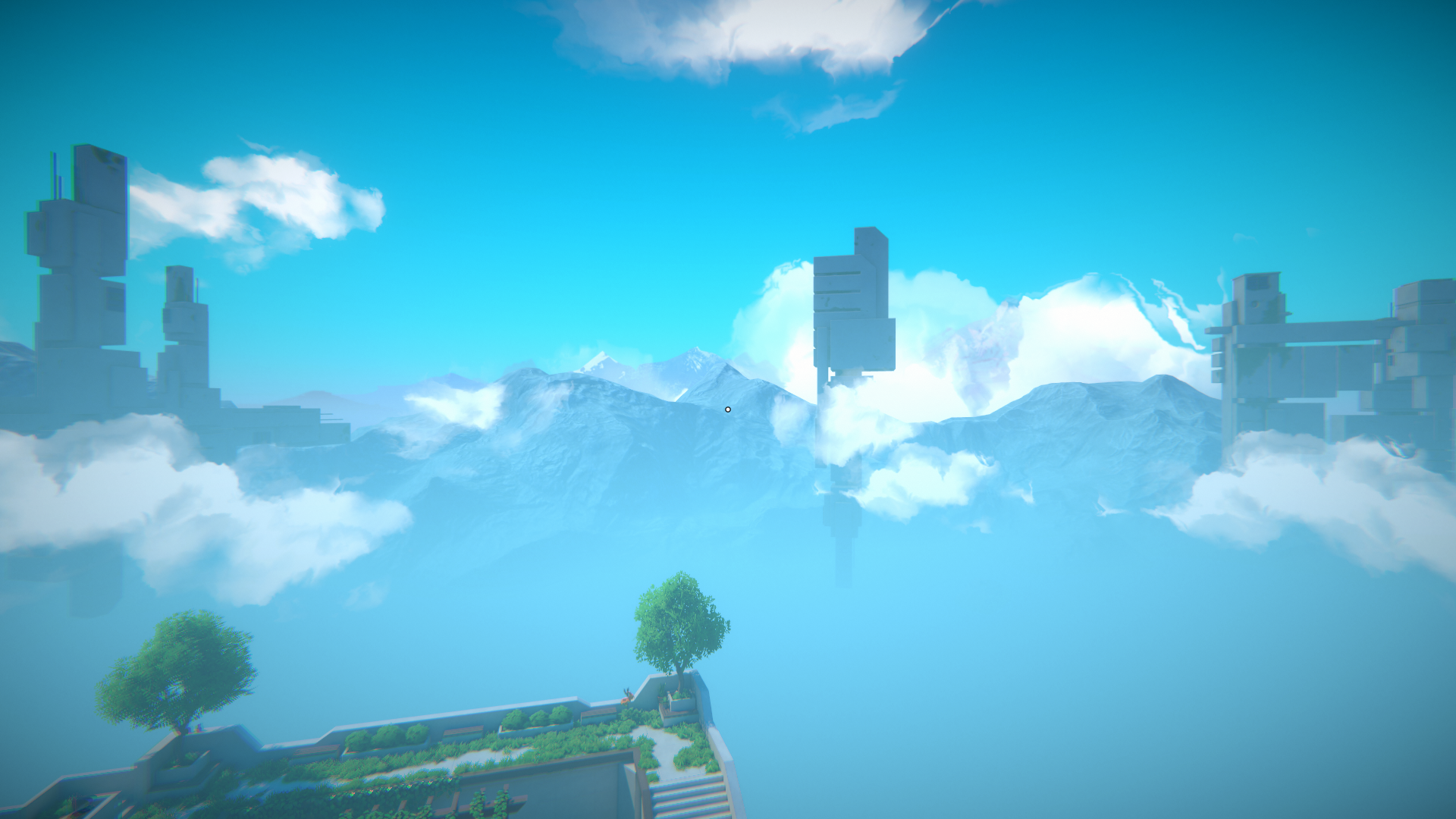
Fly above the terrace
Rise above the walking route with Fly and take in the floating structures from a higher viewpoint.
Using these features
Choose the feature in the Windows app after connecting your game. Check its requirements before making a change.
Setup for Viewfinder →