


Ability Modifiers
1 optionCamera-relative flight with configurable keys and two speed settings.
View ability modifiers →Viewfinder makes perspective part of the puzzle, using an instant camera to reshape the world around you. The free Fly option adds another way to look around its spaces, letting you move above the usual route and inspect the scenery from different positions.

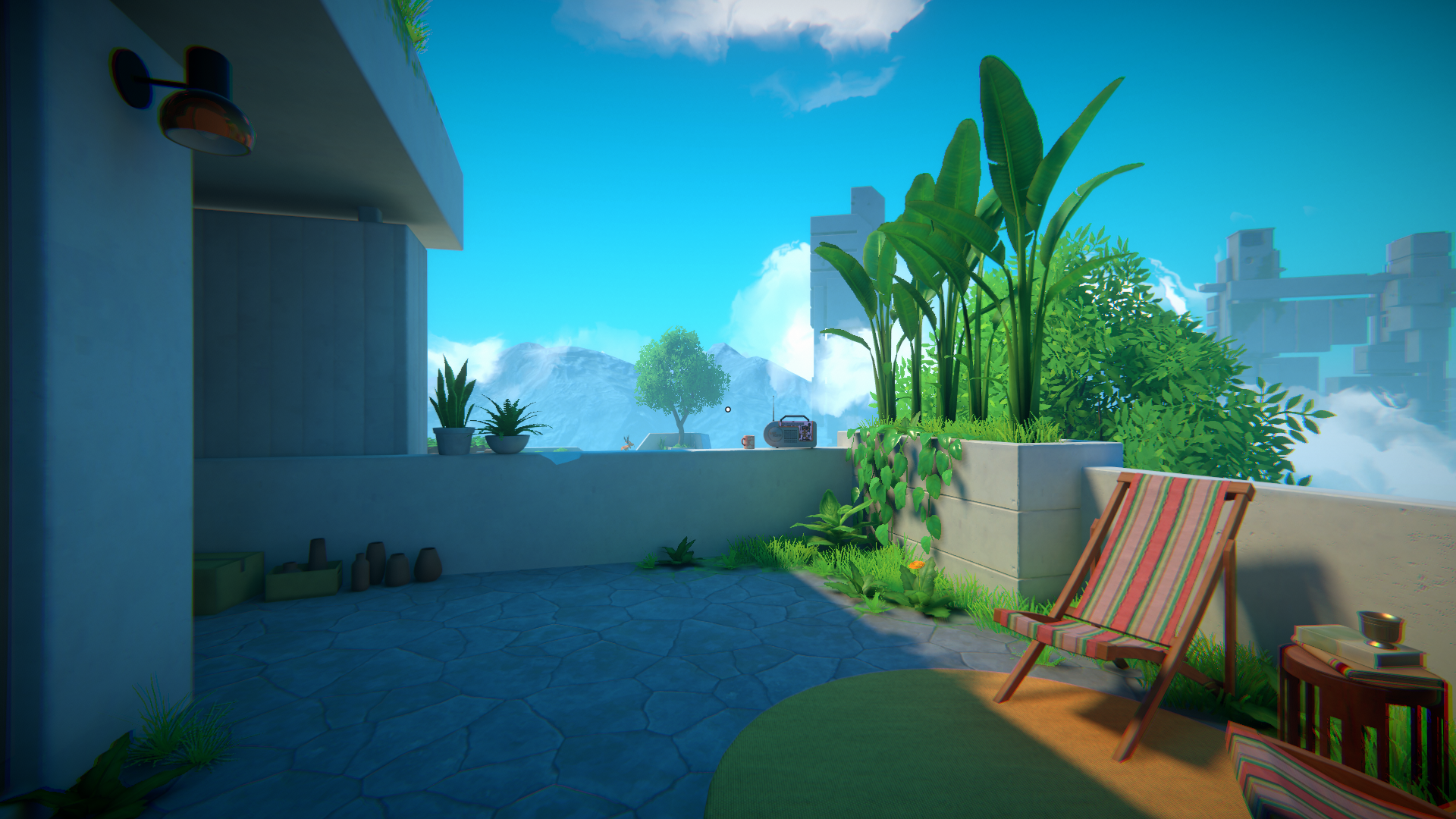
Explore Viewfinder's sunlit spaces
A quiet terrace opens onto Viewfinder's floating architecture and mountain scenery.
Ability Modifiers contains Fly, with configurable movement keys and separate normal and fast speeds. Use it to change your viewing position while exploring; it does not choose photo placements or solve puzzles for you.
Install Bytonian Mods, open Viewfinder and select it in the Windows app. Follow the connection prompts, enter an area where you can control your character, then check the Fly settings before enabling it.
Camera-relative flight with configurable keys and two speed settings.
View ability modifiers →Browse the Steam achievement names and descriptions for Viewfinder. Choose and unlock achievements for free with Bytonian Mods in the Windows app.
View all achievements →Download the Windows app and follow the setup prompts.
Open Viewfinder and select it in Bytonian Mods. Follow the app’s connection prompts.
Review the available options in the app and choose the ones that suit how you play.