

Choose your coins and XP progress
Menu coins and experience affect different parts of Vampire Survivors. Set your spendable coin balance between runs, or adjust XP while playing to reach the game's normal level-up choices.

Menu Coins
Choose an amount from the main menu with the set, add and subtract controls. The game's coin display stops at 9,999,999 even when the resource card shows a larger balance.
Experience
Raise XP to bring forward normal level-up choices, or lower the amount to adjust your progress. Lowering XP does not remove levels or rewards you have already earned.
Finish any upgrade choices and resume play before changing XP. See the overview for Windows setup.
Available resources

ExperiencePremium
Raise or lower XP during your run. Raising it can bring up normal level-up reward choices.
Finish any level-up choices and resume play before changing XP.
Lowering XP does not undo earned levels or reward choices.
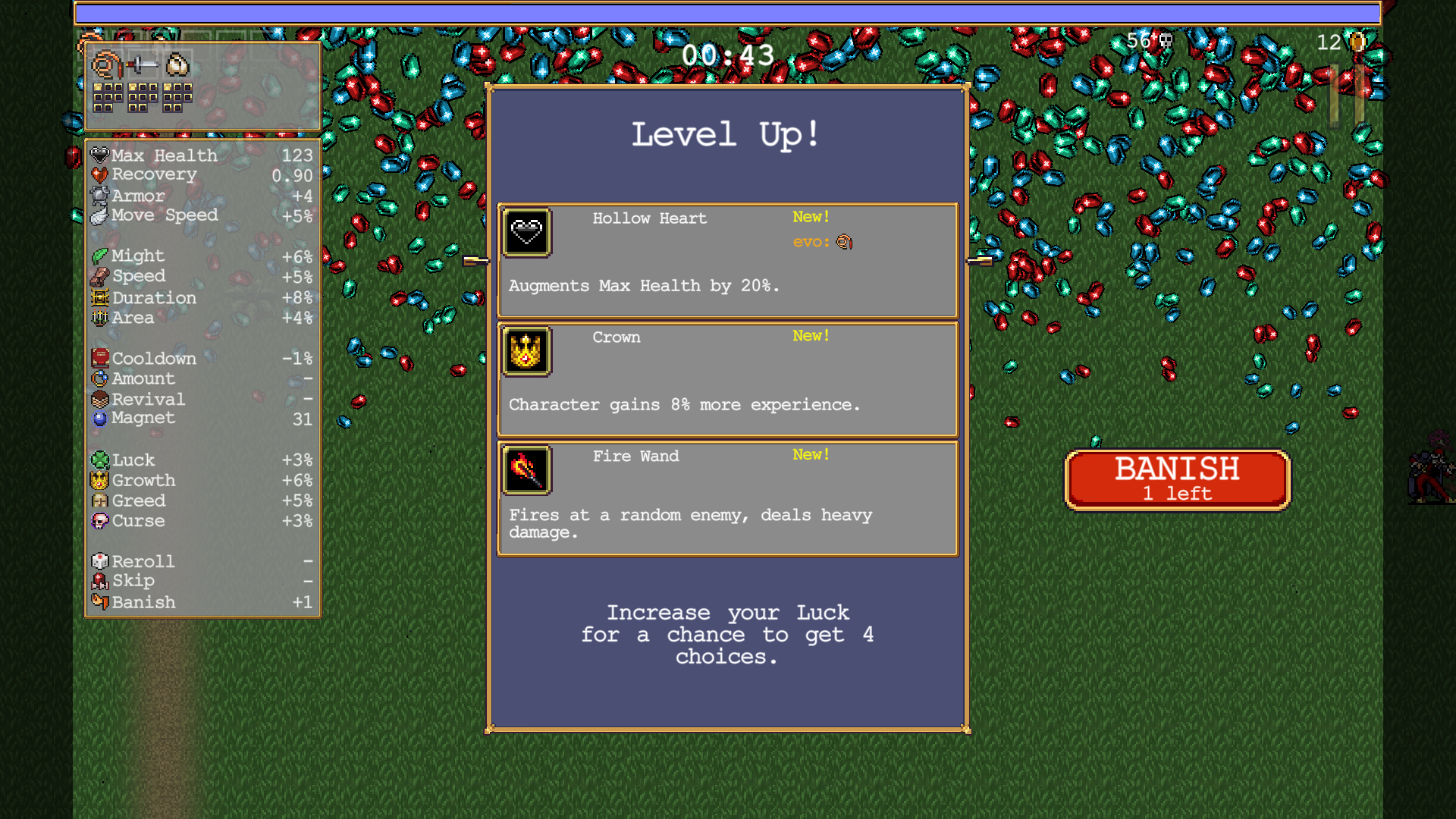
Reach your next level-up choice
Change your XP progress during a run, then choose rewards through the normal Level Up menu. Finish open choices and resume before editing XP again.

Menu CoinsPremium
Choose your spendable coin balance from the main menu.
Open the main menu, then set an amount or add and subtract coins.
The game's coin display caps at 9,999,999; the resource card can show a higher balance.
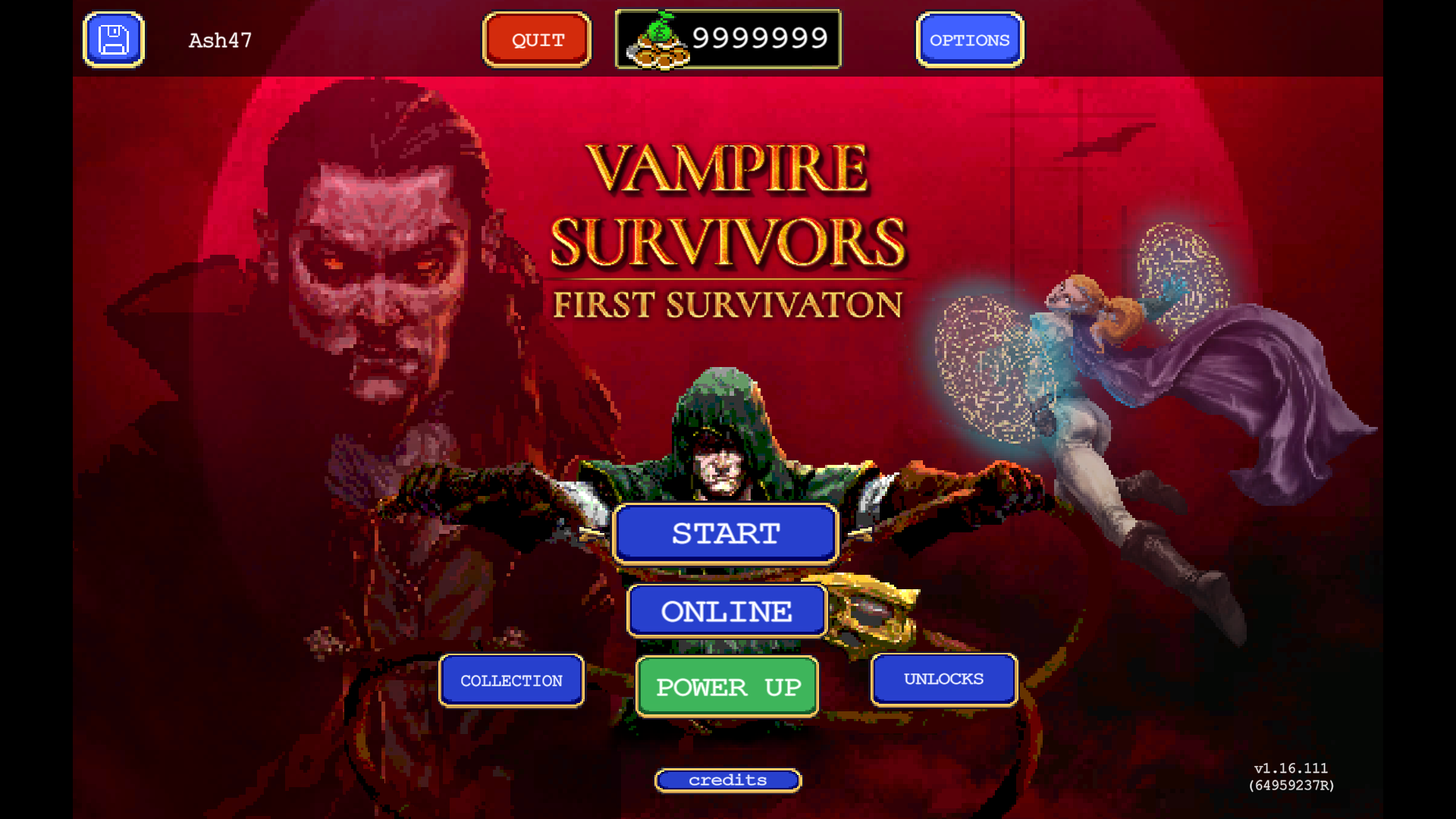
Choose your menu coins
Set your spendable coins at the main menu, then open POWER UP to choose upgrades. The game counter displays up to 9,999,999 even when your balance is higher.
More ways to customise Vampire Survivors
- Vampire Survivors game actions
Clear current enemies or trigger either Gold Fever mode on demand.
Using these features
Choose the feature in the Windows app after connecting your game. Check its requirements before making a change.
Setup for Vampire Survivors →