

Resources
2 optionsSet menu coins between runs and raise or lower XP during play.
View resources →Prepare your coin balance, adjust XP or clear enemies when the screen fills up. Shape your next Vampire Survivors run as automatic attacks and upgrades carry you through growing hordes.
Start with free mods
Download Bytonian Mods for Windows and try these free features. Choose one to see how it works and any requirements.
Clear the enemies around you to make room to move.
Press Kill All Enemies while your run is playing.
New enemy waves continue arriving. In a shared online run, only the host can use this action.
Start Fake Gold Fever with its flipped display and coin effects.
Choose a starting duration, resume play and press Start Fake Gold Fever.
In a shared online run, only the host can use this action.
Resources let you choose your menu coin balance or adjust XP during a run. Game Actions clear current enemies or start a real or alternate Gold Fever mode. Pick the controls that suit the run you want.
Download and install Bytonian Mods for Windows. Find Vampire Survivors, choose your mods, then start the game through the app.
Use Menu Coins from the main menu. For XP and Game Actions, finish any level-up choices and resume your run before applying a change.
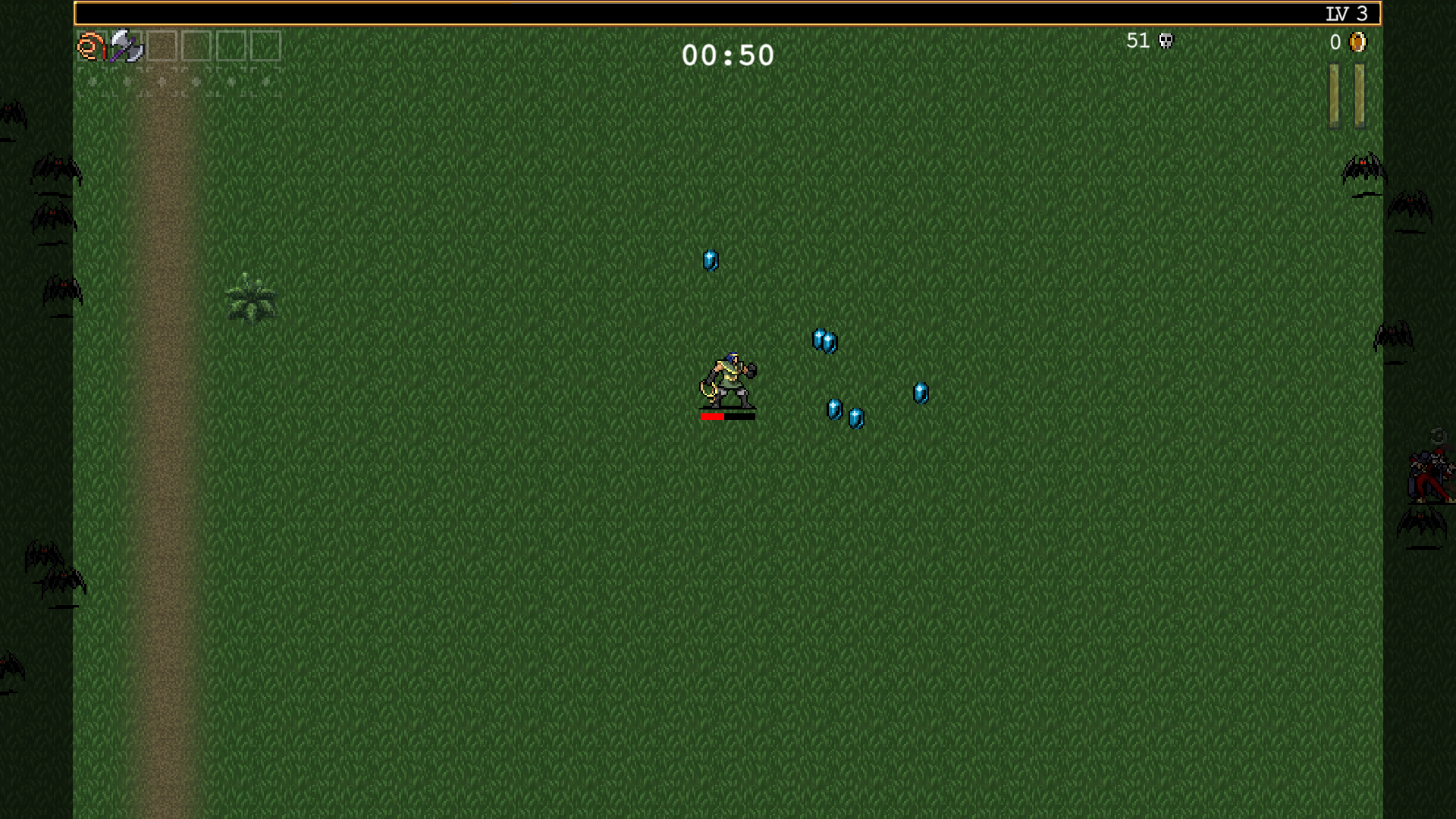
Make your own space in the horde
Choose menu coins, adjust XP progress, clear current enemies or trigger a Gold Fever mode. New enemy waves keep arriving as you build your run.
Set menu coins between runs and raise or lower XP during play.
View resources →Clear current enemies or trigger either Gold Fever mode on demand.
View game actions →Browse the Steam achievement names and descriptions for Vampire Survivors. Choose and unlock achievements for free with Bytonian Mods in the Windows app.
View all achievements →Download the Windows app and follow the setup prompts.
Open Vampire Survivors and select it in Bytonian Mods. Follow the app’s connection prompts.
Review the available options in the app and choose the ones that suit how you play.