


Customise your Turbo Stars rider
Adjust the totals and rider settings you want to use for the next race. Coins and red gems have separate controls, while keys, speed upgrade level and steering sensitivity each change a different part of the game.

Balances and keys
Choose your coin and red gem totals independently. The example race image shows 10.0K coins and 1.0K red gems. Chest keys can be set from zero to three.
Choose each resource separately. Coin and gem totals appear in their counters, while keys use the key icons.
Rider settings
Speed upgrade level changes the rider's base speed setting; it does not guarantee a win. Steering sensitivity lets you choose a finer or faster response to your input.
Use the overview for connection and application steps. Applying a customization reloads the game.
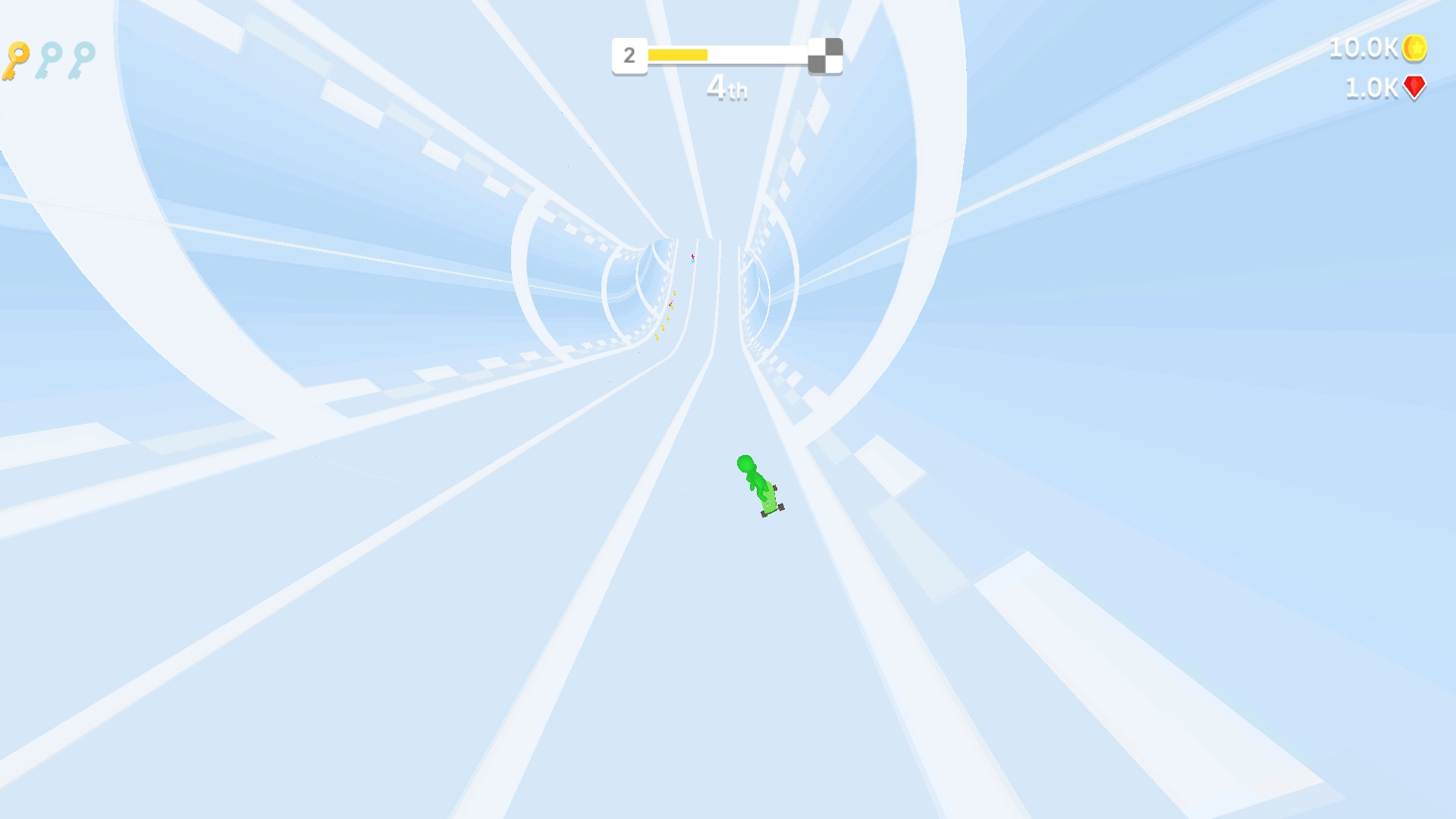
Choose your coin and gem balances
The game displays 10.0K coins and 1.0K red gems after the balance controls are applied.
Available customise
CoinsPremium
Choose the coin balance displayed in game.
Apply between races; 10,000 is shown as 10.0K in the example.
Before you use it: Applying this customization reloads the game.
GemsPremium
Choose the red gem balance separately from coins.
Apply between races; the example shows 1,000 as 1.0K red gems.
Before you use it: Applying this customization reloads the game.
Chest keysPremium
Choose up to three chest keys.
Set a number from zero to three and apply. Three keys fill all three key icons.
Before you use it: Applying this customization reloads the game.
Speed upgrade levelPremium
Choose the rider's speed upgrade level.
Choose an upgrade level before returning to the race.
Before you use it: Changes the speed upgrade rather than choosing the race result.
Steering sensitivityFree
Adjust how strongly the rider responds to steering input.
Start near your current setting and adjust gradually.
Before you use it: Applying this customization reloads the game.
Questions about customise
- When should I apply a change?
- Apply between races. Changing a value reloads Turbo Stars.
Using these features
Choose the feature in the Windows app after connecting your game. Check its requirements before making a change.
Setup for Turbo Stars →