

Customise
5 optionsFive controls for balances, chest keys, speed and steering response.
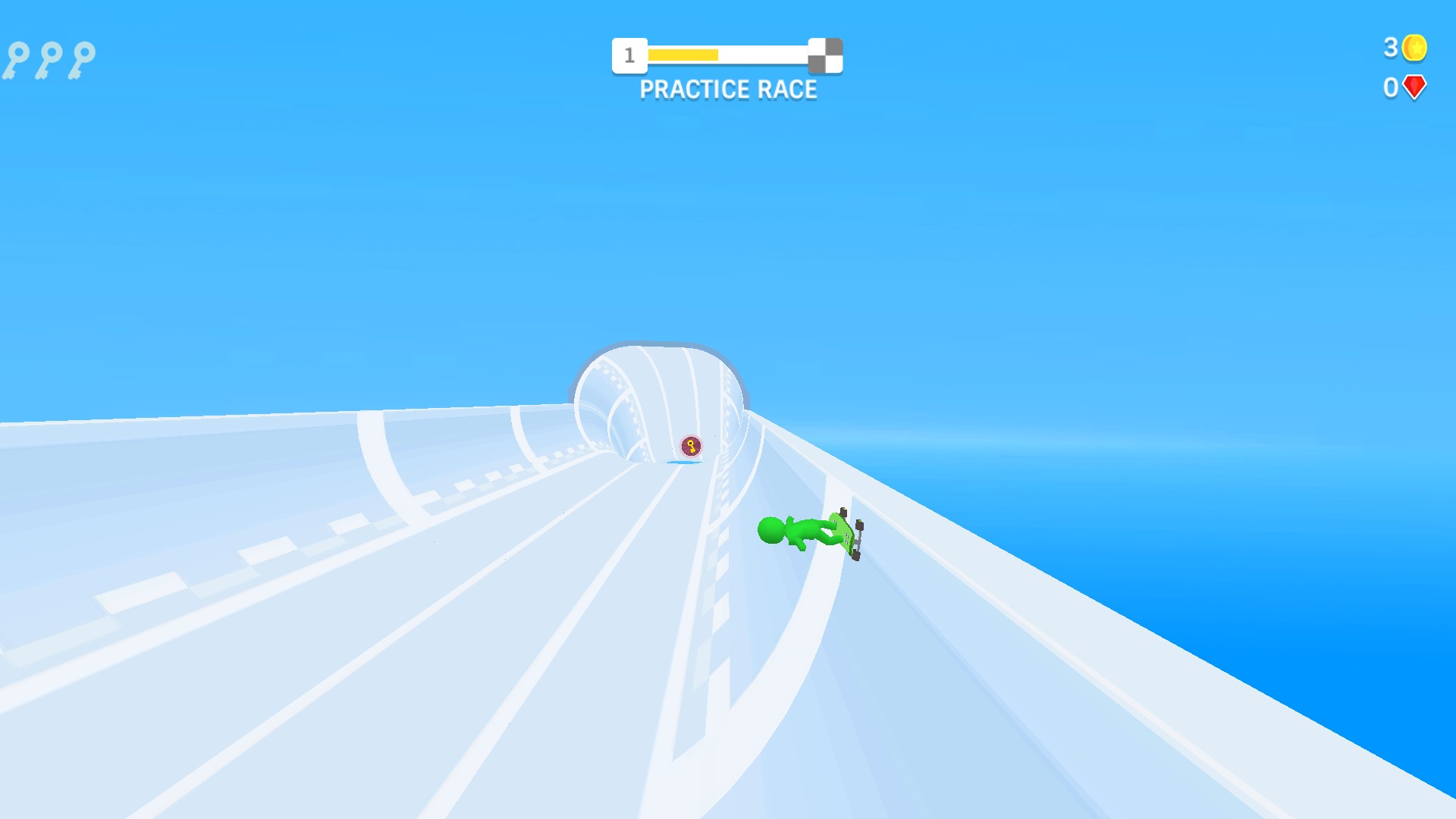
View all customise →Race your skateboarder through winding halfpipes, steer around obstacles and chase the riders ahead. Turbo Stars combines quick races with coins, red gems and upgrade choices between runs.
Customise brings together five controls: coin and red gem balances, chest keys, speed upgrade level and steering sensitivity. Steering is free; the other four controls are Premium.
These are early-version controls with limited gameplay checks. Open Customise for the practical limits of each change.
Connect the running game to Bytonian Mods, open Customise and choose the values you want. Applying a change reloads Turbo Stars, so use it between races.
Ride the halfpipe
Steer your skateboarder through Turbo Stars' winding halfpipe races.
Five controls for balances, chest keys, speed and steering response.
View all customise →Download the Windows app and follow the setup prompts.
Set up the browser extension in Chrome or Edge, then open the supported YouTube Playable. Follow the connection guide if the game is already running.
Review the available options in the app and choose the ones that suit how you play.