
System Modifiers
1 optionShow or hide the current game-provided puzzle hint.
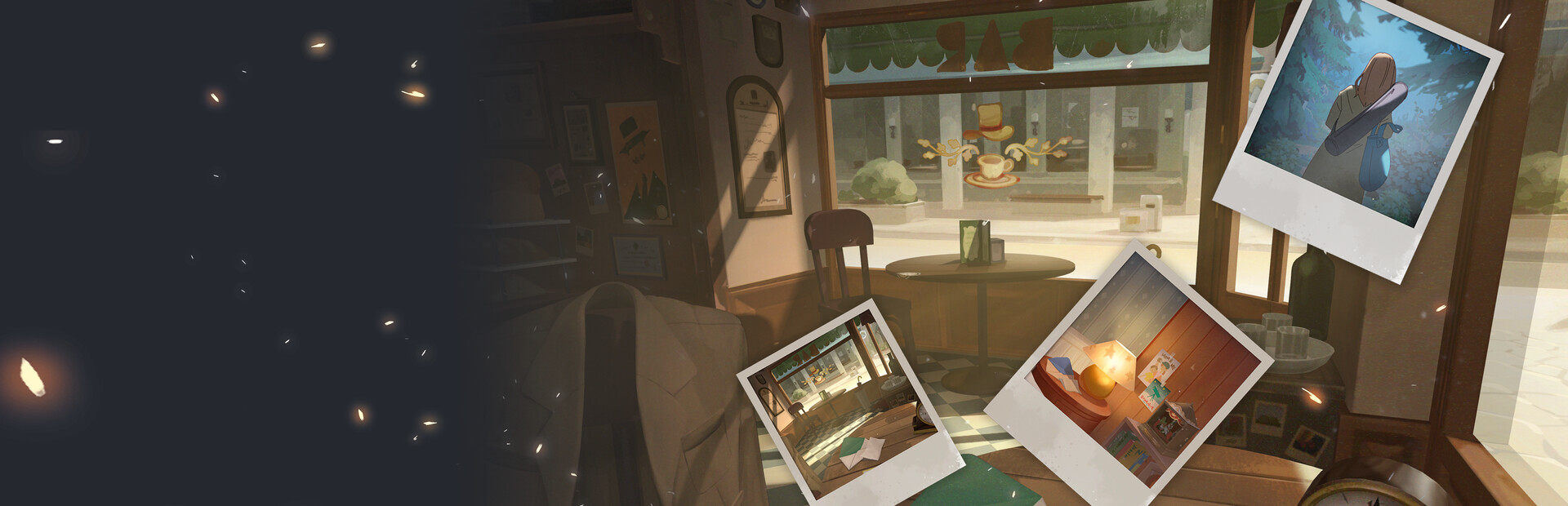
View system modifiers →Follow a family mystery through photographs and hand-drawn panoramic scenes. The Star Named EOS combines close observation with puzzles, and the hint display gives you a clue to consult while exploring.
Start with free mods
Download Bytonian Mods for Windows and try these free features. Choose one to see how it works and any requirements.
Show the game's current puzzle hint on screen while exploring.
Switch on Hint Information Display to read the clue. Switch it off to hide the text.
Shows none when the game has no current hint for the scene.

Explore the opening dream
A figure points into the pink sky during the opening dream sequence in The Star Named EOS.
Hint Information Display keeps the game's current puzzle hint on screen. Switch it on when you are stuck, then turn it off when you want to continue without a clue.
Install Bytonian Mods for Windows, select The Star Named EOS and open the game. Enable Hint Information Display in the game's mod controls to show the current hint.
Show or hide the current game-provided puzzle hint.
View system modifiers →Browse the Steam achievement names and descriptions for The Star Named EOS. Choose and unlock achievements for free with Bytonian Mods in the Windows app.
View all achievements →Download the Windows app and follow the setup prompts.
Open The Star Named EOS and select it in Bytonian Mods. Follow the app’s connection prompts.
Review the available options in the app and choose the ones that suit how you play.