

Put unlocked stock in your hands
Pick a stock item from Inventory and add it straight to your empty hands. The list follows your shop's current licenses and the items available in the Prologue.

Choose from your available stock
A new shop starts with the Basic Card Pack. Refresh the list as your shop gains licenses to see the Prologue stock currently available to you.
Make room before adding another
Enable Give stock, open Inventory and use Add beside your chosen item. Return to normal gameplay with empty hands before requesting the next item.
Available game actions
Give stockFree
Add one unlocked Prologue stock item directly to your empty hands.
Enable Give stock, open Inventory and choose Add beside an available item.
Add one item at a time during normal gameplay. The list follows your current licenses and the Prologue's available stock.
What you can spawn
- Unlocked stock (1)
- Including Basic Card Pack.
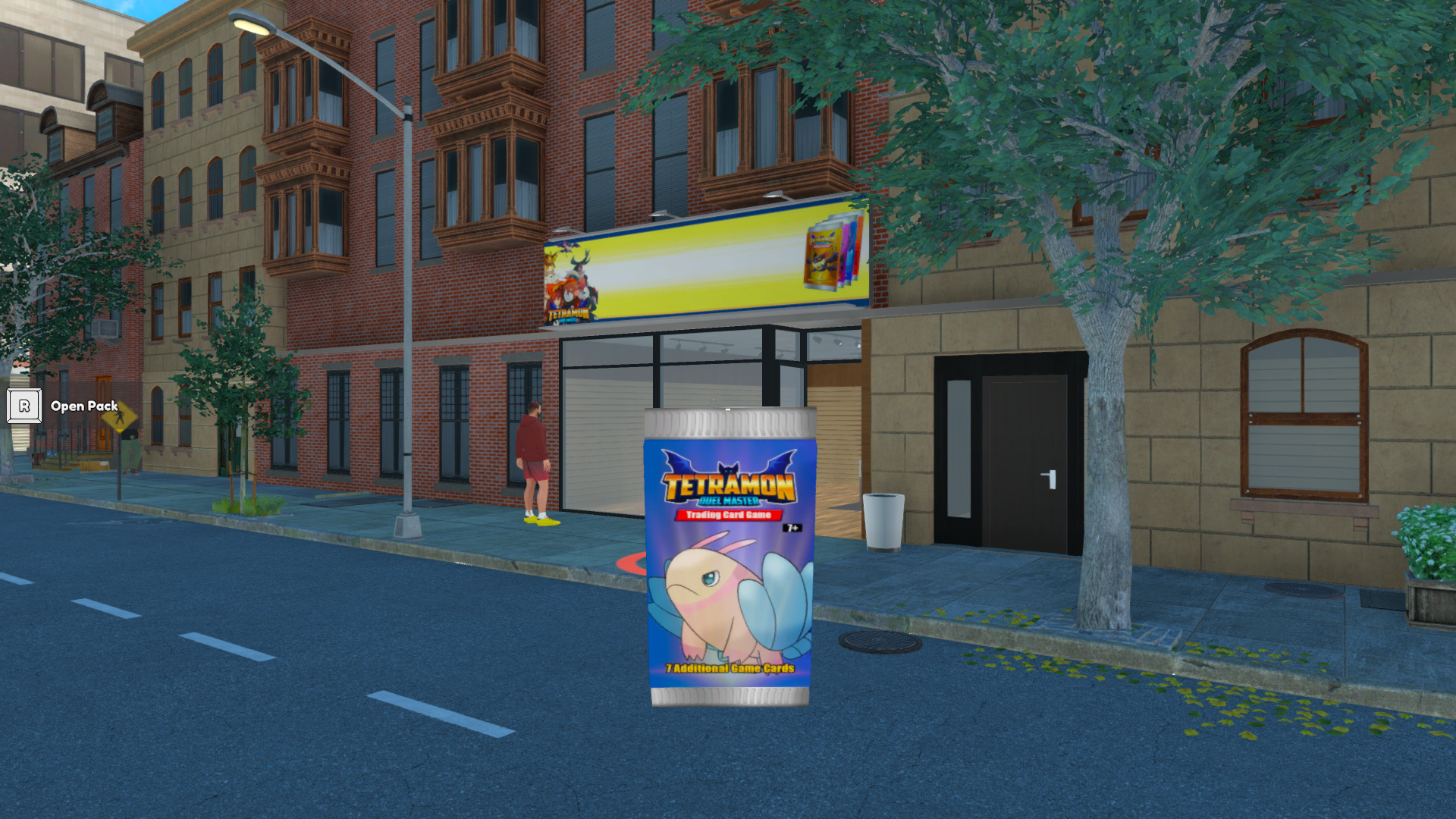
A fresh pack in your hands
Give stock adds one unlocked Prologue item to your empty hands. Here, a Basic Card Pack is ready to carry or open.
More ways to customise TCG Card Shop Simulator: Prologue
- TCG Card Shop Simulator: Prologue resources
Set your cash balance or adjust it by an amount of your choice.
Questions about game actions
- Can I add several items at once?
- Give stock delivers one item at a time. Put down what you are holding before adding another.
- Does this bypass stock licenses?
- Only items already unlocked for your current Prologue shop appear in the list.
Using these features
Choose the feature in the Windows app after connecting your game. Check its requirements before making a change.
Setup for TCG Card Shop Simulator: Prologue →