


Cash and Car Value
Build up your budget with Cash, or give your next car sale a stronger starting point with Car value. Choose the balance or value you want, then use the game's normal upgrades and Sell option.

Fund your upgrades
Set your cash balance, then spend it through the normal upgrade cards. You can put that budget toward your starting car or its resale price.
Make more of the current car
Set Car value before heading into a run. The car's value can change as you play, and Sell at the finish converts it into cash. Your next car starts at its normal value, so choose a new value when you want another boost.
Available resources
Car valuePremium
Choose your current car's value and take it through the run for a bigger sale.
Set the value before starting your run, then use Sell at the finish.
Before you use it: Changes the current car. Your next car starts at its normal value.
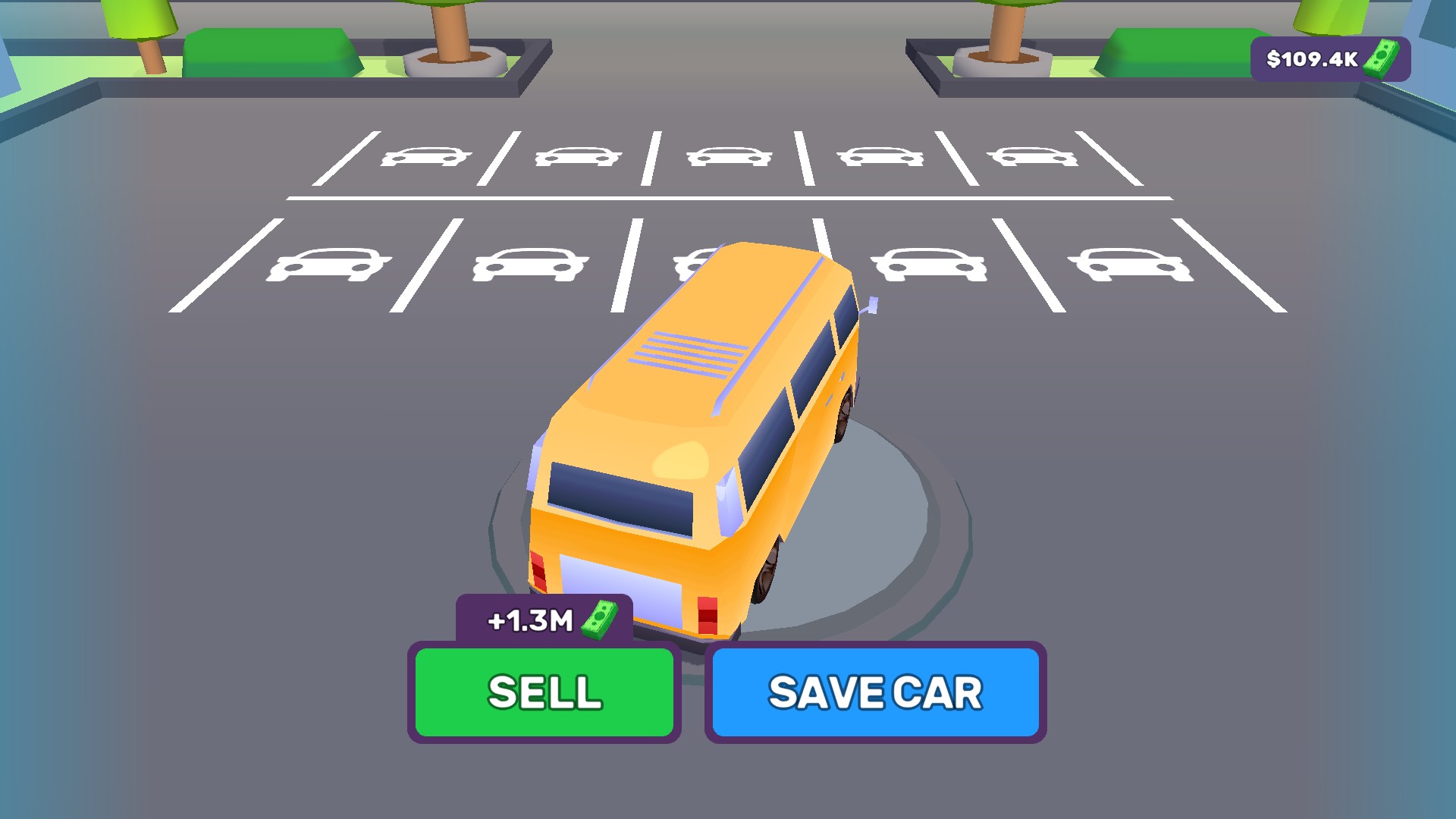
Get more from your next car sale
Choose your current car's value, take it through the run, and cash in with Sell at the finish.
CashPremium
Set your cash balance and put it toward garage upgrades.
Choose a cash amount, apply it, then use the game's upgrade cards.
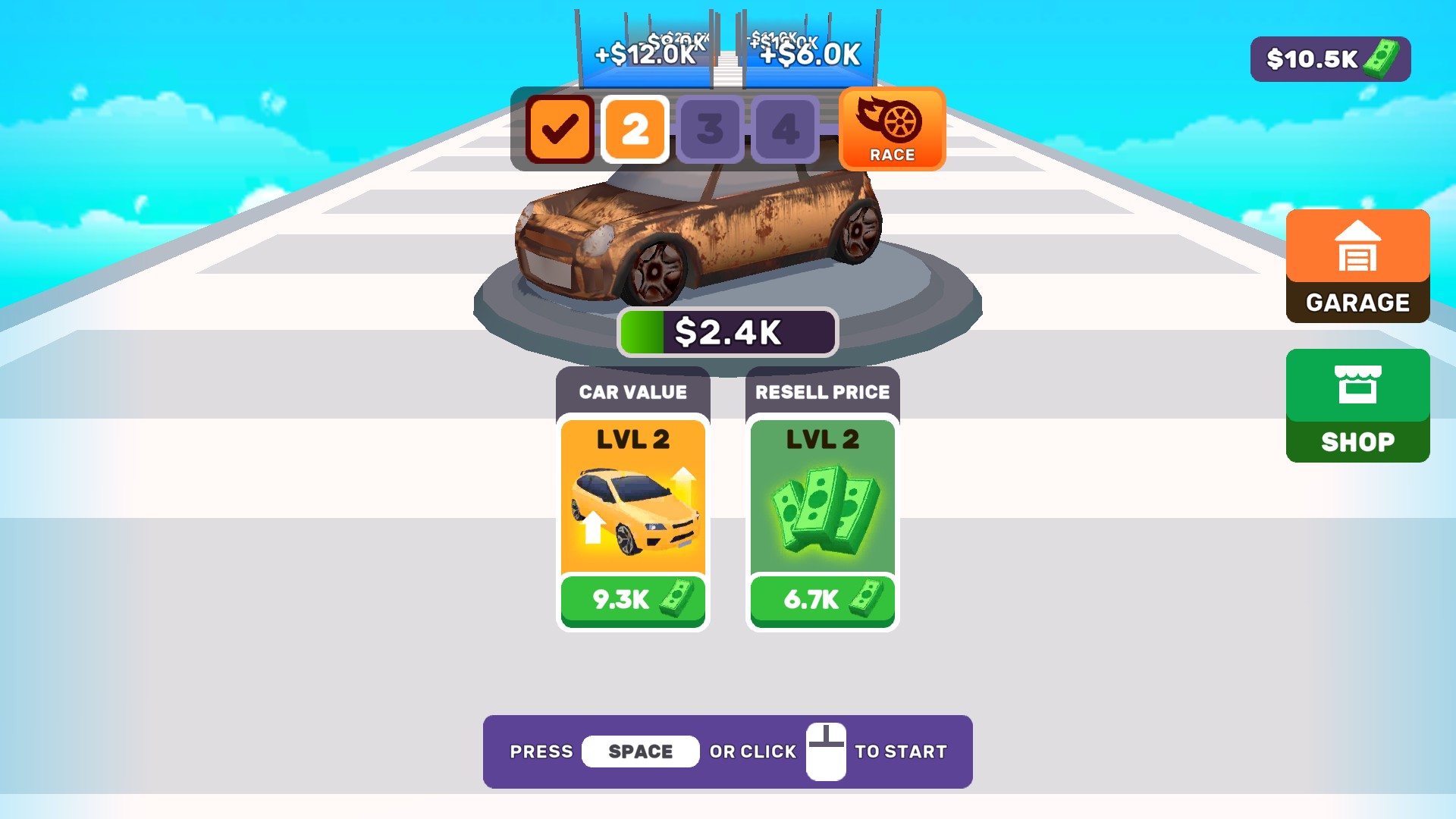
More cash for garage upgrades
Choose your cash balance to buy garage upgrades and give your next car a stronger start.
More ways to customise Supercar Legends
- Supercar Legends stat modifiers
Adjust your walking pace while exploring the garage.
- Supercar Legends ability modifiers
Fly above the garage and explore your collection from a fresh angle.
Questions about resources
- Does Car value change every new car?
- It changes the current car. After selling it, the next car starts with its normal value.
Using these features
Choose the feature in the Windows app after connecting your game. Check its requirements before making a change.
Setup for Supercar Legends →