

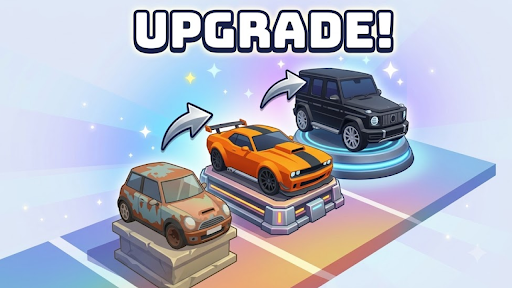
Resources
2 optionsSet cash for upgrades and choose the value of the car you take into a run.
View resources →Take a rusty starter car through each run, improve its value, then sell it for cash or save it for your garage. These Supercar Legends controls help you fund upgrades, choose your car's value and explore your collection at your own pace.

Cash helps you buy garage upgrades, while Car value changes the ride you are taking through a run. Use Sell at the finish to turn that car into cash, or keep playing toward the collection you want.
Garage walking speed lets you choose a comfortable pace on foot. Garage Fly lifts you above the parking spaces for a fresh view, with an on/off control that returns you to walking.
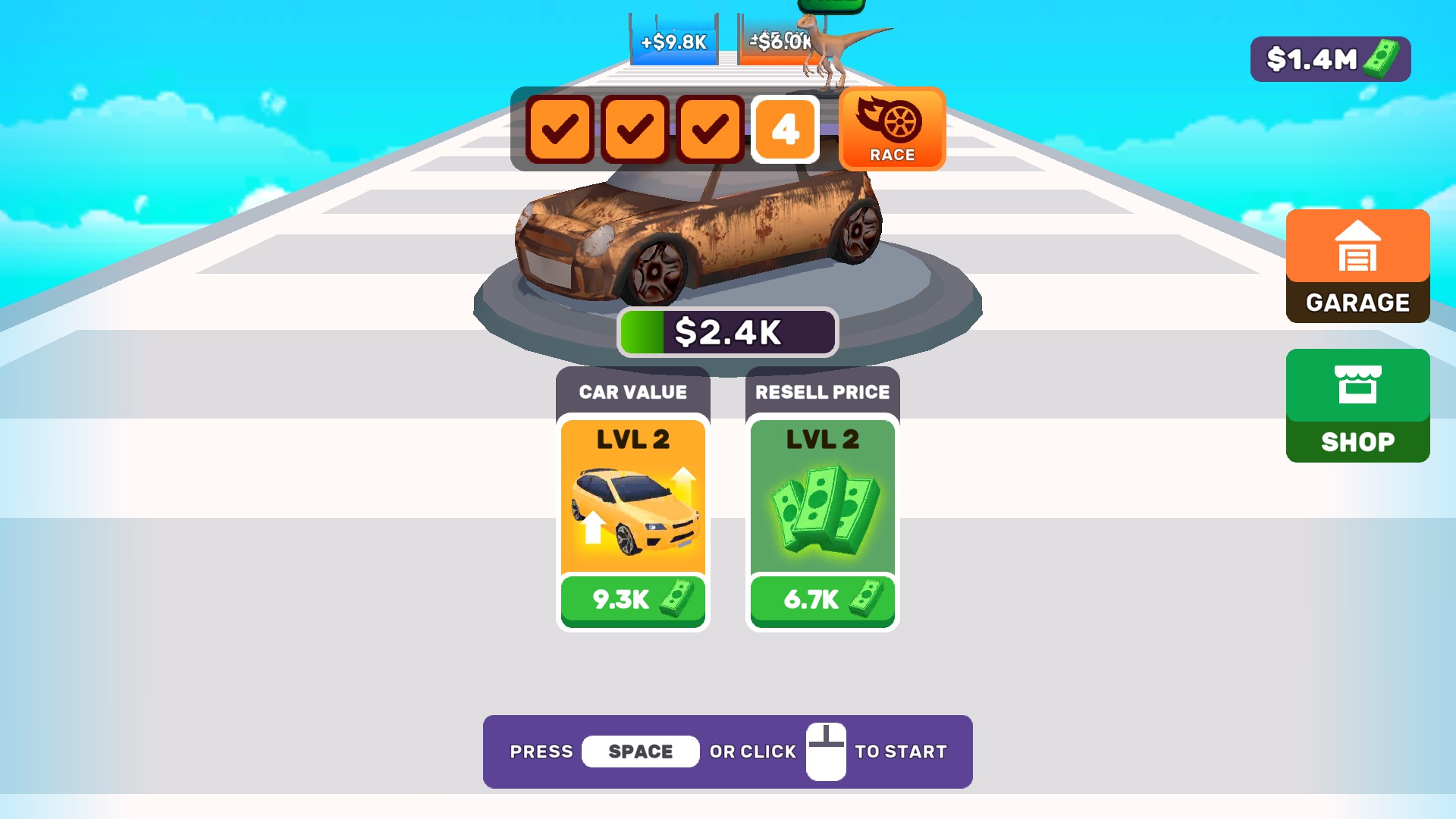
Build your garage one run at a time
Upgrade your starting car, head into the next run, and choose whether to sell your ride or keep it for your garage.
Set cash for upgrades and choose the value of the car you take into a run.
View resources →Adjust your walking pace while exploring the garage.
View stat modifiers →Fly above the garage and explore your collection from a fresh angle.
View ability modifiers →Download the Windows app and follow the setup prompts.
Set up the browser extension in Chrome or Edge, then open the supported YouTube Playable. Follow the connection guide if the game is already running.
Review the available options in the app and choose the ones that suit how you play.