
Choose the next town milestone and world setting
Advance a selected town by one level or change the atmosphere around your railway. Time of Day and Season let you choose new world settings, while World Clock lets you pause and resume the calendar.
Advance a town
Enter the town ID and select Level up town to raise it by one level. This gives you a direct way to move the selected town to its next milestone.
Change the view around your railway
Apply a time-of-day value to change the lighting, or a season value to change the seasonal scenery. You can switch from a green island to snowy terrain and trees.
Hold the calendar
Pause world clock stops the calendar from advancing. Resume world clock starts it again. These controls are separate from the game's simulation pause.
Available game actions
Level up townPremium
Raise a selected town by one level and move it to its next milestone.
Enter the town ID, then select Level up town.
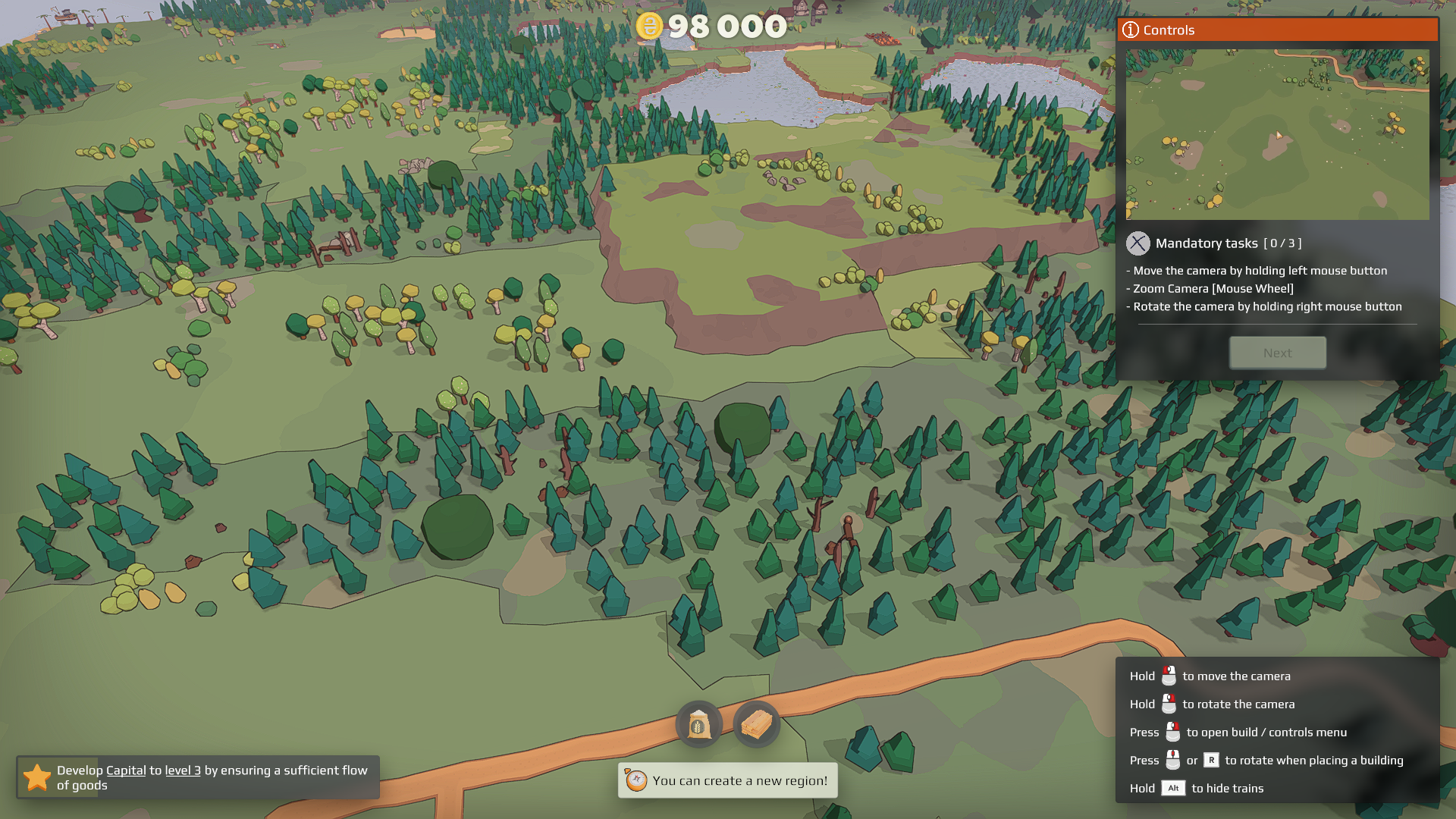
Reach the next town milestone
Raise a town's level. After Capital's level 2 upgrade, its goal panel now points to level 3.
Pause world clockPremium
Stop the world calendar from advancing until you resume it.
This pauses the calendar; use the game's pause controls to pause the simulation.
Resume world clockPremium
Start the world calendar advancing again after pausing it.
Set seasonPremium
Change the world's season, including snowy scenery across the ground and trees.
Choose a Season value from 0 to 4, then select Set season.
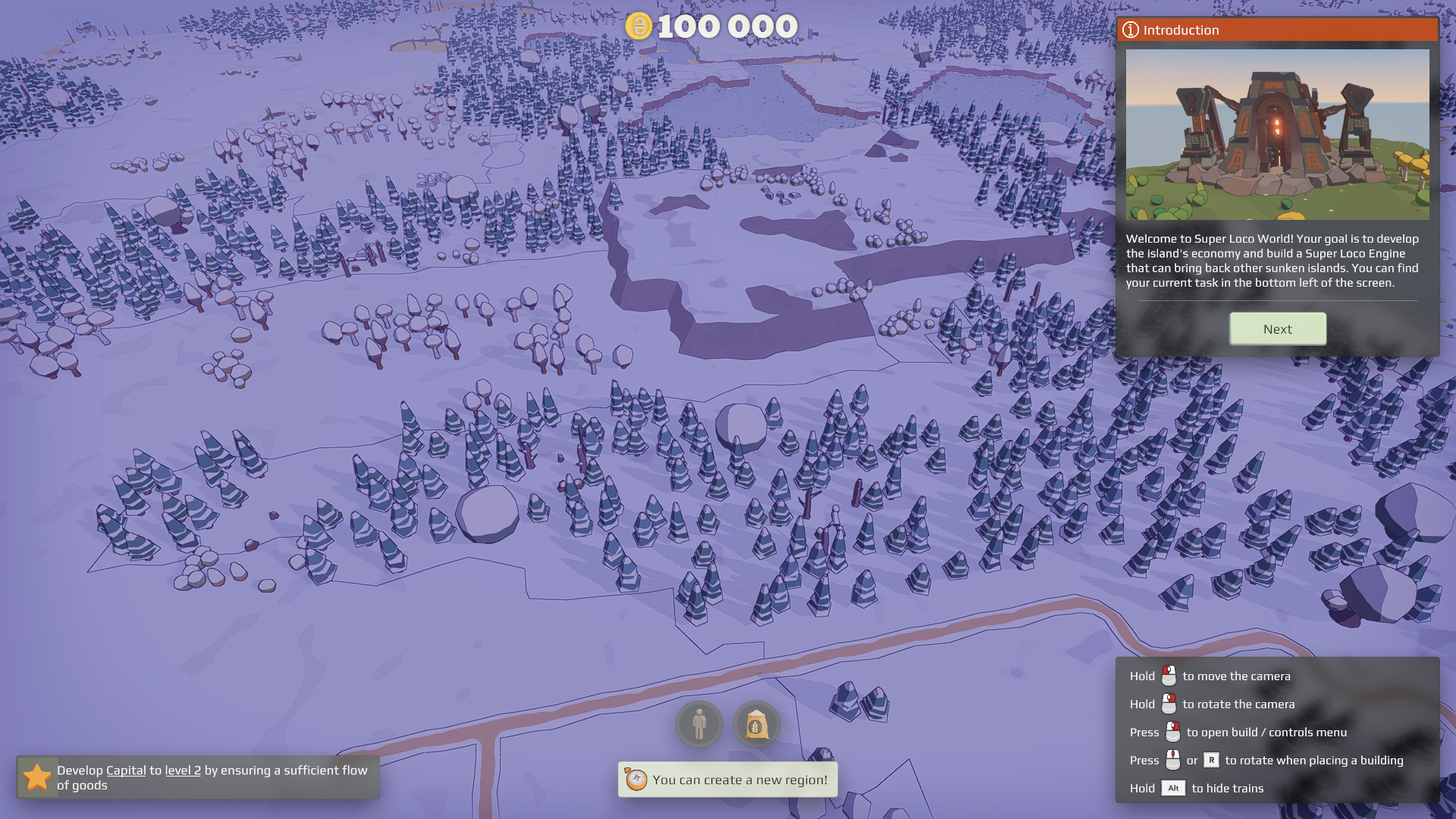
Give your island a winter look
Change the current season to transform your world's scenery. Snow covers the island and trees in this winter setting.
Set time of dayFree
Change the world's time of day to choose different lighting for your island.
Choose a Day value from 0 to 1, then select Set time of day.
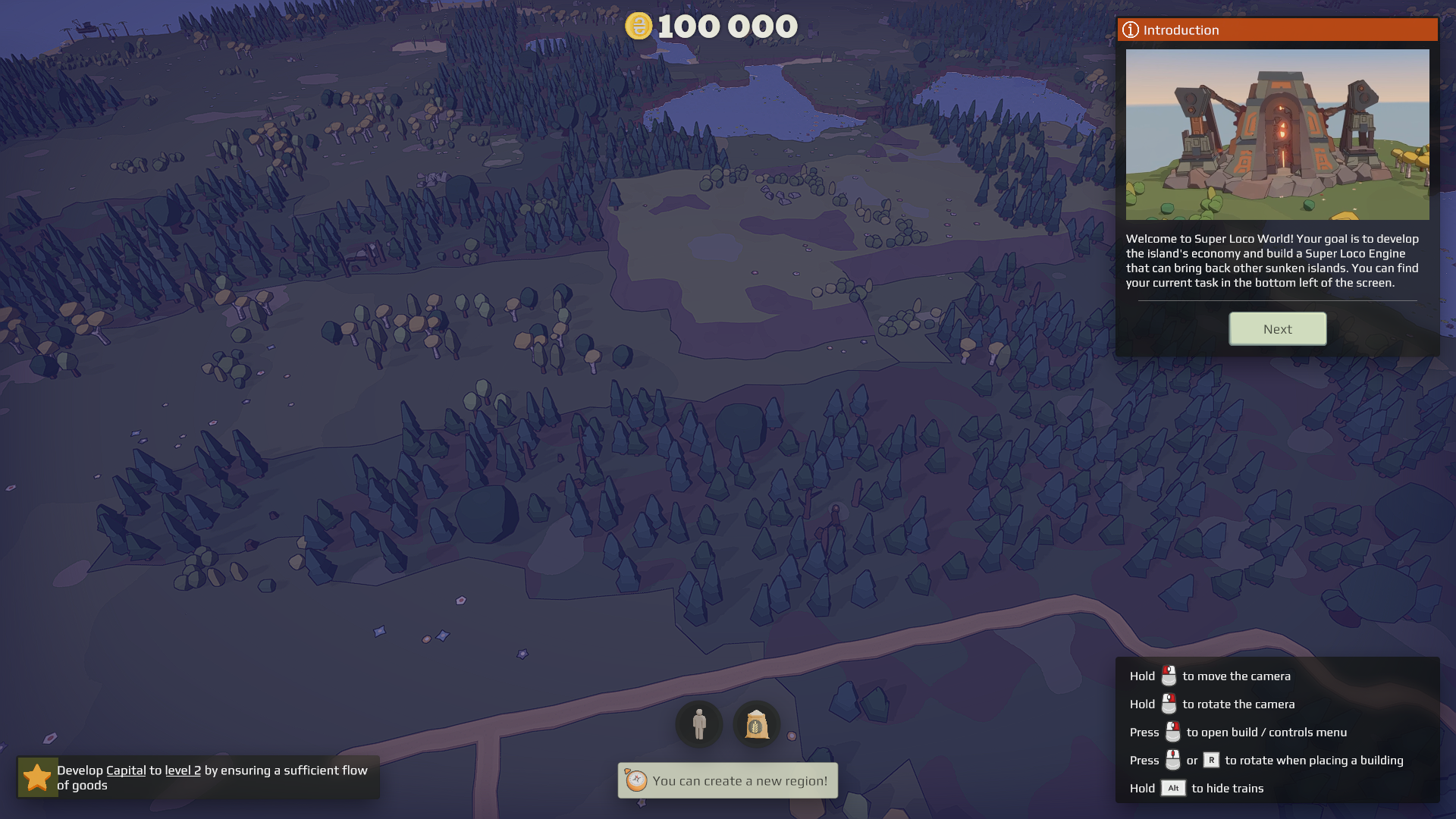
Switch your world to night
Set the time of day to change your world's lighting. The island is shown under night lighting.
More ways to customise Super Loco World - Cozy Train Automation
- Super Loco World - Cozy Train Automation resources
Read, set or add money in your loaded world.
Using these features
Choose the feature in the Windows app after connecting your game. Check its requirements before making a change.
Setup for Super Loco World - Cozy Train Automation →