

Resources
1 optionRead, set or add money in your loaded world.
View resources →Adjust your railway budget, raise a town's level or change the time of day and season in Super Loco World. Choose your world settings as you build routes and deliver goods between growing towns.
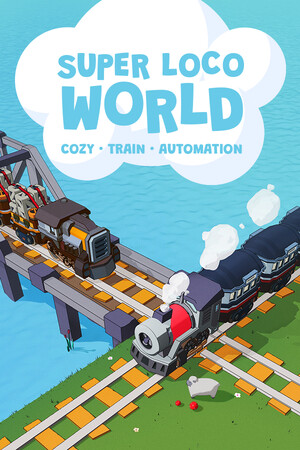
Start with free mods
Download Bytonian Mods for Windows and try these free features. Choose one to see how it works and any requirements.
Read, set or add money to your loaded game balance. Choose extra funds when you want a larger budget for your railway.
Load a game before reading or changing your balance.
Change the world's time of day to choose different lighting for your island.
Choose a Day value from 0 to 1, then select Set time of day.
I Cancelled Summer in Super Loco World
The Season control changes the same Super Loco World island through snow, autumn and green scenery.
Money controls let you set a balance or add funds. World and town actions cover town levels, the time of day, seasons and the calendar clock.
Install Bytonian Mods for Windows, open Super Loco World through the app and load your game. Enable the controls you want, then use their cards to apply each change.
Read, set or add money in your loaded world.
View resources →Adjust town progression, lighting, seasons and the world calendar.
View all game actions →Browse the Steam achievement names and descriptions for Super Loco World - Cozy Train Automation. Choose and unlock achievements for free with Bytonian Mods in the Windows app.
View all achievements →Download the Windows app and follow the setup prompts.
Open Super Loco World - Cozy Train Automation and select it in Bytonian Mods. Follow the app’s connection prompts.
Review the available options in the app and choose the ones that suit how you play.