
Choose a credit balance for your studio plans
Set aside credits for a new brush, another tool or a change of furnishings. Credits gives you a balance control alongside Add and Remove, so you can choose how much spending money your artist has.

Adjust the amount you need
Refresh the balance, enter a whole amount and choose Add, Remove or Set to amount. Return to normal studio play before applying the change.
Available resources
CreditsFree
Adjust credits for brushes, tools and furnishings in your Creative Space studio.
Refresh your balance, enter a whole amount and choose Add, Remove or Set to amount.
Use a whole balance from 0 to 100,000 during normal studio play, with menus closed and your tool idle.
More credits for your next studio idea
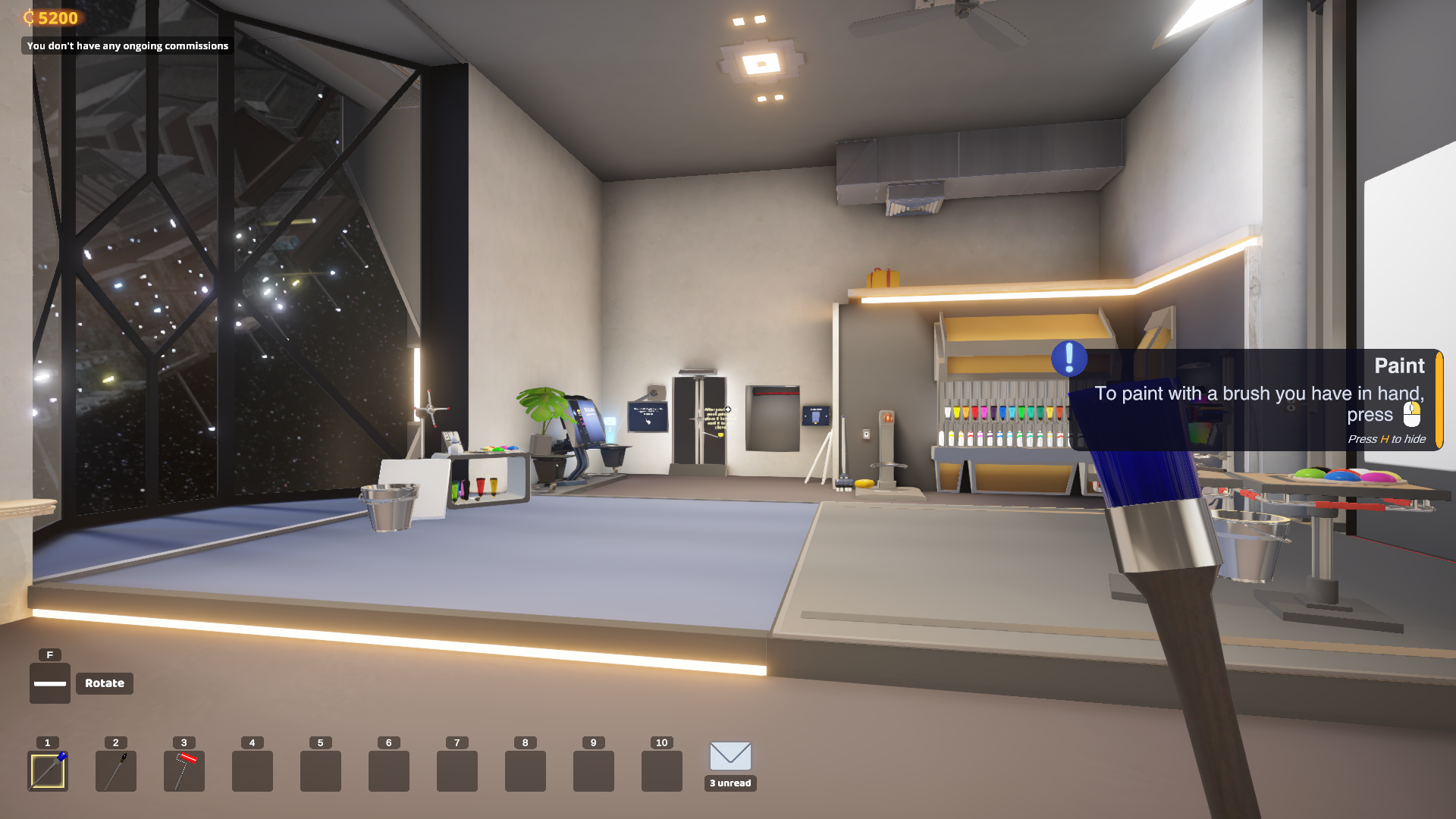
The credit balance reads 5,200 after using Credits, with the painting studio and original tool hotbar still visible.
More ways to customise SuchArt: Creative Space
- SuchArt: Creative Space world modifiers
Browse available shop items and place one nearby on clear studio floor.
Questions about resources
- Does Credits keep adding money automatically?
- Each action makes one change to your current balance. Choose another action whenever you want another adjustment.
Using these features
Choose the feature in the Windows app after connecting your game. Check its requirements before making a change.
Setup for SuchArt: Creative Space →