
Resources
1 optionSet your balance or add and remove credits for studio shopping.
View resources →Set credits for your next studio purchase or place an available shop item on clear floor near your artist. Use these controls to equip and furnish your workspace in SuchArt: Creative Space.

Start with free mods
Download Bytonian Mods for Windows and try these free features. Choose one to see how it works and any requirements.
Adjust credits for brushes, tools and furnishings in your Creative Space studio.
Refresh your balance, enter a whole amount and choose Add, Remove or Set to amount.
Use a whole balance from 0 to 100,000 during normal studio play, with menus closed and your tool idle.
Place an available studio shop item on clear floor near your artist.
Open Spawn, search or choose a category, select an item and spawn one at a time.
The catalog follows current shop availability and leaves out unsupported compound and random variants. Move beside clear floor before spawning.
Ready to paint in Creative Space
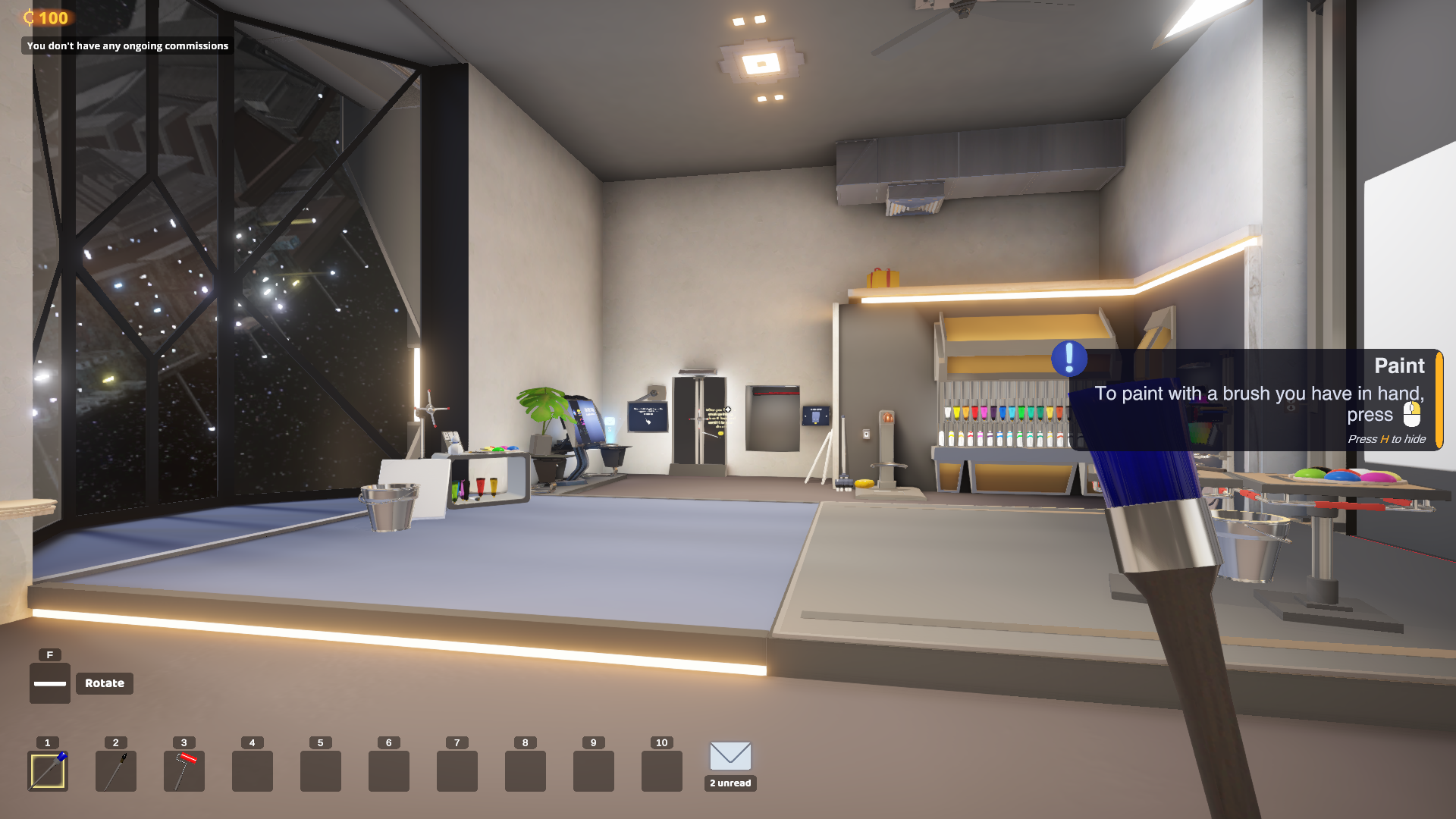
A brush in hand, shelves of colours and a studio ready for your next painting in SuchArt: Creative Space.
Credits lets you set a balance or add and remove an amount. Spawn studio items offers a searchable list of available shop tools and furnishings, with an image for each item.
These controls are for the standalone SuchArt: Creative Space. Start or continue your studio, close menus and finish using your current tool before applying a change.
Set your balance or add and remove credits for studio shopping.
View resources →Browse available shop items and place one nearby on clear studio floor.
View world modifiers →Browse the Steam achievement names and descriptions for SuchArt: Creative Space. Choose and unlock achievements for free with Bytonian Mods in the Windows app.
View all achievements →Download the Windows app and follow the setup prompts.
Open SuchArt: Creative Space and select it in Bytonian Mods. Follow the app’s connection prompts.
Review the available options in the app and choose the ones that suit how you play.