
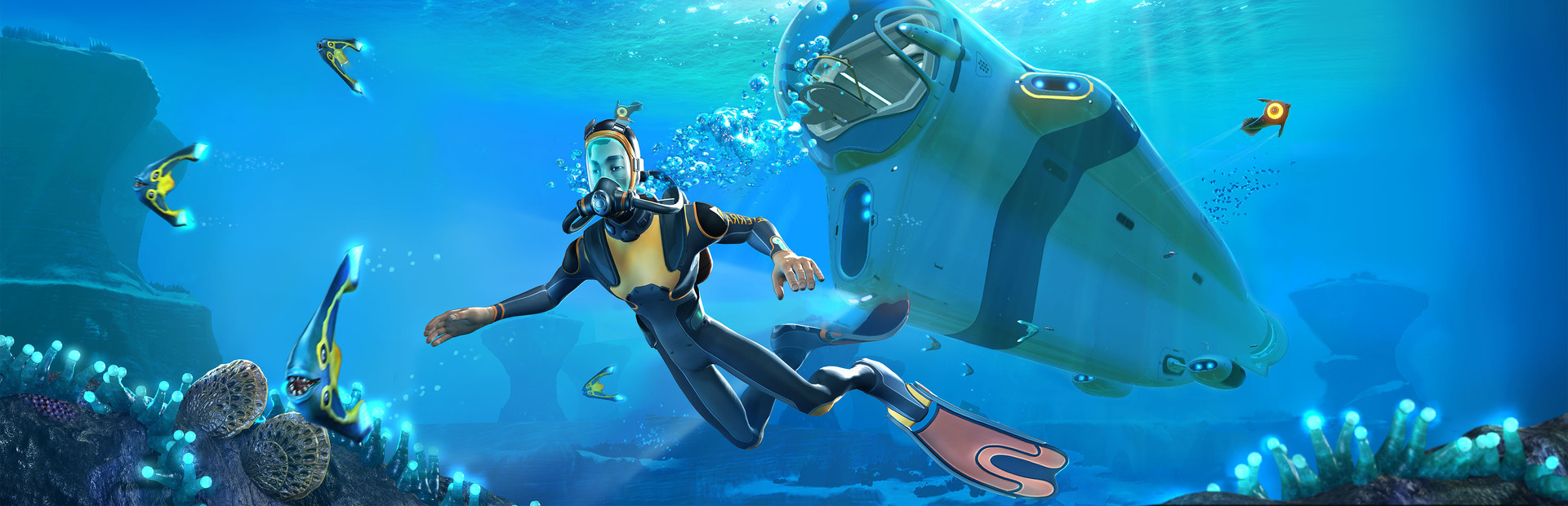
Make room for larger equipment
Compact Inventory gives each carried item one inventory cell. Bring more equipment and supplies without larger items taking several cells in your pack.

Switch back to normal packing
Turn Compact Inventory off to restore ordinary item sizes. If the larger items no longer fit, excess items wait until normal space becomes available. Make room in your pack to receive them.
Available presentation modifiers
Items are smaller in your inventoryPremium
Fit each carried item into one inventory cell, leaving more room for larger equipment and supplies. Disabling it restores normal item sizes.
After disabling it, excess items wait until normal inventory space becomes available. Use a separate unmodified playthrough if you want to pursue achievements.
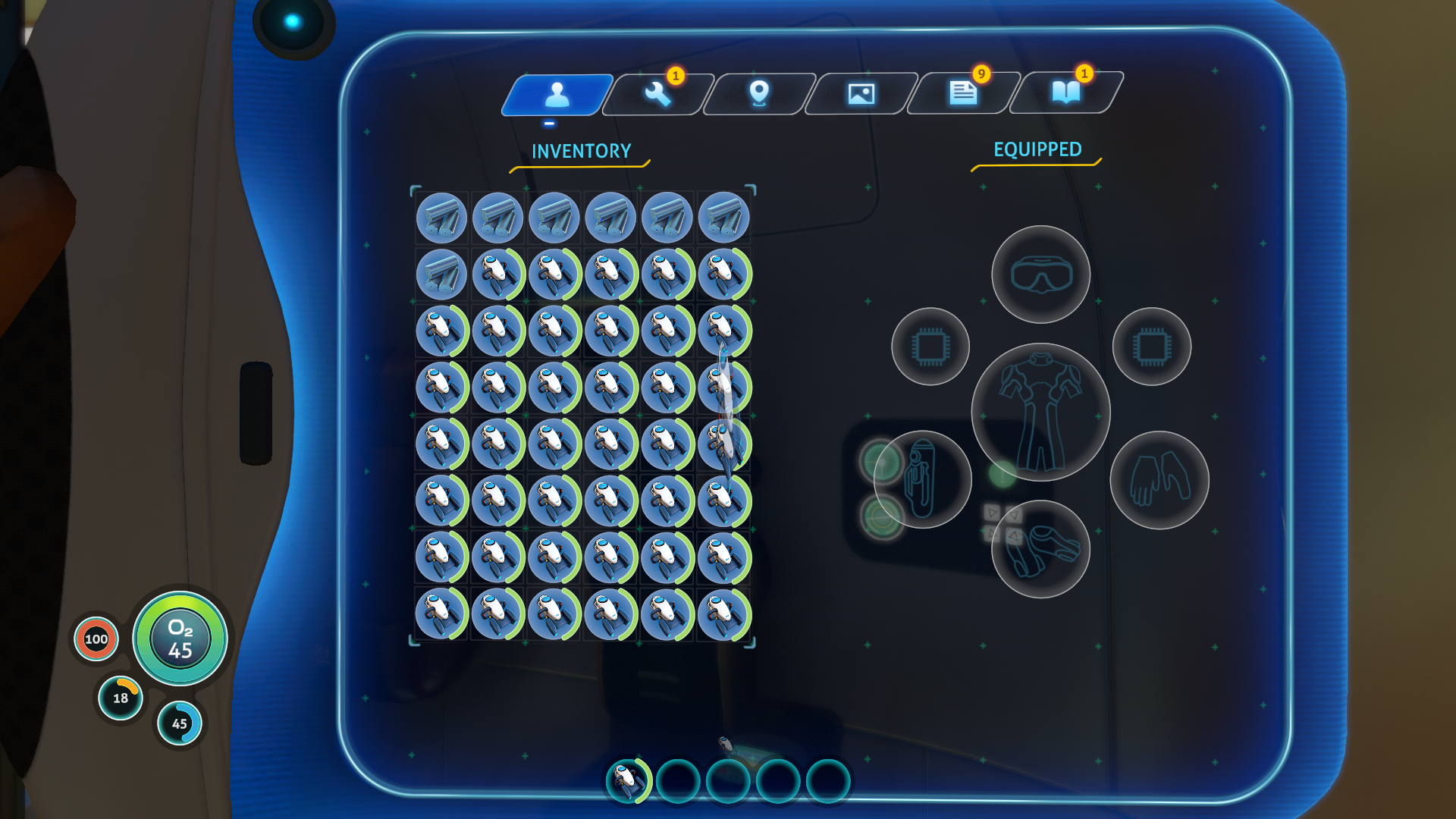
Carry more large equipment
Fit large equipment into single inventory slots while Compact Inventory is on.
More ways to customise Subnautica
- Subnautica resources
Separate controls for full health, oxygen, food and water.
- Subnautica unlocks
Blueprint availability while enabled, with your learned discoveries preserved.
- Subnautica rule modifiers
Separate crafting changes, less creature targeting and carried-item retention.
- Subnautica ability modifiers
Three movement styles with speed, handling, jump and binding controls.
- Subnautica game actions
Direct inventory delivery and nearby item or creature spawning.
Using these features
Choose the feature in the Windows app after connecting your game. Check its requirements before making a change.
Setup for Subnautica →