
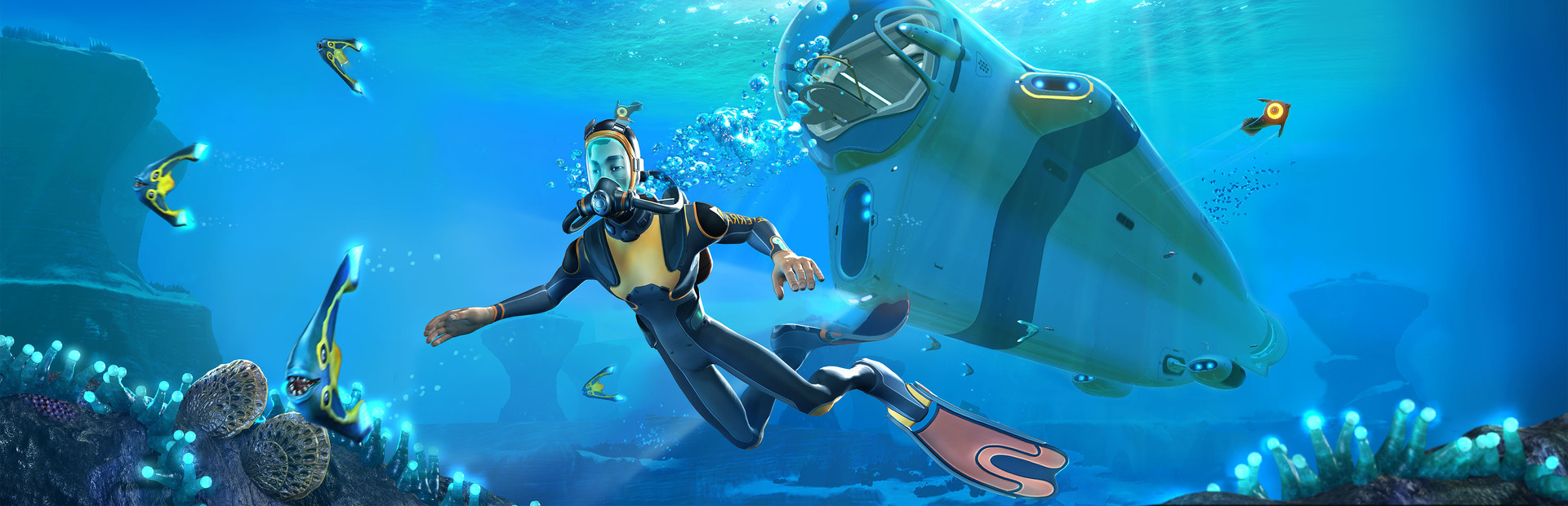
Prepare supplies or spawn something nearby
Choose how you want to add a supported item. Give Items delivers carried supplies to your inventory, while Spawn places supported items and creatures into clear space nearby.
Give Items for carried supplies
Choose an item, refresh the list when needed and set a batch of up to 100. Delivery stops when your inventory is full, so leave room for the supplies you want.
Spawn into the world
Browse the item and creature categories, choose a supported entry and place a limited quantity nearby. Leave clear space in front of your survivor. Quantity limits depend on the selected entry; an item placed nearby still needs to be picked up.
Available game actions
Give ItemsPremium
Add supported carried supplies directly to your inventory. Choose an item and amount, then give yourself a batch that stops when no more space is available.
Use a separate unmodified playthrough if you want to pursue achievements.
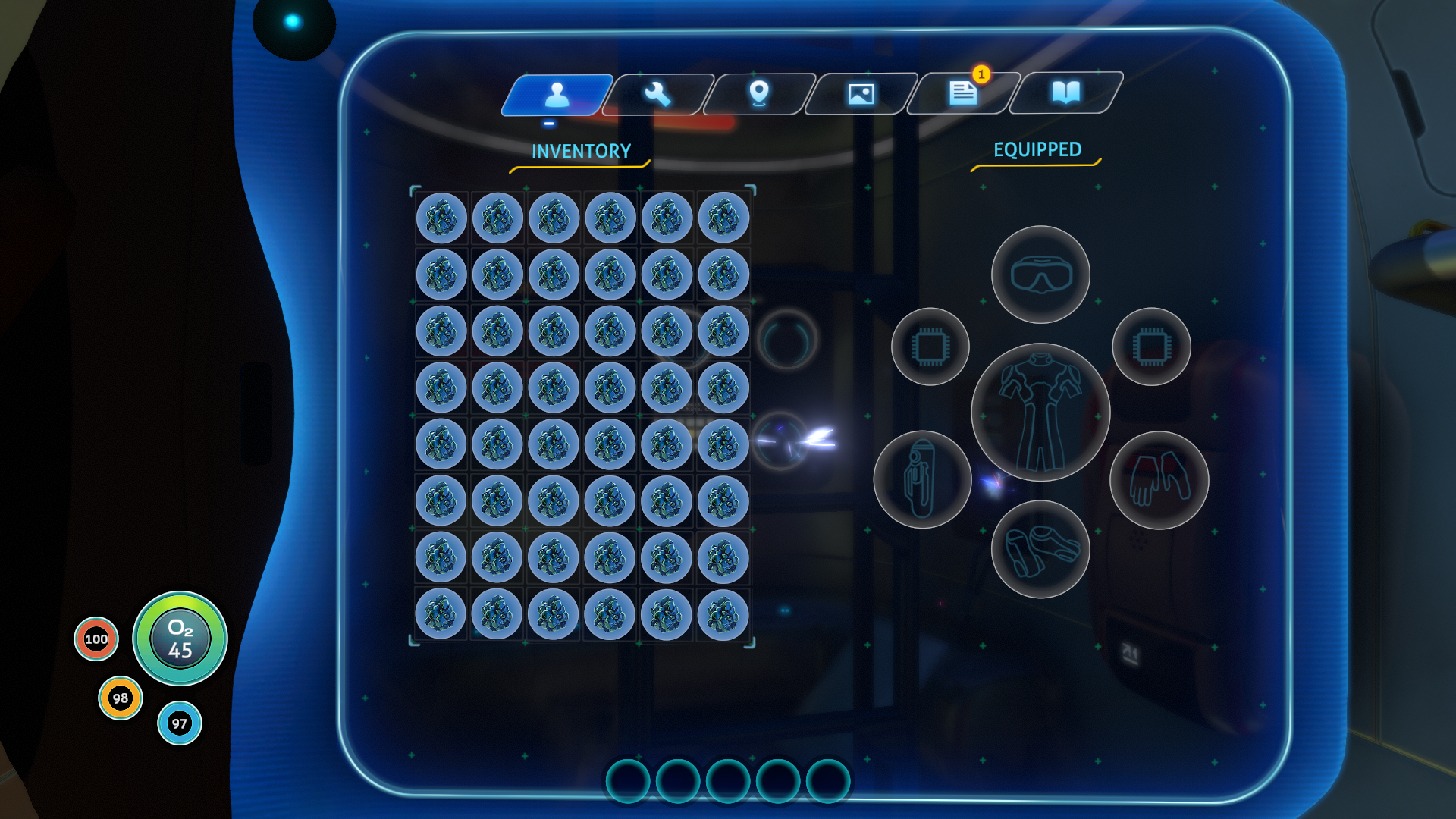
Carried supplies in your inventory
Add carried items to your single-player inventory. Choose an item and amount, with requests stopping when your inventory is full.
Items and CreaturesFree
Browse carried items and creatures, then place a bounded selection in clear space nearby. Use Give Items instead when you want supported supplies delivered directly to your inventory.
Use a separate unmodified playthrough if you want to pursue achievements.
What you can spawn
- Creatures (52)
- Including Holefish, Shuttlebug, Peeper, Oculus, Rabbit ray.
- Carried Items (272)
- Including Quartz, Metal salvage, Fiber mesh, Copper ore, Lead.
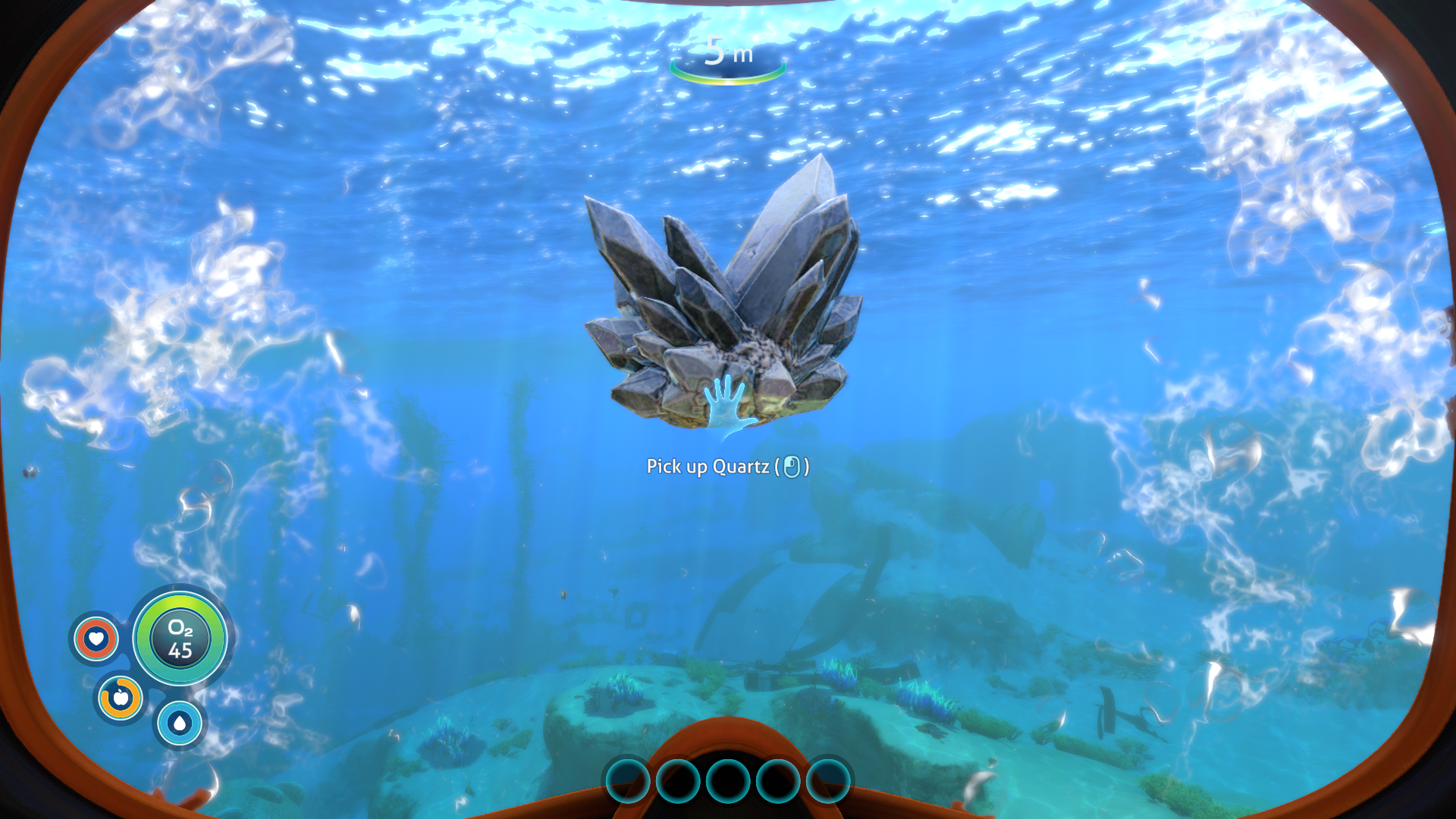
Spawn items nearby
Place items into clear space nearby, ready to pick up.
More ways to customise Subnautica
- Subnautica resources
Separate controls for full health, oxygen, food and water.
- Subnautica unlocks
Blueprint availability while enabled, with your learned discoveries preserved.
- Subnautica rule modifiers
Separate crafting changes, less creature targeting and carried-item retention.
- Subnautica ability modifiers
Three movement styles with speed, handling, jump and binding controls.
- Subnautica presentation modifiers
Single-cell carried items with normal sizes restored when disabled.
Using these features
Choose the feature in the Windows app after connecting your game. Check its requirements before making a change.
Setup for Subnautica →