

Choose points and unlock your study colors
Choose points for Item Store purchases or unlock Classic Blue, Lofi Purple, Forest Green, Sakura Pink and Midnight. Open the bag icon from your study desk to equip a theme.
Requires the Windows app and the Bytonian Mods browser extension for Chrome or Edge. Browser setup guide
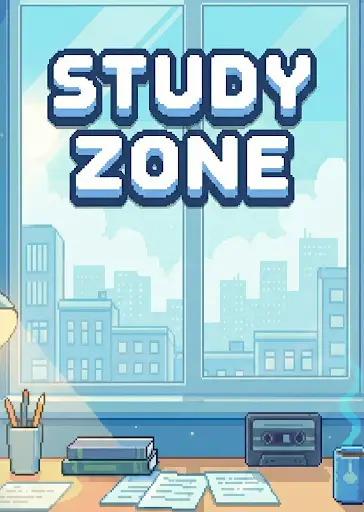
Make a normal store purchase
Forest Green costs 250 points. After buying it, select Equip to recolor the timer, task list and other tool windows. Changing points leaves XP, focus minutes and task records alone.
Equip a theme without a purchase
Unlock all UI themes to make Classic Blue, Lofi Purple, Forest Green, Sakura Pink and Midnight available at once. Choose Equip on a theme to recolor the study tools; equipping an owned theme spends no points.
Available customisation options
PointsFree
Set the points balance used for Item Store theme purchases.
Choose a whole-number balance, apply it, then enter Study Zone and open the bag icon. Buy a theme and choose Equip.
Unlock all UI themesFree
Unlock Classic Blue, Lofi Purple, Forest Green, Sakura Pink and Midnight for normal Item Store equip.
Apply the unlock, enter Study Zone and open the bag icon. Choose Equip on a theme to recolor the tool windows without a points purchase.
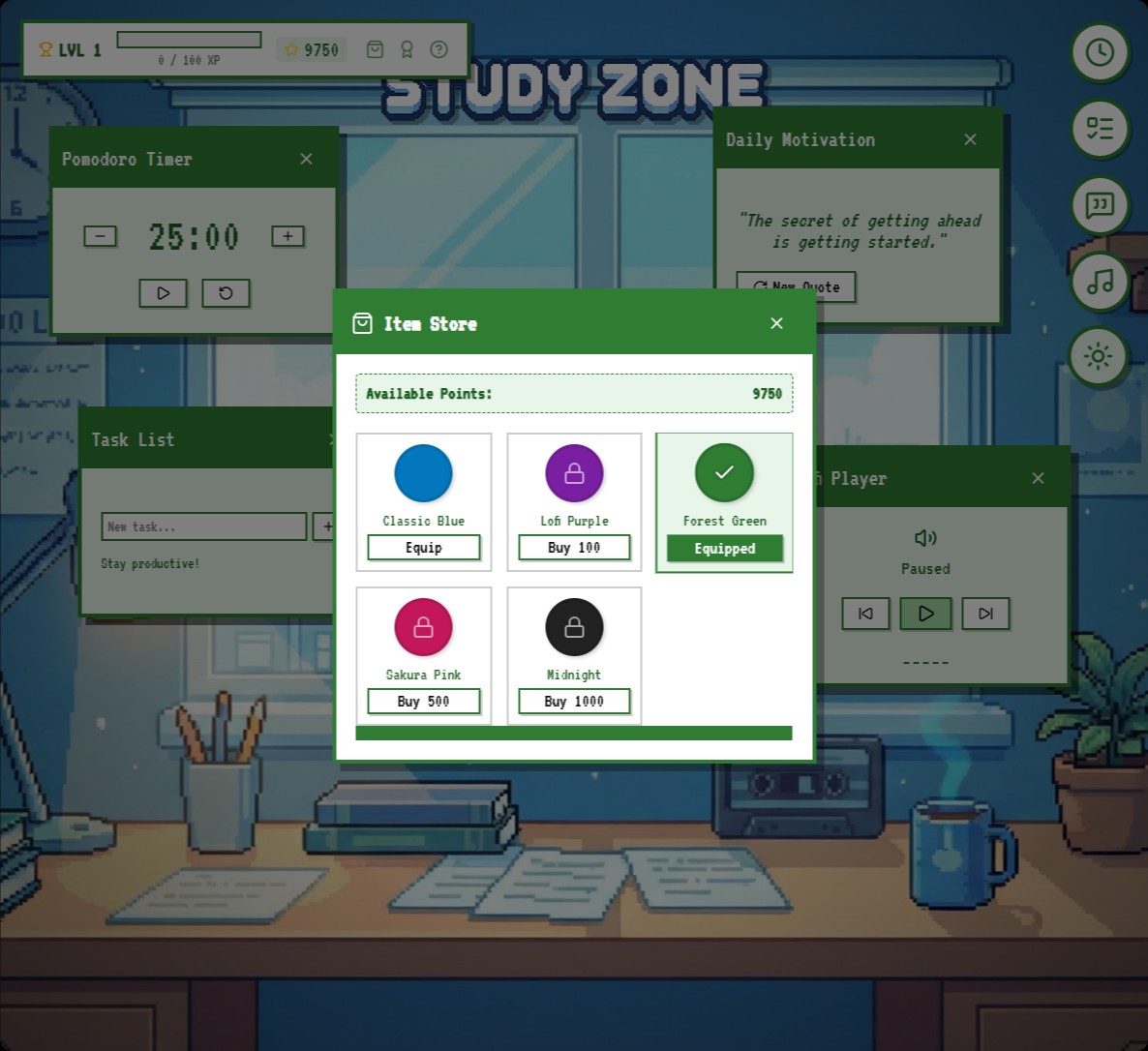
Points for a new theme
Choose a points balance, then use the normal Item Store to buy and equip a theme. This Forest Green purchase cost 250 points.
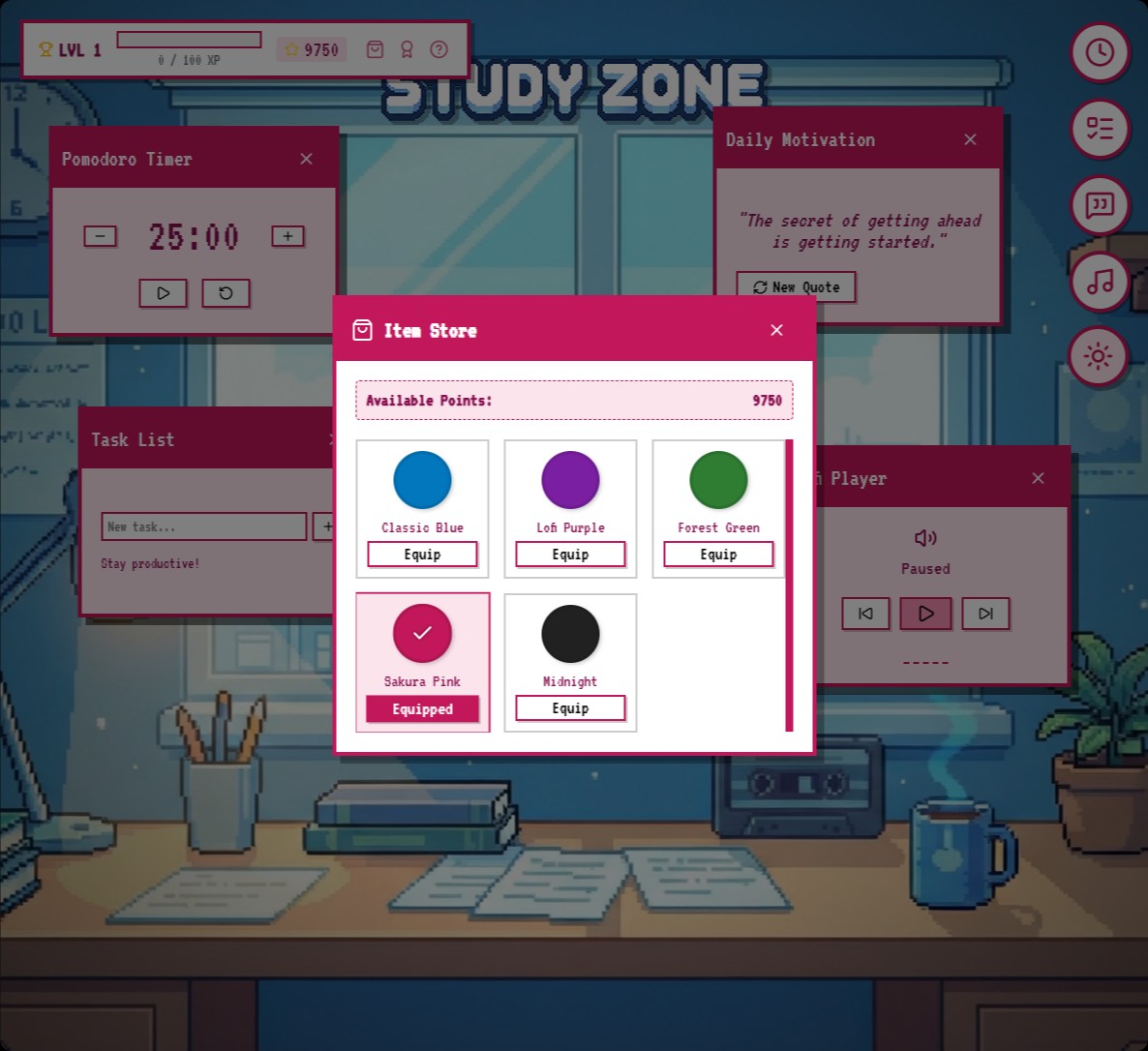
Unlock and equip UI themes
Make Classic Blue, Lofi Purple, Forest Green, Sakura Pink and Midnight available to equip without spending points.
Questions about customisation options
- Does changing points raise my level?
- No. The points control changes the store balance; XP and level are separate.
- Does the theme unlock choose my active theme?
- It makes the five UI themes available. Open the Item Store and choose Equip on the color you want.
Using these features
Connect your game, then open Customise in the Windows app. Choose an option, check its available values and follow its instructions. Each option lists its own requirements and limits.
Setup for Study Zone →