

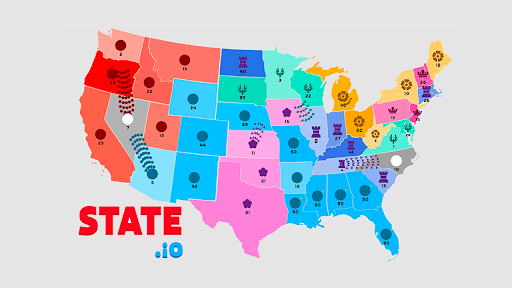
Customise
4 optionsSet coins or choose a level for each of the three menu upgrades.
View all customise →State.io puts your next territory battle alongside three upgrades: starting units, production speed and offline earnings. Set your coins and choose upgrade levels to shape your preparation before returning to the map.
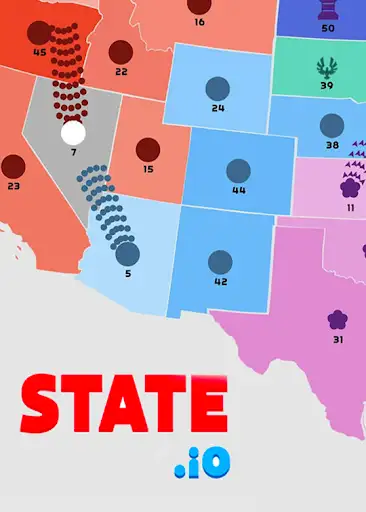
Prepare your next territory battle
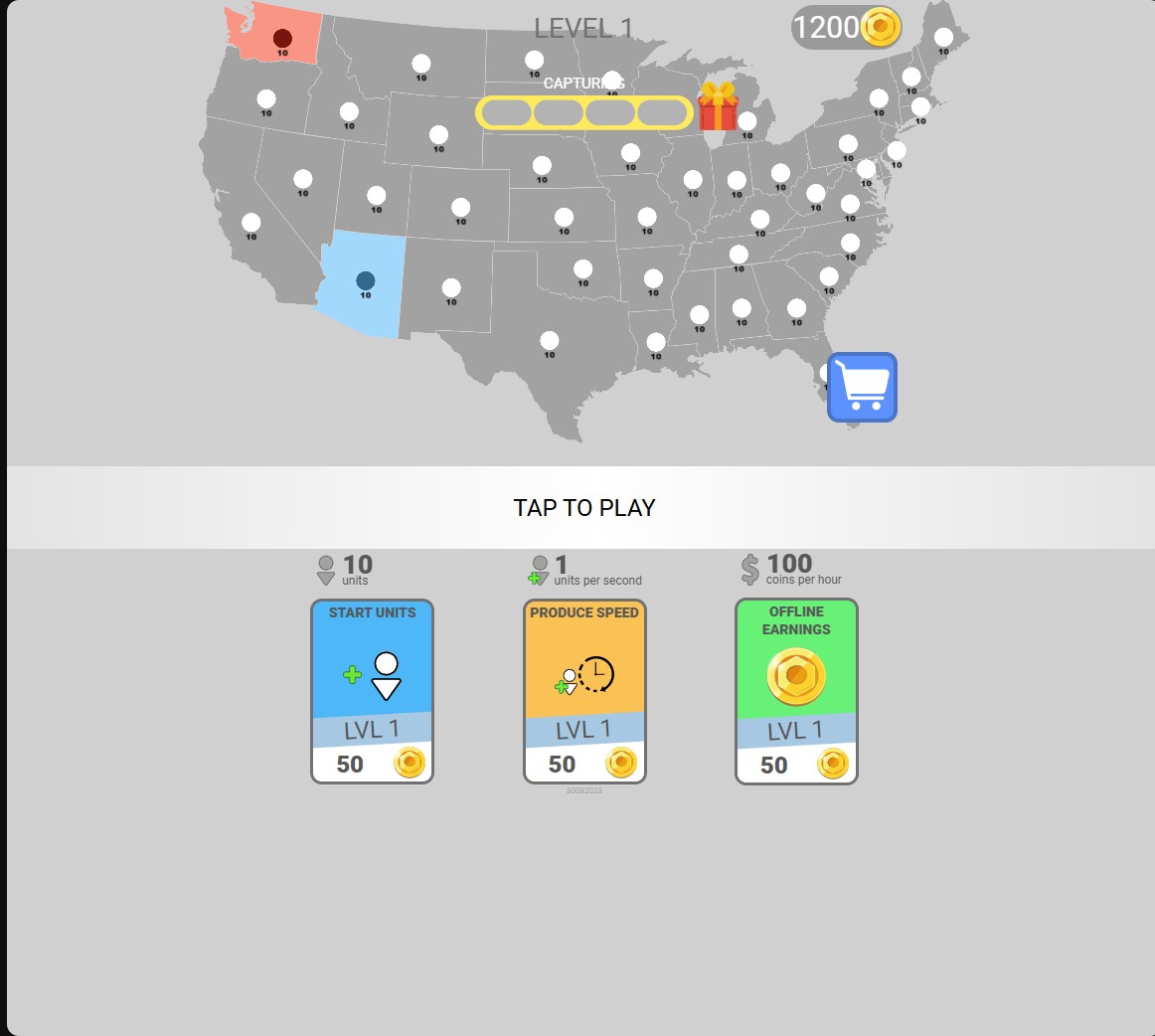
State.io pairs a territory map with upgrades for your starting force, unit production and offline earnings.
Starting units determine the force shown on your blue starting territory. Production speed has its own units-per-second rate, while offline earnings has a coins-per-hour rate.
Use Coins to change the balance available for menu upgrades, or choose an upgrade level directly. Starting Units Level is available Free; Coins, Production Speed Level and Offline Earnings Level are Premium.
Set coins or choose a level for each of the three menu upgrades.
View all customise →Download the Windows app and follow the setup prompts.
Set up the browser extension in Chrome or Edge, then open the supported YouTube Playable. Follow the connection guide if the game is already running.
Review the available options in the app and choose the ones that suit how you play.