
Resources
1 optionAdjust the coin balance shown on the solo station's Equip Ship screen.
View resources →Set your equipment budget at the solo station or add cargo to your hold during a solo flight in Starwulf. Explore changing star systems and brick-built planets after you stock up.
Start with free mods
Download Bytonian Mods for Windows and try these free features. Choose one to see how it works and any requirements.
Choose the coin balance for your ship's next equipment plan at the solo station.
Open Equip Ship, refresh Coins, then use Add, Remove or Set to amount with a whole number.
Available on the solo station's Equip Ship screen, with a supported balance from 0 to 1,000,000 coins.
Deliver Minerals, Gold and Silver or Gems to your ship's hold during solo main-game flights.
Resume the flight with your ship alive, choose a cargo kind from the inventory catalog and deliver one unit.
Requires space in the hold and no current pickup animation. Deliveries are one unit at a time; lobbies, minigames and tutorials are excluded.
Prepare the Fox for another flight
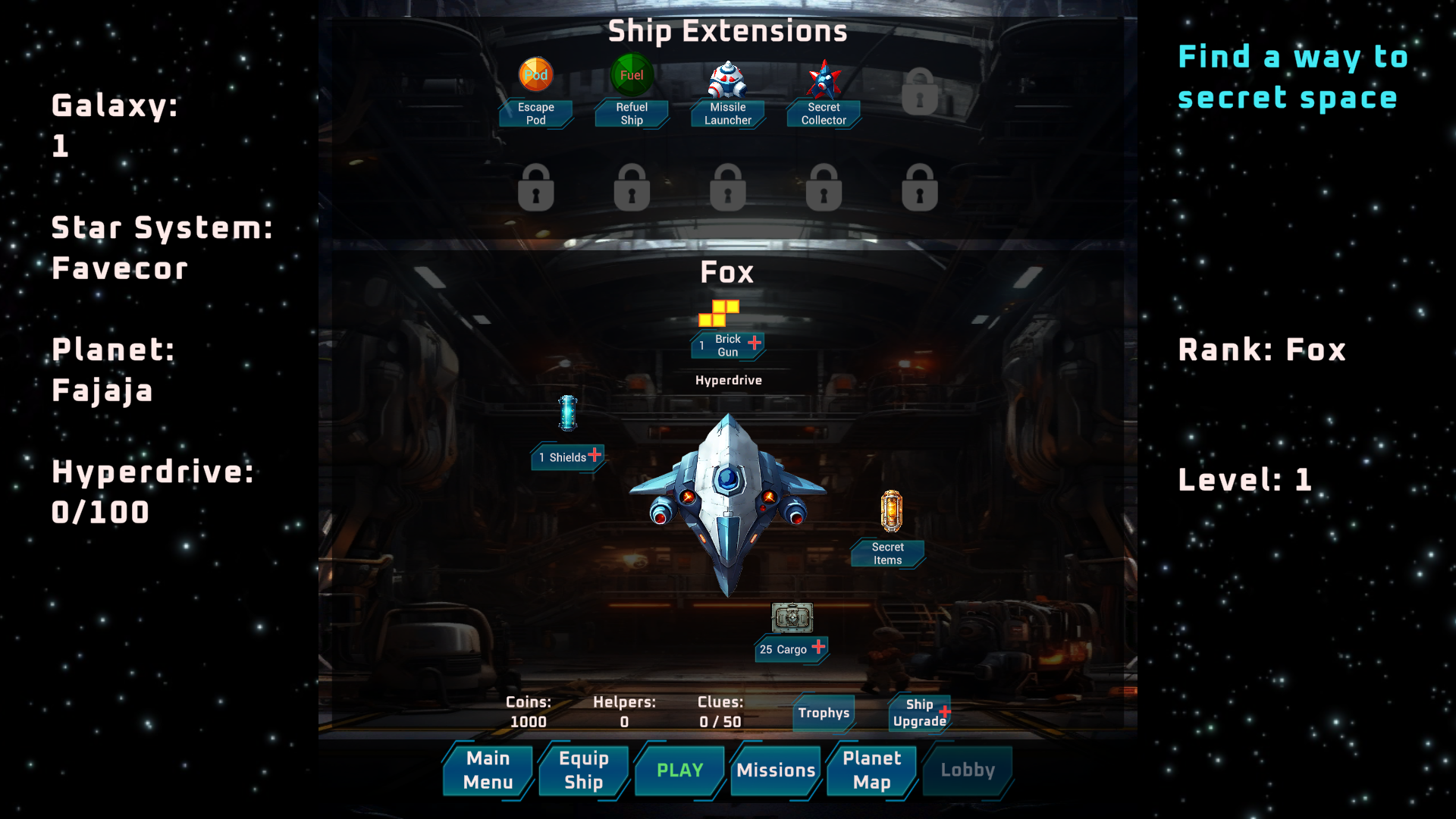
The Fox ship on Starwulf's equipment screen, with its shield, cargo and extension controls beside the current coin balance.
Line up the next brick pattern
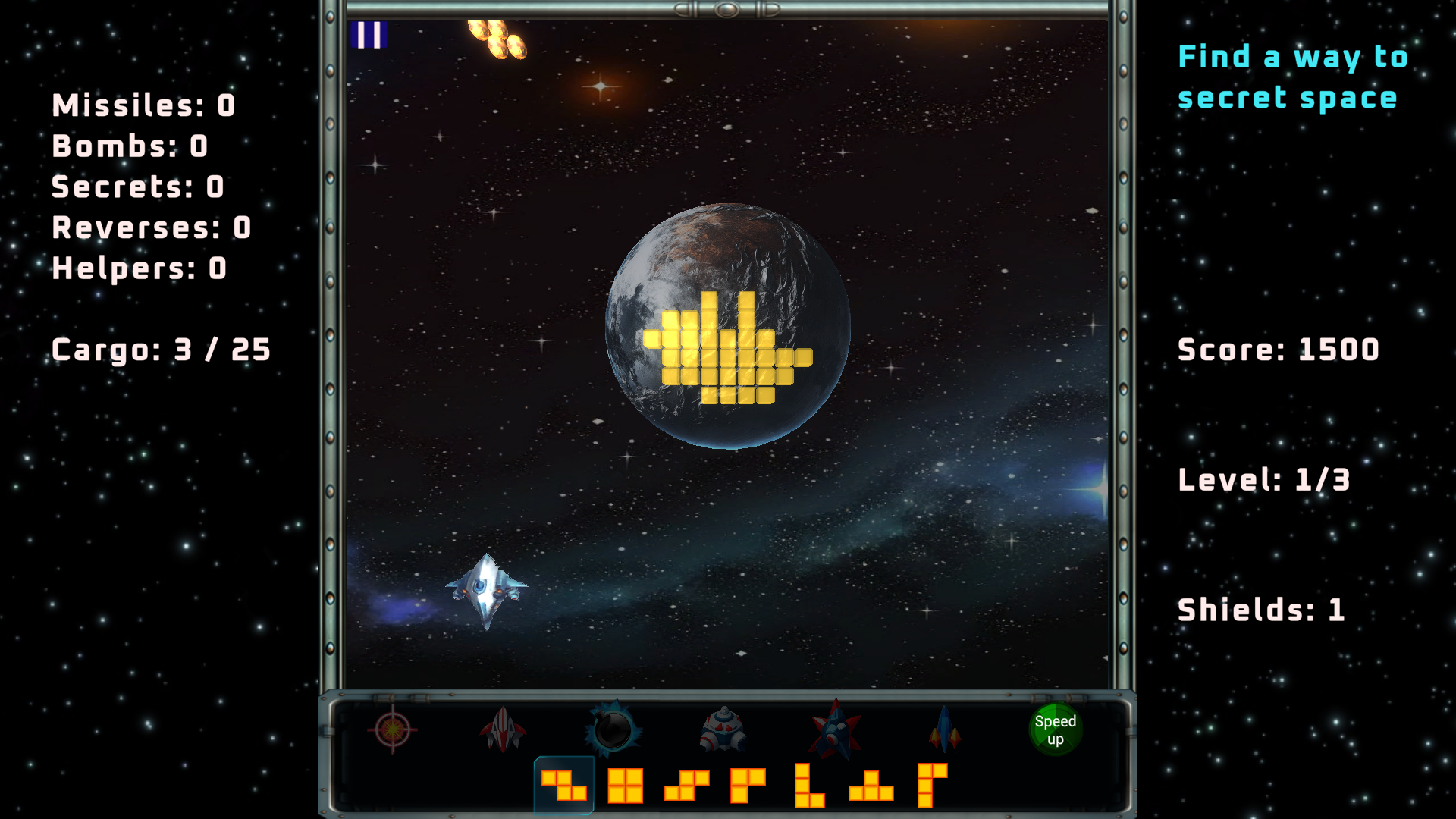
The Fox ship faces a brick-built planet during a normal Starwulf flight, with the available shapes along the bottom.
Use Coins at the station's Equip Ship screen to read your current balance, set a new total or make a one-time addition or removal.
Browse Minerals, Gold and Silver, and Gems in the inventory catalog. Deliver one unit at a time while your ship is flying and has room aboard.
Adjust the coin balance shown on the solo station's Equip Ship screen.
View resources →Choose a cargo kind and deliver one unit to a free space in your ship's hold.
View world modifiers →Browse the Steam achievement names and descriptions for Starwulf - Seeker of Secret Space. Choose and unlock achievements for free with Bytonian Mods in the Windows app.
View all achievements →Download the Windows app and follow the setup prompts.
Open Starwulf - Seeker of Secret Space and select it in Bytonian Mods. Follow the app’s connection prompts.
Review the available options in the app and choose the ones that suit how you play.