

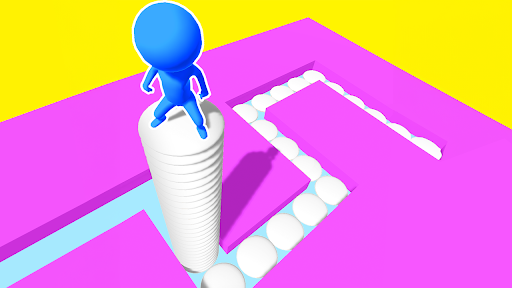
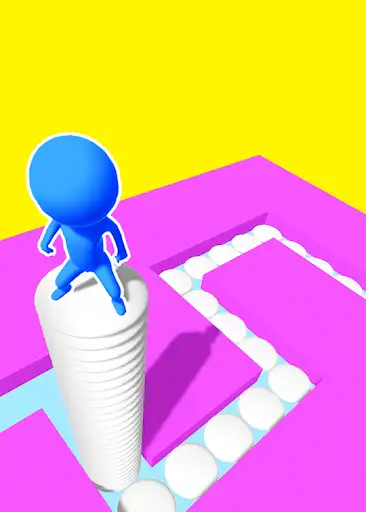
Retry a route or finish the current level
Restart Level returns the current puzzle to its start. Win Level opens the completion screen so you can use Next to continue.
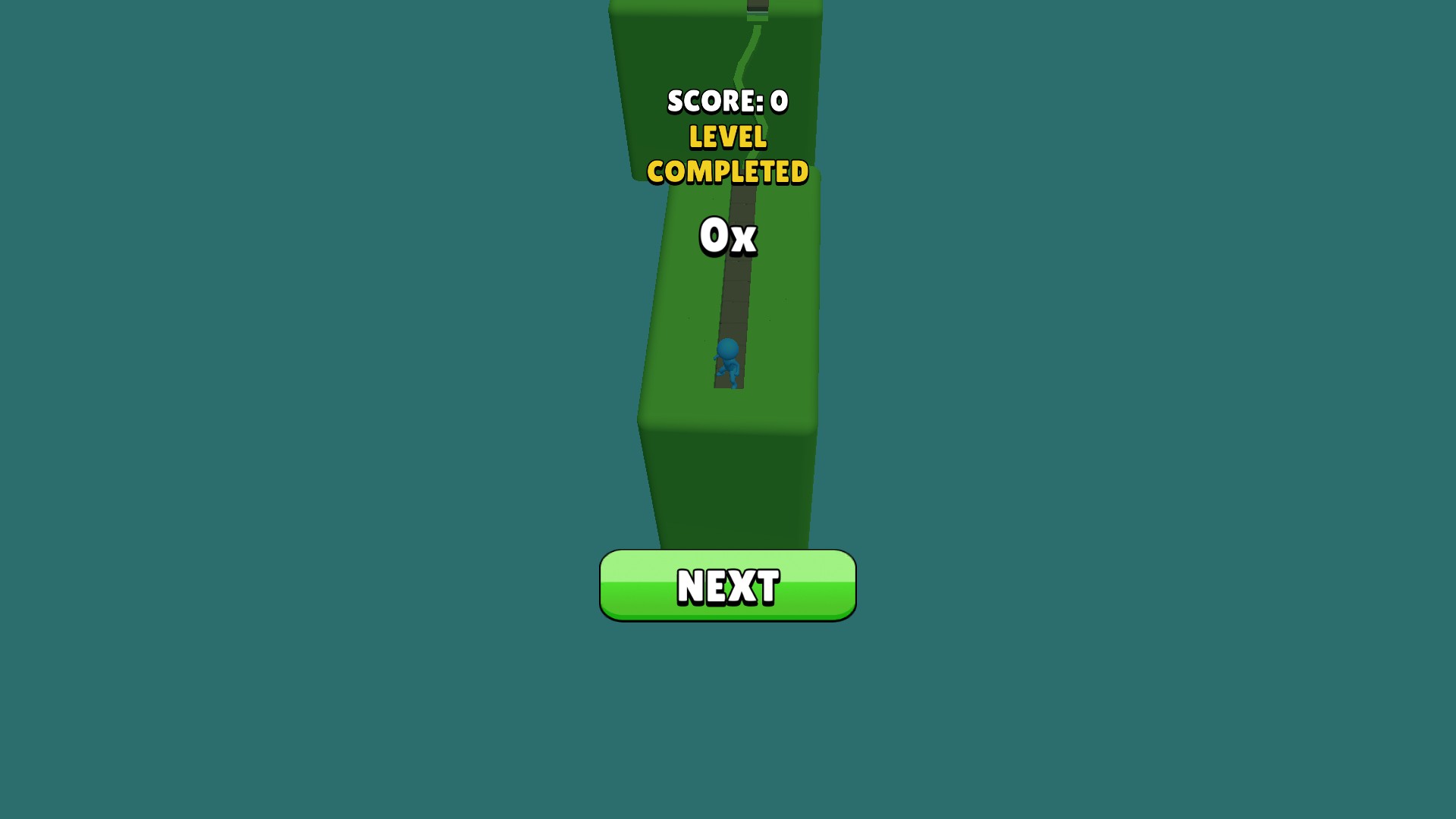
Level completed
The completion screen opens with Next. This example shows zero score and no bonus multiplier.
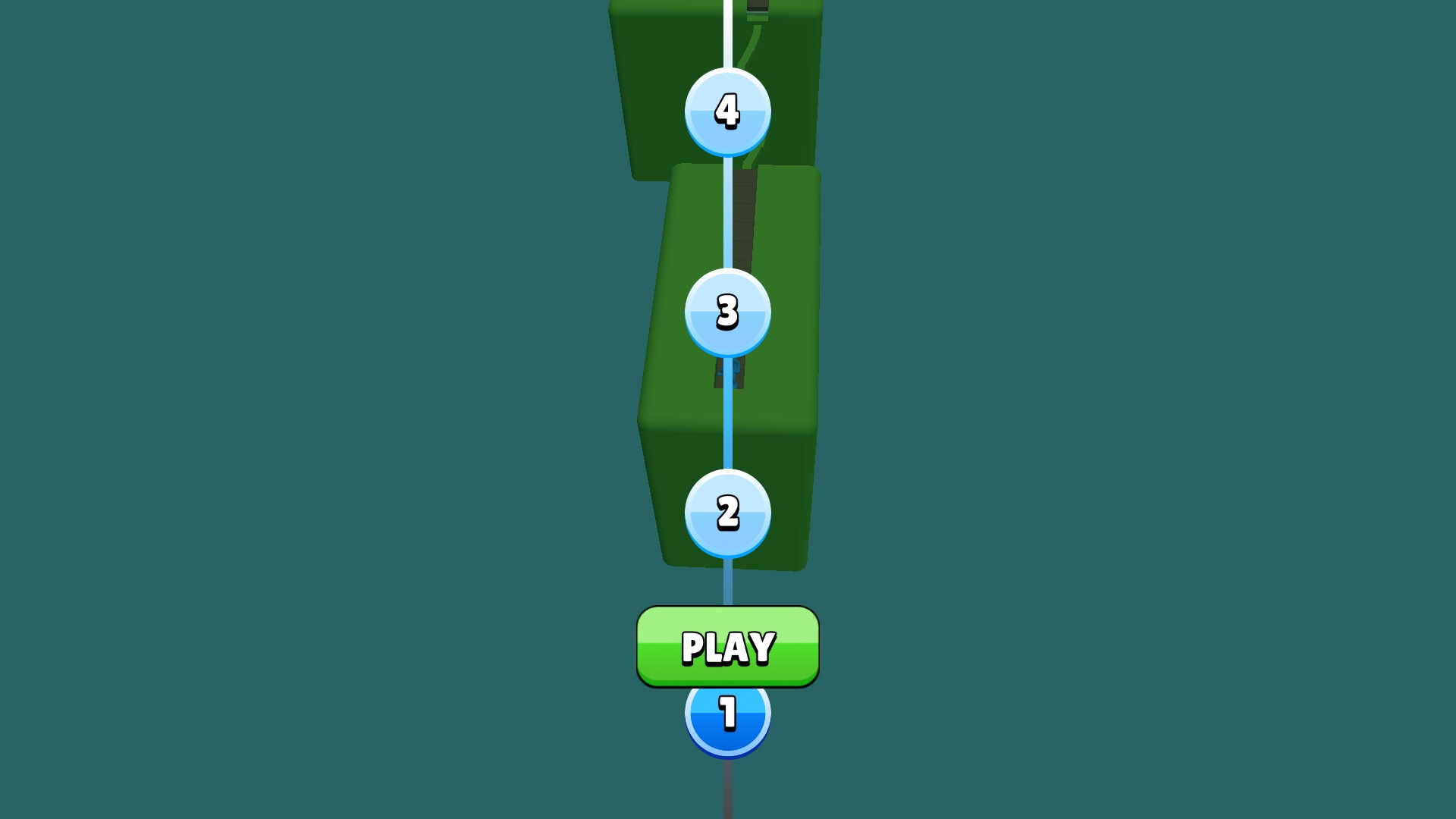
Back at the level map
The map and Play button return after restarting the current puzzle.
Restart Level
Use the free restart action when you want a fresh attempt. It returned to the map without advancing the selected level; normal Play then reopened the first platform with the carried stack cleared.
Win Level
The completion action reached the Level Completed screen, then Next loaded level two and its different purple course. It does not guarantee points, a multiplier or a bonus payout.
Available game actions
Restart LevelFree
Restart the current puzzle from its start.
Press Restart Level, then use Play from the returned map.
Before you use it: Clears the current run's carried tile stack.
Win LevelPremium
Complete the current level and open its normal completion flow.
Press Win Level, then use Next to continue.
Before you use it: Opens the completion screen; use Next to continue.
More ways to customise Stacky Dash
- Stacky Dash resources
A manual 50-tile grant for the current run.
- Stacky Dash stat modifiers
A temporary speed toggle for normal ground slides.
Using these features
Choose the feature in the Windows app after connecting your game. Check its requirements before making a change.
Setup for Stacky Dash →