

Resources
1 optionA manual 50-tile grant for the current run.
View resources →Swipe through the maze, gather tiles and carry your stack across the gaps between platforms. These Stacky Dash controls let you add tiles, complete the current level, retry a puzzle or adjust ground-slide speed.
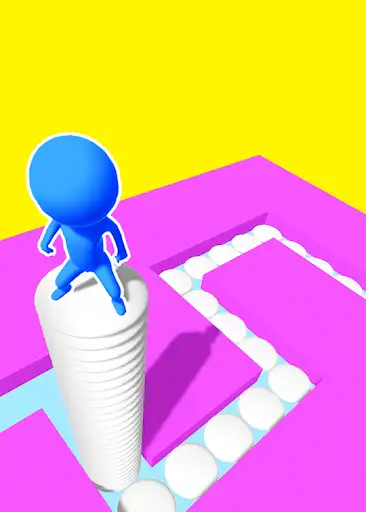
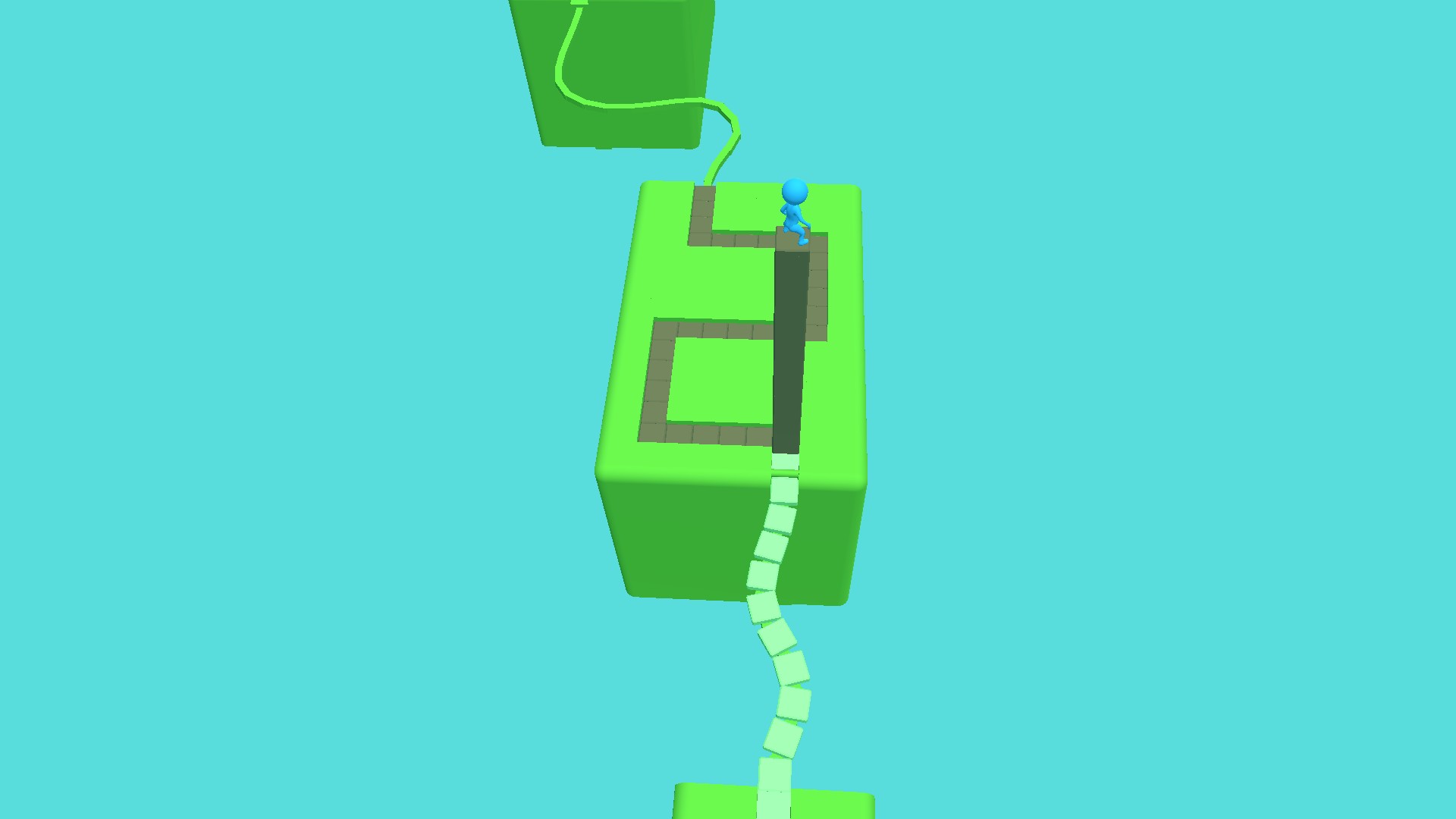
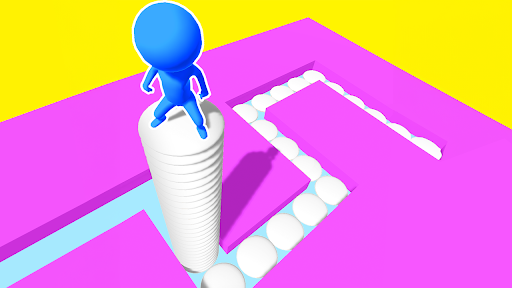
Stacky Dash with a tall tile stack
The player carries a tall tile column onto the winding platform after crossing a bridge.
Extra tiles give you a larger carried stack. Win Level opens the completion flow, while the free Restart Level control sends you back to the current puzzle's start. Faster Ground Slides is an early version with an on/off toggle.
A manual 50-tile grant for the current run.
View resources →A temporary speed toggle for normal ground slides.
View stat modifiers →Free puzzle retries and a separate level-completion control.
View game actions →Download the Windows app and follow the setup prompts.
Set up the browser extension in Chrome or Edge, then open the supported YouTube Playable. Follow the connection guide if the game is already running.
Review the available options in the app and choose the ones that suit how you play.