

Choose Your Sort Tiles Coins
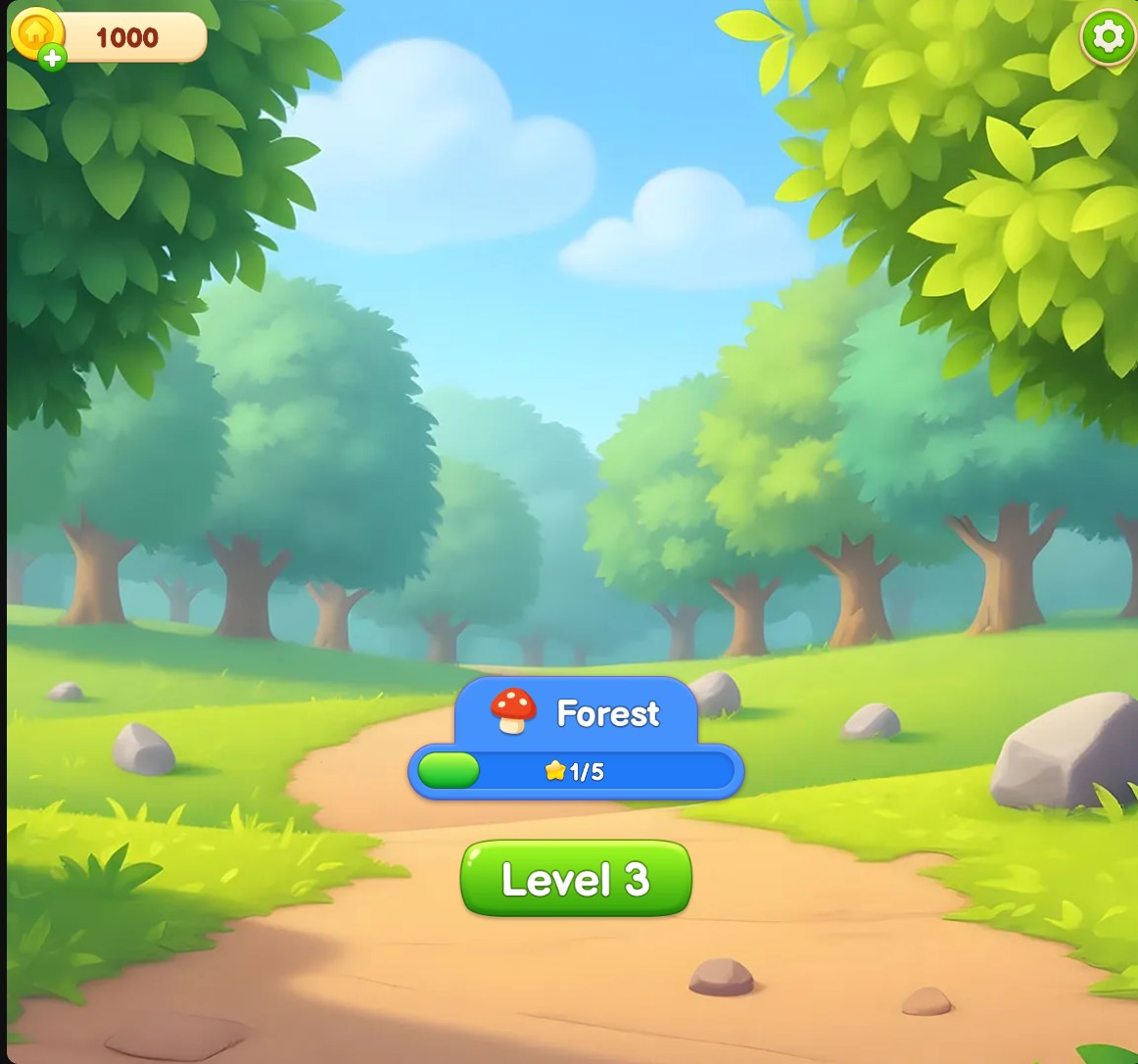
Enter the Coins amount you want, apply it and return to the game to see your chosen balance in the coin counter.
Choose your Sort Tiles coin balance
Set your coin balance and return to the Forest menu to continue your tile puzzles.
Set Your Amount
Use the Coins control to enter your preferred amount and apply your choice. The Forest menu's counter shows the selected balance after the game loads.
Continue Normal Progression
Changing coins does not clear tiles, add stars or protect your hearts from collisions. Continue the puzzles with the normal controls and follow each area's requirements.
Available customise
CoinsFree
Choose the coin balance shown for your tile-sorting adventure.
Enter your Coins amount, apply it and return to the game's coin counter.
Before you use it: Tile puzzles, star requirements and collision lives still follow the normal game rules.
Questions about customise
- Is the Coins control Free?
- Yes. Coins is a Free customization option.
Using these features
Choose the feature in the Windows app after connecting your game. Check its requirements before making a change.
Setup for Sort Tiles: Tap Away →