

Customise
1 optionA Free setting for the coin balance shown in your game.
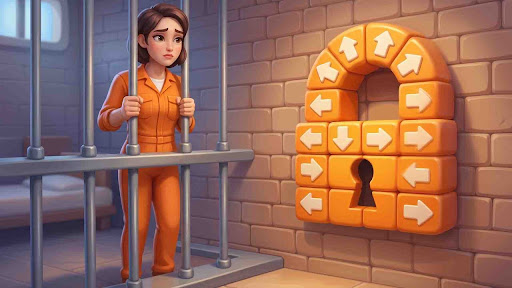
View customise →Sort Tiles: Tap Away is about finding a clear path for each arrow tile. Tap tiles in an order that lets them fly away, clear the board and collect stars as you progress through areas such as the Forest.
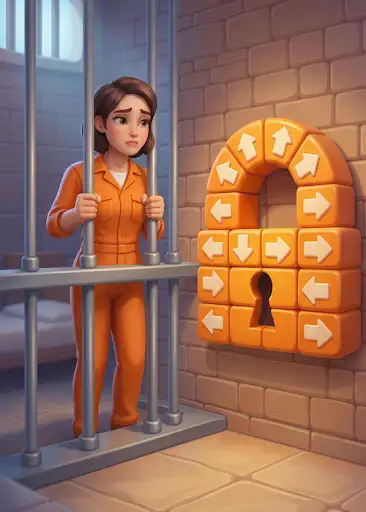
The Free Coins setting lets you select the amount shown in your coin counter. Open Customization to enter your amount and apply it.
Your boards and star goals still follow the normal game rules. Watch the direction of each arrow and keep an eye on the life counter when blocked moves can cause collisions.
A Free setting for the coin balance shown in your game.
View customise →Download the Windows app and follow the setup prompts.
Set up the browser extension in Chrome or Edge, then open the supported YouTube Playable. Follow the connection guide if the game is already running.
Review the available options in the app and choose the ones that suit how you play.