

Coins for the ball shop
Give yourself enough coins for a new ball design. The Coins control lets you set the balance you want, then spend it through the game's usual shop.
Refresh the shop after changing coins
Set the amount with the Coins card. Close the shop and open it again to refresh the displayed balance, then choose a ball at its listed coin price. The shop deducts the price when the purchase completes.
Available resources
CoinsPremium
Choose your coin balance for ball cosmetics.
Set the amount, close and reopen the shop, then buy a ball at its listed coin price.
Before you use it: Reopen the shop to refresh its displayed balance after changing Coins.
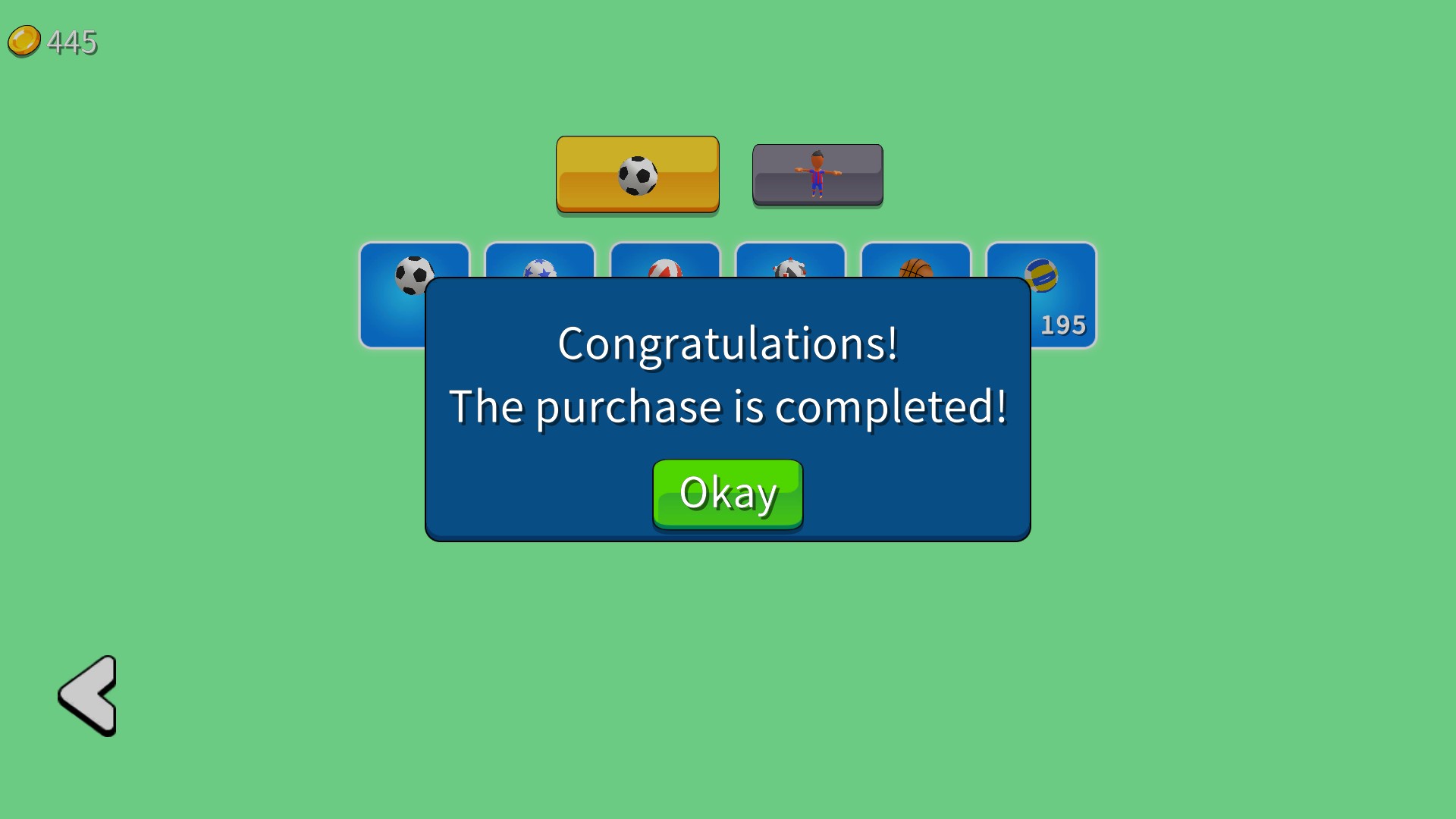
Coins for your next ball
Set your coin balance and spend it on a new ball in the shop. Close and reopen the shop after changing your balance to refresh the displayed amount.
More ways to customise Soccer Dash
- Soccer Dash game actions
Finish the active solo level, then select Continue to move on.
Questions about resources
- Why does the shop still show the old amount?
- Close and reopen the shop after changing Coins. Its displayed counter refreshes when you return.
Using these features
Choose the feature in the Windows app after connecting your game. Check its requirements before making a change.
Setup for Soccer Dash →