

Resources
1 optionChoose your coin balance and spend it on a different ball design.
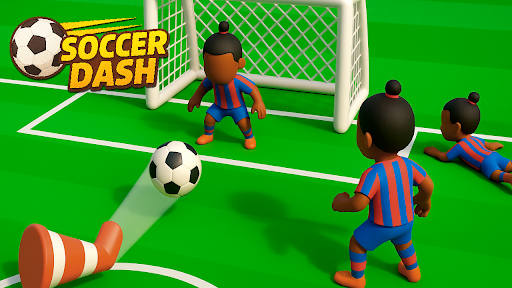
View resources →Soccer Dash turns each kick into a route through defenders and traps. Drag to aim, release the ball, and find your way toward the goal. These controls help you change your ball's look or move on from an active solo course.
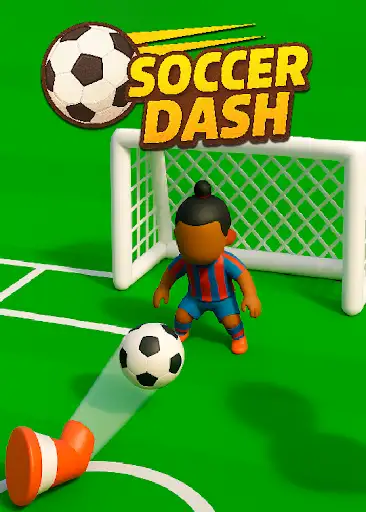
Resources covers Coins for the shop. Game Actions covers Finish Solo Level when you want to move past a course. Each control has its own instructions, so you can choose the change that suits your next round.
Open Soccer Dash in YouTube Playables and connect it to Bytonian Mods. Load the game's menu, then use the relevant control. For solo completion, choose a level through Play and tap to start the course first.
Choose your coin balance and spend it on a different ball design.
View resources →Finish the active solo level, then select Continue to move on.
View game actions →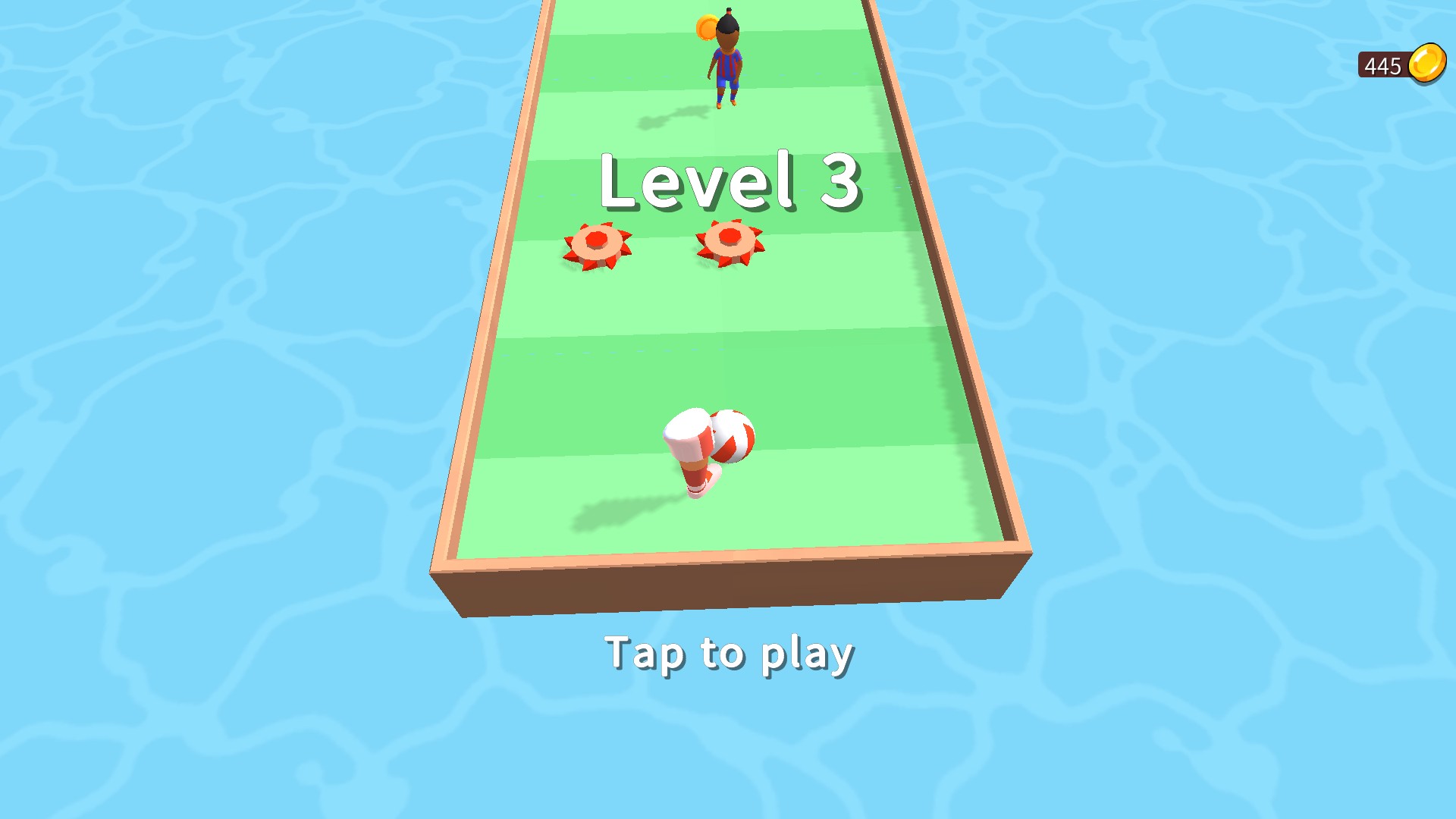
Your next Soccer Dash course
Aim your way through solo football courses, change your ball's look with shop cosmetics, or finish an active solo level and continue to the next challenge.
Download the Windows app and follow the setup prompts.
Set up the browser extension in Chrome or Edge, then open the supported YouTube Playable. Follow the connection guide if the game is already running.
Review the available options in the app and choose the ones that suit how you play.