

Choose your campaign resources
Set Coins and Gems independently, then apply your changes to reload the game with your chosen balances.
Requires the Windows app and the Bytonian Mods browser extension for Chrome or Edge. Browser setup guide

Coins for troop and base upgrades
Use your chosen coin balance in the game's normal Upgrade menu to unlock troops and improve base health.
Pick your gem balance
Enter the number of gems you want, then apply the change before continuing your campaign.
Available customisation options
CoinsPremium
Choose your coin balance for troop unlocks and base upgrades.
Enter the balance you want, then apply your change. The game reloads before you continue.
GemsPremium
Choose the number of gems available to your campaign.
Set your gem balance and apply the change to reload the game.
More ways to customise Slime Warrior: Age of War
- Slime Warrior: Age of War resources
Set your battle food and recruit unlocked troops through the normal buttons.
- Slime Warrior: Age of War stat modifiers
Adjust Pawn movement speed for your next battle.
- Slime Warrior: Age of War game actions
Strengthen recruited Pawns when you need more power.
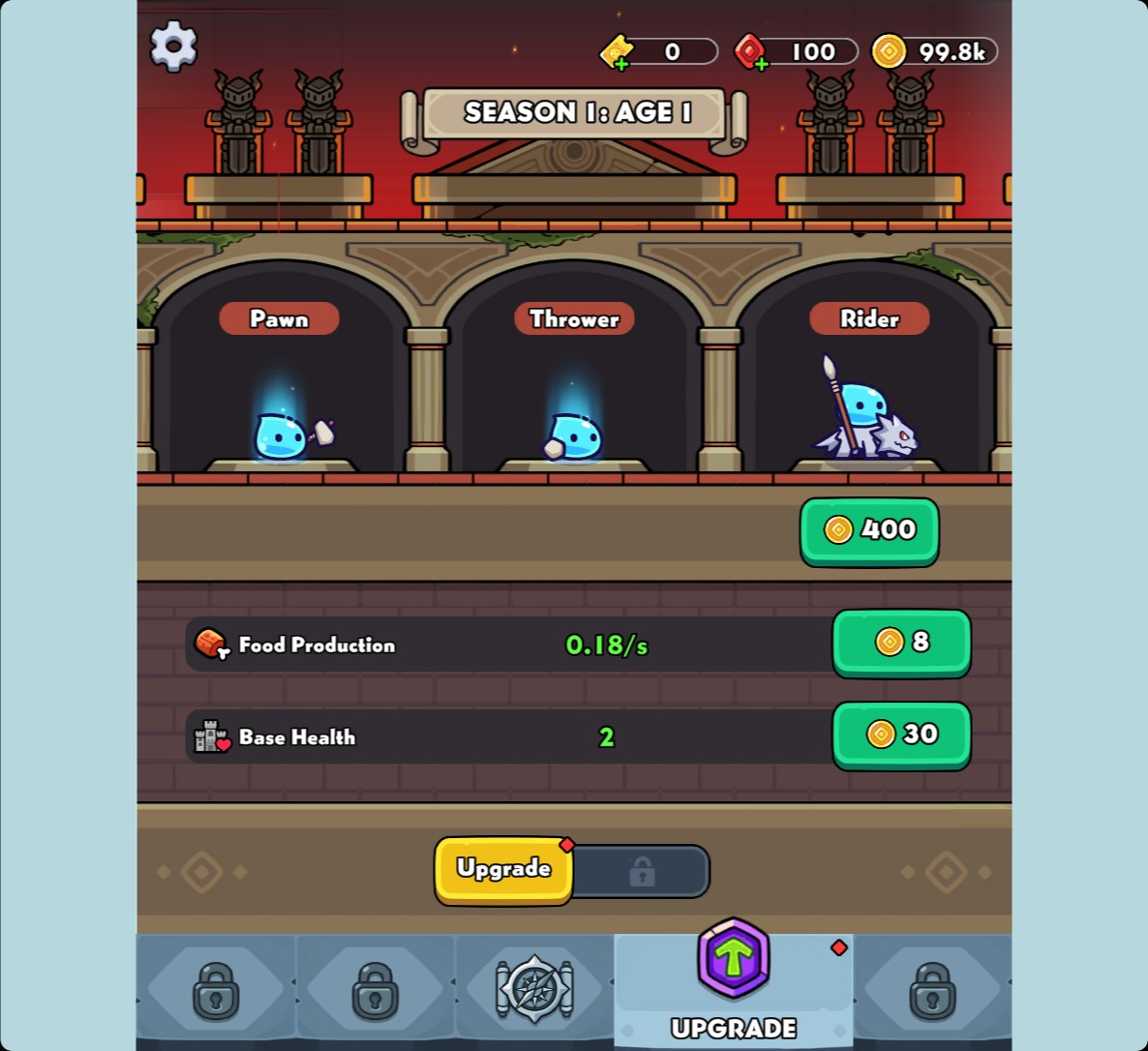
Coins for slime upgrades
A larger coin balance lets you unlock Thrower and keep saving for more troop and base upgrades.

Choose your gem balance
Set your gems to the amount you want, then return to your slime campaign.
Questions about customisation options
- When do my changes take effect?
- Applying reloads the game. Your chosen balances appear when the campaign menu returns.
Using these features
Connect your game, then open Customise in the Windows app. Choose an option, check its available values and follow its instructions. Each option lists its own requirements and limits.
Setup for Slime Warrior: Age of War →