

Resources
1 optionSet your battle food and recruit unlocked troops through the normal buttons.
View resources →Choose coins and gems for your campaign, set food for recruitment or boost active friendly Pawns during a battle. Build your lineup and lead your slimes against waves of skeletons.
Requires the Windows app and the Bytonian Mods browser extension for Chrome or Edge. Browser setup guide

Start with free mods
Download Bytonian Mods for Windows and try these free features. Choose one to see how it works and any requirements.
Adjust how quickly your Pawns move across the battlefield.
Start a campaign battle, choose a speed and turn the control on.
The control applies to friendly Pawns in campaign battles.
Choose the food available for recruiting slimes during a campaign battle.
Start a campaign battle, refresh the balance and set the amount you want. Recruit unlocked units with the game's normal troop buttons.
Food continues to generate and is spent normally.
Use coins in the game's Upgrade menu to unlock troops such as Thrower and improve your base health. Set your coin and gem balances separately before returning to the campaign.
Start a campaign battle to use free Battle Food. Choose a food balance, then use the normal troop buttons to send your unlocked slimes into the fight.
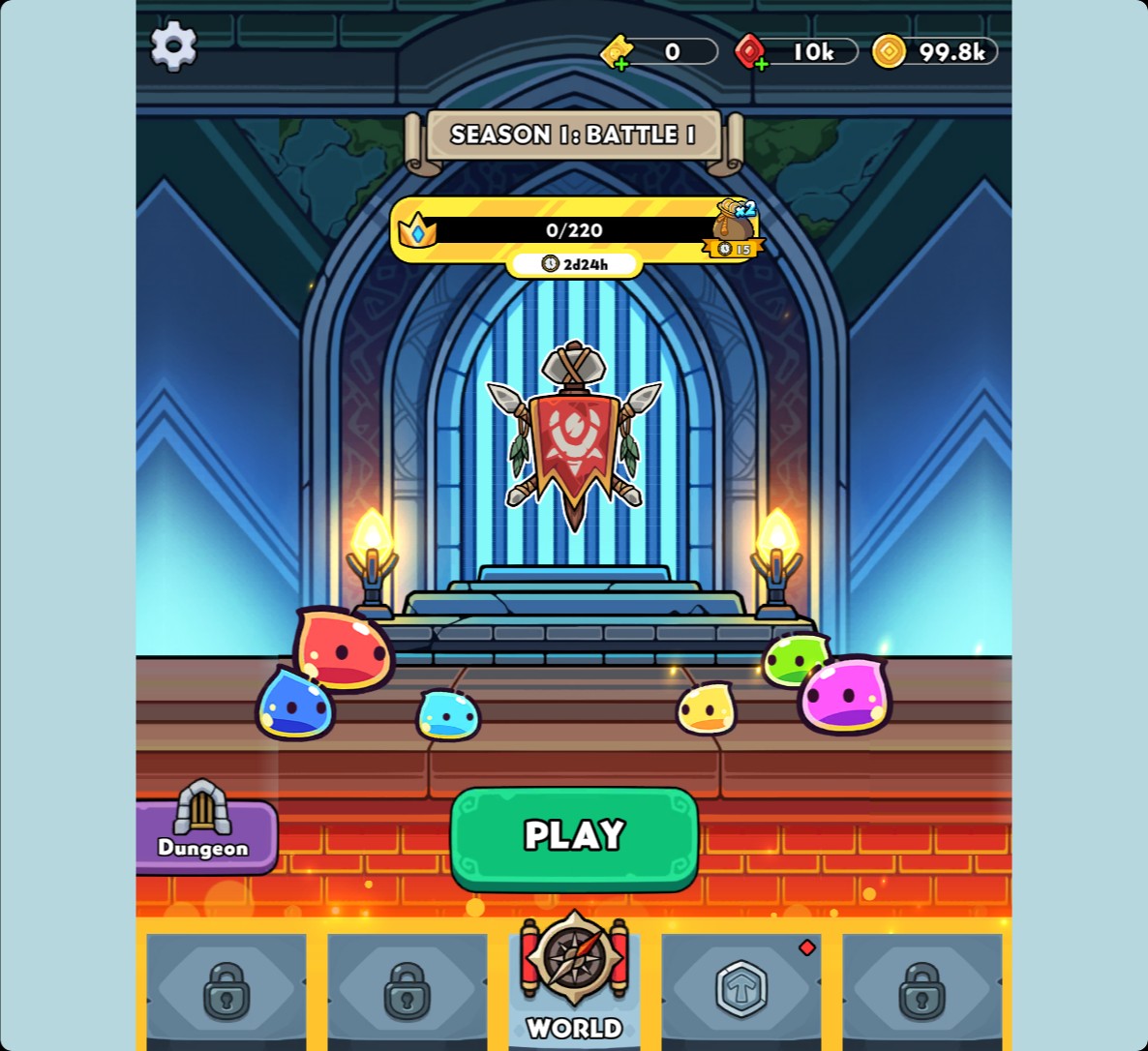
Your slime campaign
Prepare your slime army for its next battle from the world screen.
Set your battle food and recruit unlocked troops through the normal buttons.
View resources →Adjust Pawn movement speed for your next battle.
View stat modifiers →Separate controls for your coins and gems.
View customisation options →Strengthen recruited Pawns when you need more power.
View game actions →Download the Windows app and follow the setup prompts.
Set up the browser extension in Chrome or Edge, then open the supported YouTube Playable. Follow the connection guide if the game is already running.
Review the available options in the app and choose the ones that suit how you play.