

Find a new way around the ranch
Choose Fly, Free Walk or Board from one Movement control. Explore above the cliffs, travel on foot or build momentum along the ranch paths.

Choose your travel style
Fly moves in six directions and hovers when you release the keys. Travel speed sets your usual pace, while Fast flight speed keeps a separate setting for the boost key. Free Walk adds grounded movement and a jump.
Coast and carve along the paths
Board accelerates as you push forward, coasts when you release the keys and carves as you steer. Hold the brake key to slow down, or hold and release the jump key for a charged jump. Adjust acceleration, carving, braking and jump strength to suit your route.
The Classic board rides on the ground and retains world collisions. Keep clear of the Slime Sea.
Return to ordinary movement
Switching styles keeps your current location. Turn Movement off to restore the game's movement controls.
About these tools
These independent, free tools are not approved or endorsed by Monomi Park. Slime Rancher and its artwork belong to Monomi Park, LLC. © Monomi Park LLC. Fan Content Policy: https://www.slimerancher.com/fan-content-policy/
Available ability modifiers
MovementFree
Choose Fly, Free Walk or Board. Explore above the ranch, jump along its paths or coast and carve on the Classic board.
Use the movement keys shown on the card. The rise key lifts you in Fly, jumps in Free Walk, and charges a jump while held in Board. The descend key lowers you in Fly and brakes in Board. Switch styles in place, or turn Movement off to restore ordinary controls.
Board rides on the ground. The Slime Sea remains hazardous.
Supported movement styles: Fly, Free Walk, Board
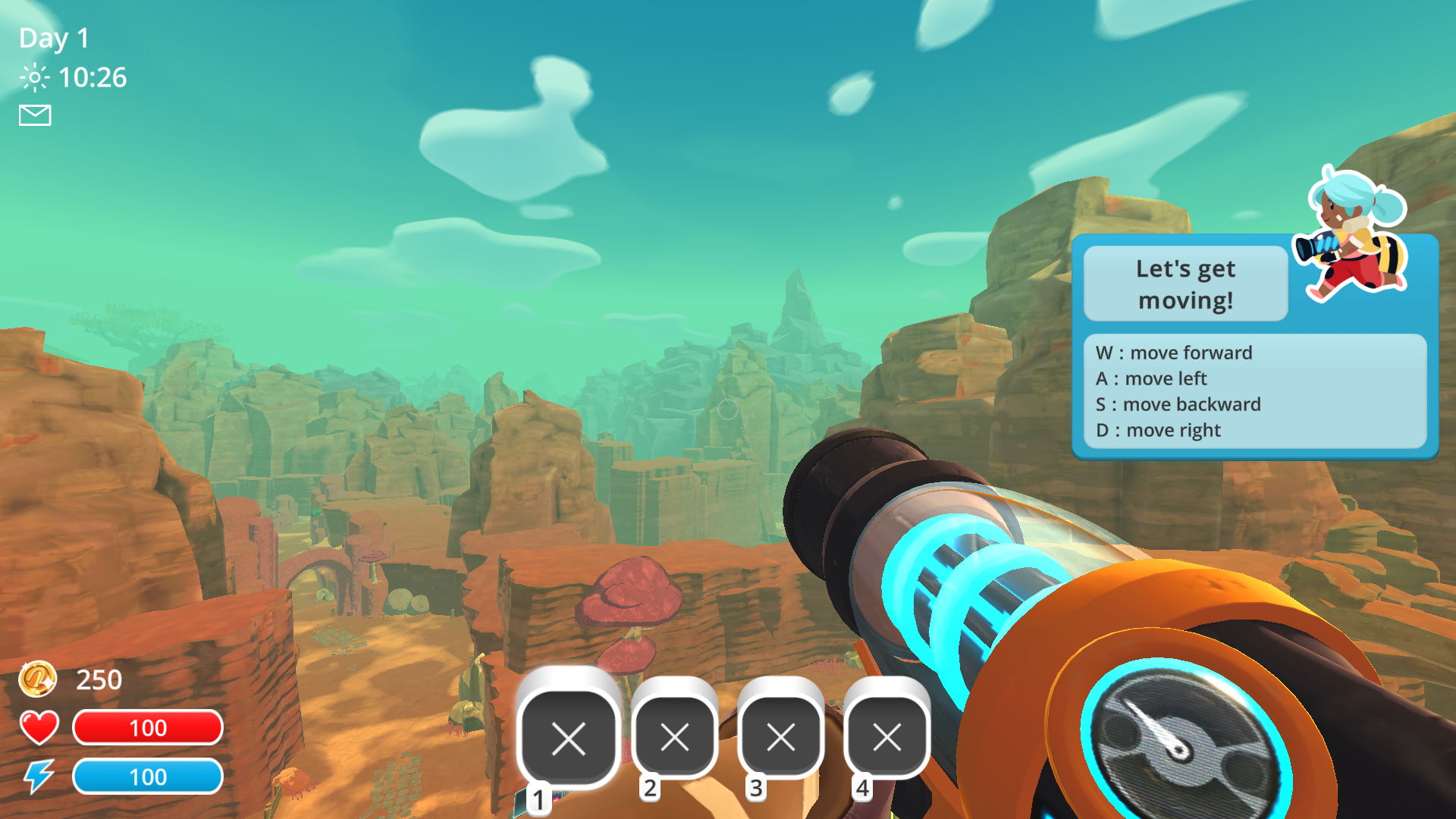
Fly above the ranch
Rise above the ranch and explore the surrounding cliffs with Fly enabled. Use the directional controls to move through the air and hold the faster-flight key to travel more quickly.
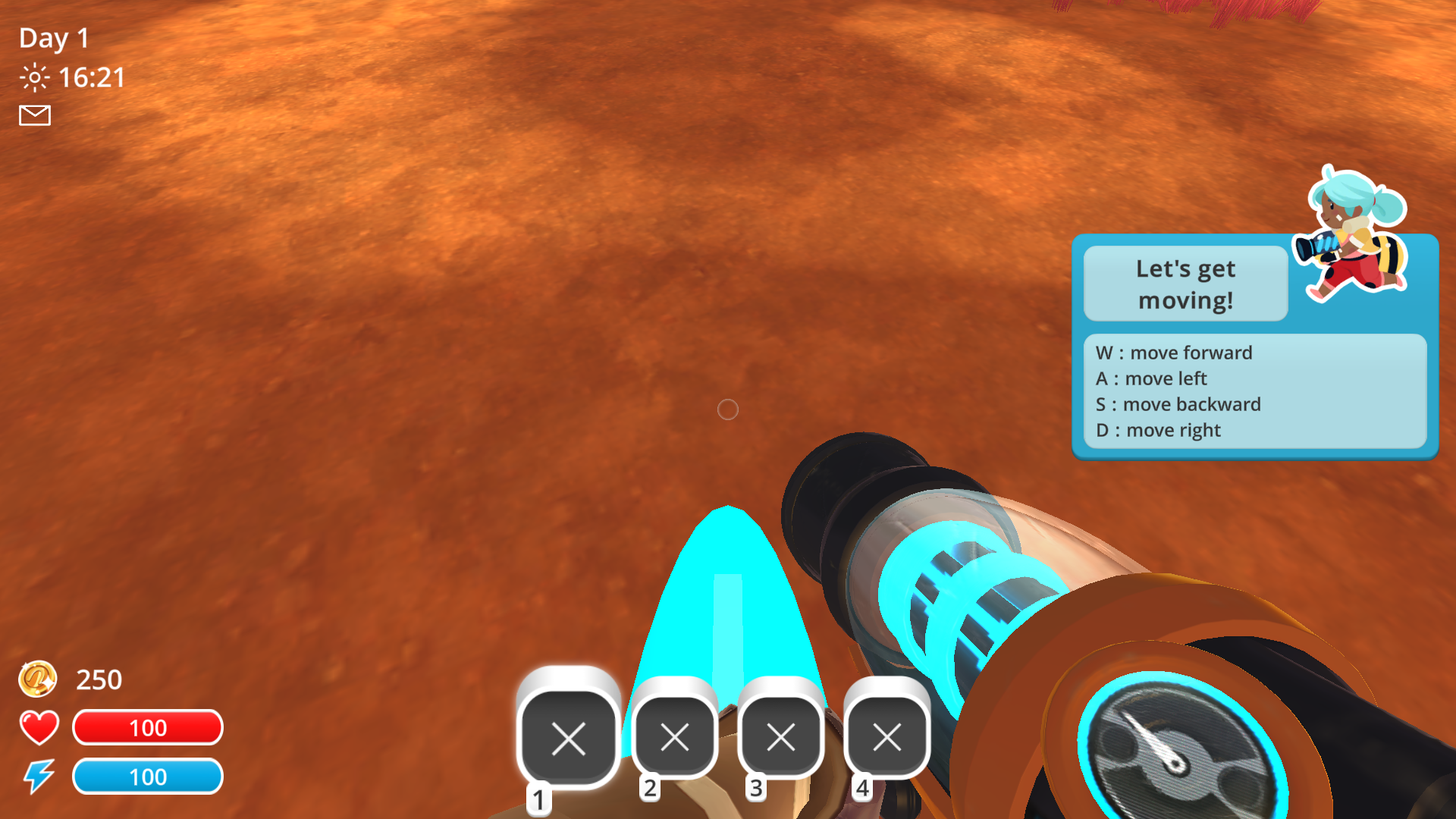
Take a board onto the ranch paths
Choose Board in Movement to accelerate, coast, carve and brake along the ground. Hold and release the jump key to pop off the path.
1 / 2
More ways to customise Slime Rancher
- Slime Rancher resources
Adjust your current health, Newbucks and Slime Key balances in Slime Rancher.
- Slime Rancher rule modifiers
Choose Slime Rancher rules for sprinting, radiation, knockout prevention and Ancient Water.
- Slime Rancher utilities
Choose a listed Slime Rancher destination and teleport there during normal main-world gameplay.
Using these features
Choose the feature in the Windows app after connecting your game. Check its requirements before making a change.
Setup for Slime Rancher →