

Fly movement for Slime Rancher 2
Rise above the ranch, move freely through solid scenery and keep your normal first-person vacpack view. Choose a comfortable flight speed or hold boost to cover ground faster.

Switch between flight and rancher movement
Enable Movement and select Fly. Use W, A, S and D to travel, Space to rise, Control to descend and Shift to boost. The default V binding toggles Movement, and you can change it in your keybind settings.
Turn Movement off above safe ground to return to normal walking and gravity. Opening the game's pause menu releases movement control.
Available ability modifiers
MovementPremium
Explore with Fly movement, moving freely above and through the Conservatory's solid scenery.
Select Fly, then use W/A/S/D, Space, Control and Shift. Toggle Movement with your configured keybind; V is the default. Turn Movement off above safe ground to return to normal movement.
Supported movement styles: Fly
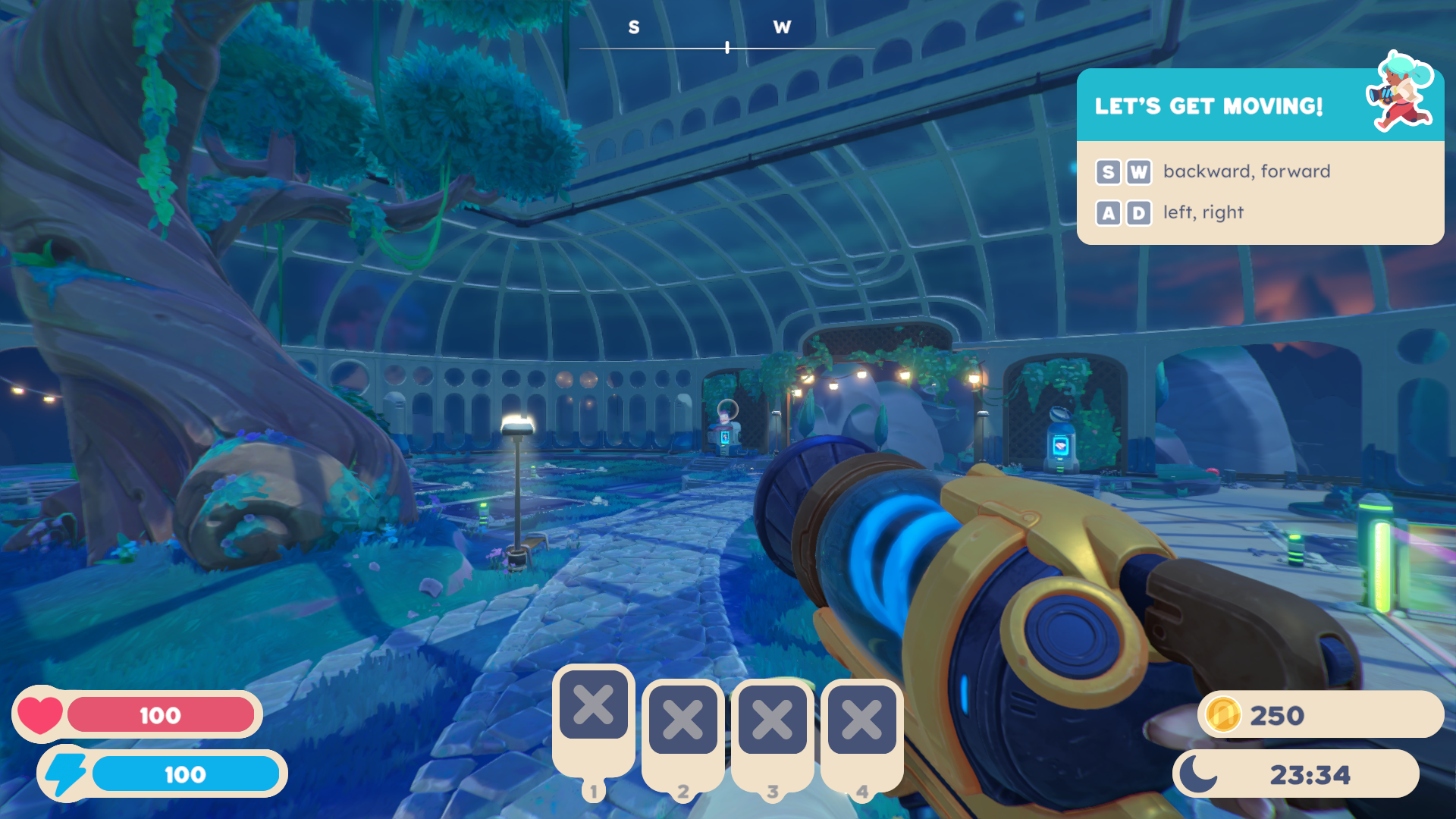
Fly above the Conservatory
Hover above the Conservatory with Fly movement and keep your vacpack view while exploring.
More ways to customise Slime Rancher 2
- Slime Rancher 2 resources
Set health within its maximum and adjust your Newbucks.
- Slime Rancher 2 rule modifiers
Change how sprinting, radiation and knockouts affect your rancher.
Using these features
Choose the feature in the Windows app after connecting your game. Check its requirements before making a change.
Setup for Slime Rancher 2 →