

Resources
2 optionsSet health within its maximum and adjust your Newbucks.
View resources →Fly above the Conservatory, adjust your health and Newbucks, or choose rules for exploring Rainbow Island in Slime Rancher 2.

Start with free mods
Download Bytonian Mods for Windows and try these free features. Choose one to see how it works and any requirements.
Set or add health, or keep a chosen minimum. Health cannot exceed its maximum and a lethal hit can still knock you out.
Explore this free feature →Keep energy topped up while sprinting across Rainbow Island.
Explore this free feature →Prevent radiation from building up while the rule is enabled.
Explore this free feature →I Made the Chicken Bigger. Still Lunch. | Slime Rancher 2
A giant Hen Hen is still lunch for a hungry pink slime. Free Chicken Size experiment in Slime Rancher 2, with a small lunch-sized surprise.
Take to the air with Fly, or change the rules for sprinting, radiation and knockouts while you explore.
Set your Newbucks balance and manage health as you collect slimes and build your ranch.
Install the Windows launcher, select Slime Rancher 2 and enable the controls you want.
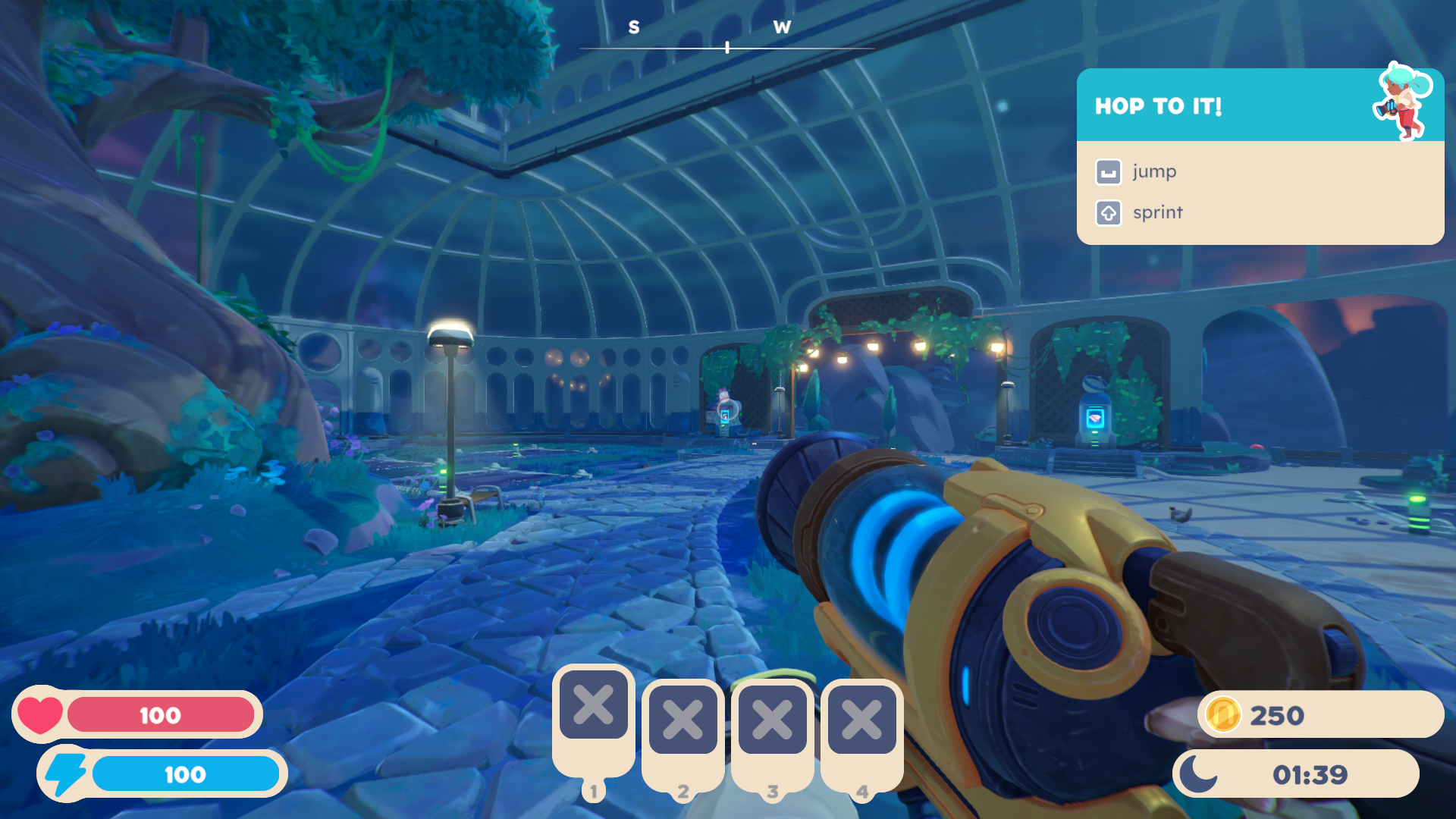
Inside the Conservatory
Explore the Conservatory from the rancher's first-person view, with your vacpack and everyday controls close at hand.
Set health within its maximum and adjust your Newbucks.
View resources →Change how sprinting, radiation and knockouts affect your rancher.
View rule modifiers →Fly around the Conservatory with adjustable speed and boost.
View ability modifiers →Browse the Steam achievement names and descriptions for Slime Rancher 2. Choose and unlock achievements for free with Bytonian Mods in the Windows app.
View all achievements →Download the Windows app and follow the setup prompts.
Open Slime Rancher 2 and select it in Bytonian Mods. Follow the app’s connection prompts.
Review the available options in the app and choose the ones that suit how you play.