

Keep oxygen and stamina available
Give yourself more room to explore the sea and move around your ship. Choose oxygen, stamina or both, with separate controls for each reserve.

Choose oxygen for underwater exploration
Unlimited oxygen stops your remaining oxygen reserve from draining while the feature is on. Use it when searching beneath the surface, then switch it off to return to normal oxygen use.
Choose stamina for running
Unlimited stamina keeps running from using your stamina reserve. Turn it on when you want to keep moving, or off when you want the usual stamina cost.
Use your own private room
These controls apply to your character in private games you host. Start your room using the setup steps on the overview, then choose the cards you want.
Available stat modifiers
Unlimited oxygenFree
Keep your remaining oxygen from draining while you explore underwater.
Turn Unlimited oxygen on in a private game you host. Switch it off to return to normal oxygen use.
Applies to your own character in private hosted games. Health damage still applies.
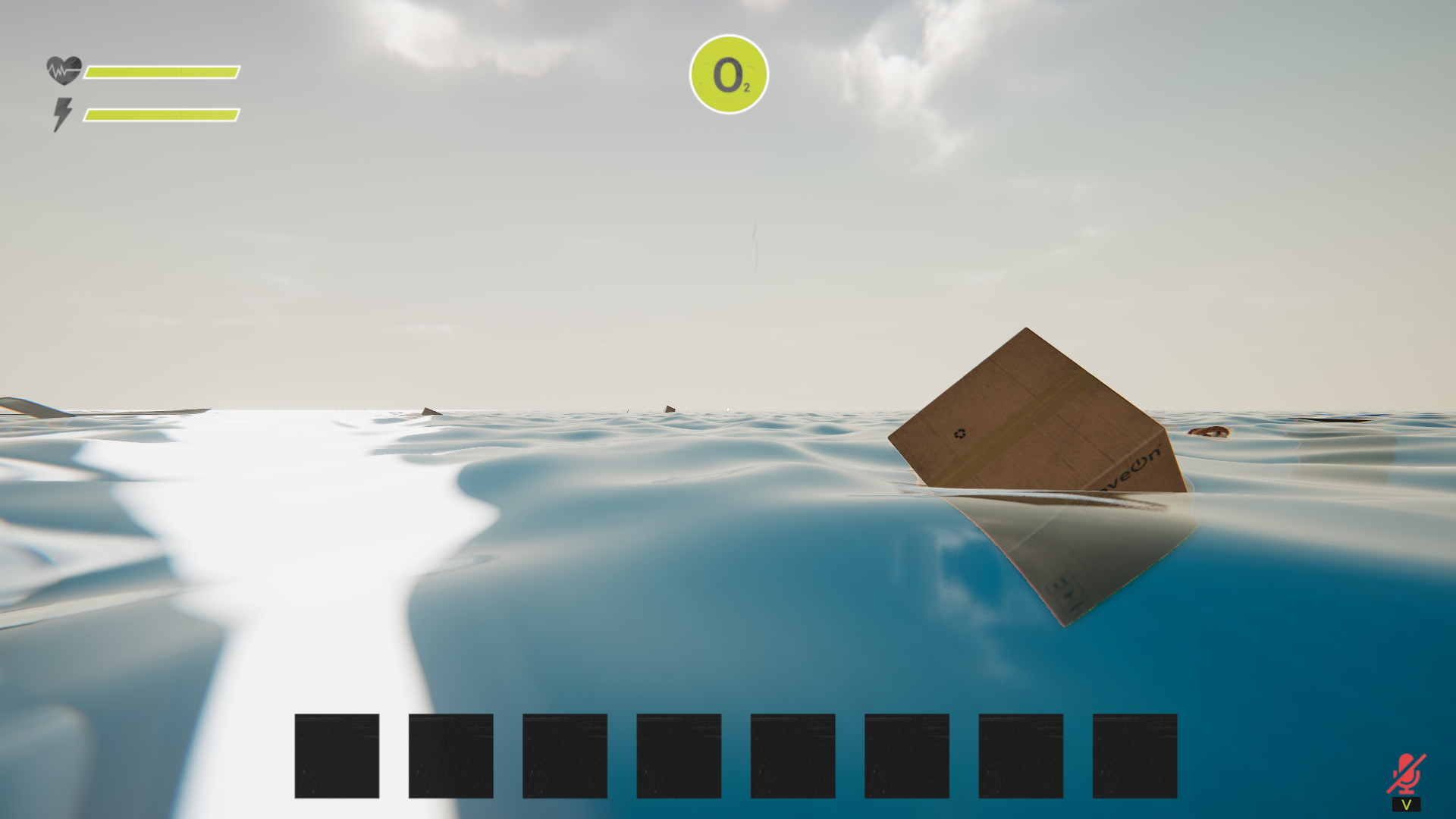
Oxygen for ocean exploration
Keep your oxygen reserve while exploring the water around your ship. Use Unlimited oxygen in private games you host.
Unlimited staminaPremium
Keep stamina available for running as you move around your ship and open water.
Turn Unlimited stamina on in a private game you host. Switch it off to restore the usual stamina cost.
Applies to your own character in private hosted games. Health damage still applies.
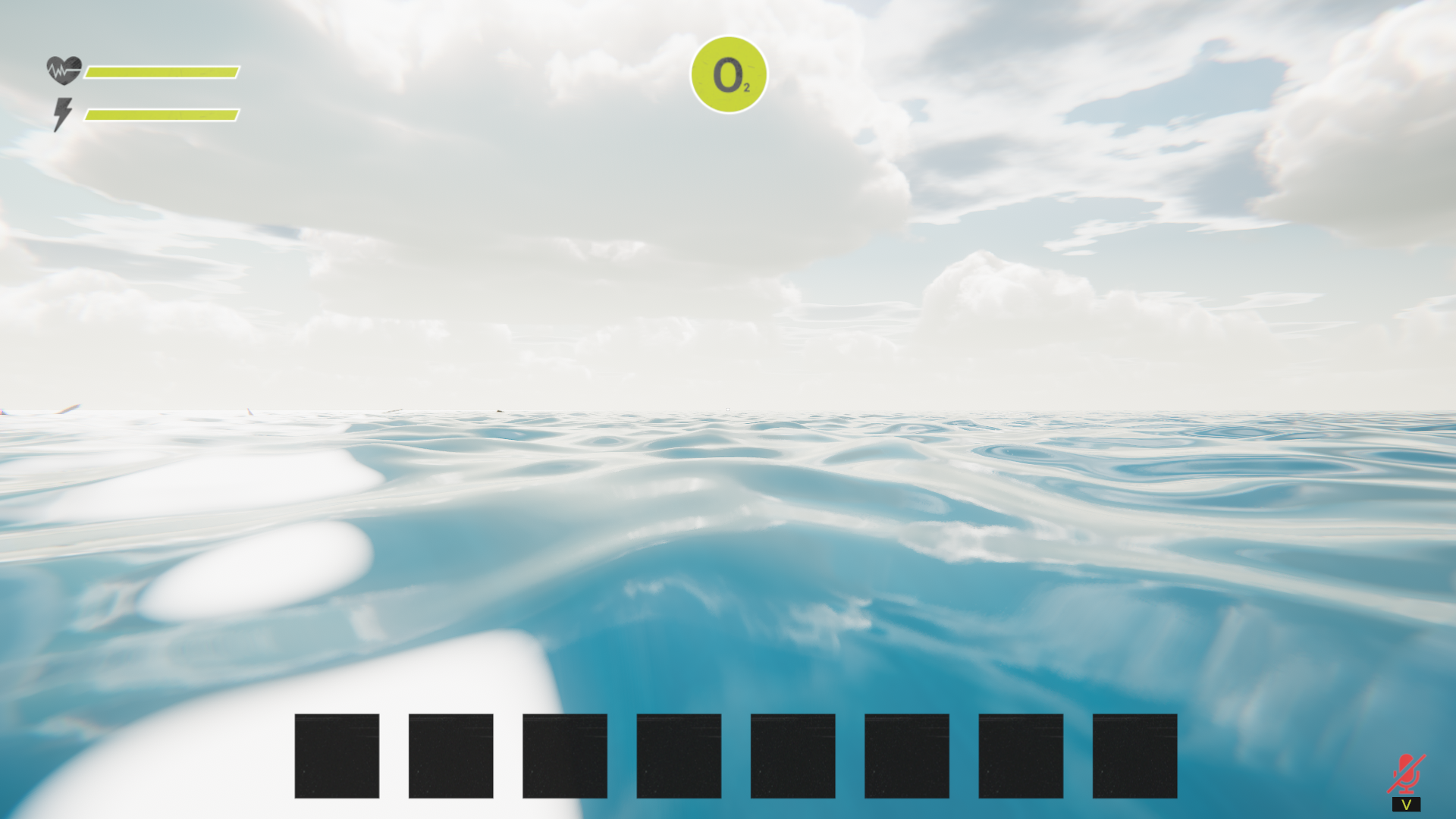
Stamina ready for your next run
Run without draining stamina in private games you host. Unlimited stamina keeps your reserve available while you move.
Using these features
Choose the feature in the Windows app after connecting your game. Check its requirements before making a change.
Setup for SHARK SIEGE - TOGETHER SURVIVAL →