

Stat Modifiers
2 optionsPrevent oxygen depletion and stamina use with independent toggles.
View stat modifiers →Keep your ship afloat while a giant shark threatens your survival. Gather supplies, make repairs and face changing conditions at sea, with oxygen and stamina controls to support your next outing.

Start with free mods
Download Bytonian Mods for Windows and try these free features. Choose one to see how it works and any requirements.
Keep your remaining oxygen from draining while you explore underwater.
Turn Unlimited oxygen on in a private game you host. Switch it off to return to normal oxygen use.
Applies to your own character in private hosted games. Health damage still applies.
Open Stat Modifiers to keep your oxygen reserve or prevent running from using stamina. Each feature has its own toggle, so you can choose the help you want.
Open SHARK SIEGE - TOGETHER SURVIVAL in the Bytonian Mods Windows app and enable the mods you want. Create a room with Private enabled, start the game as its host, then turn on your chosen cards.
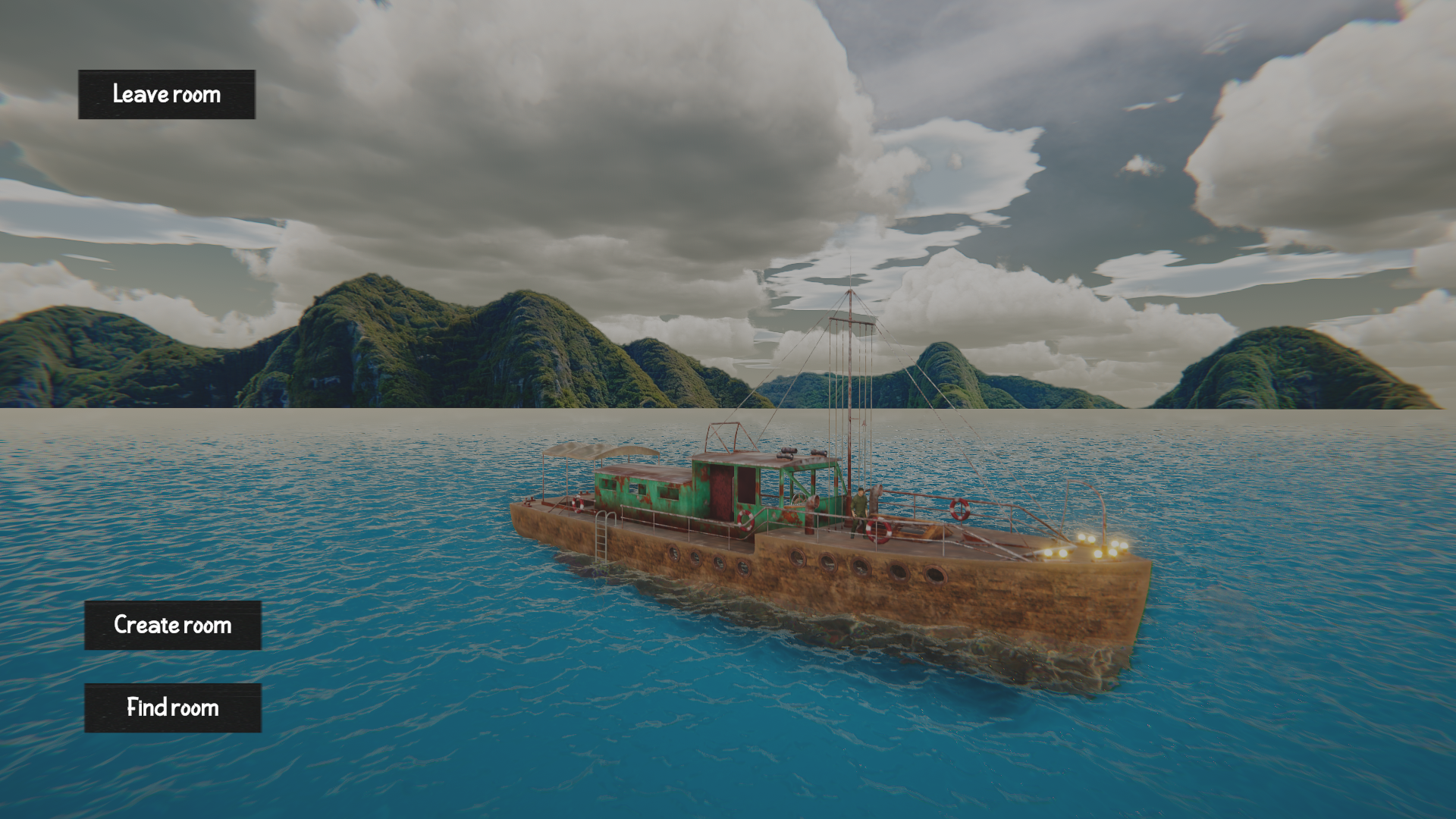
Your ship on open water
Prepare for survival aboard your ship, with shark attacks, repairs and supplies to manage. Choose oxygen and stamina controls for private games you host.
Prevent oxygen depletion and stamina use with independent toggles.
View stat modifiers →Download the Windows app and follow the setup prompts.
Open SHARK SIEGE - TOGETHER SURVIVAL and select it in Bytonian Mods. Follow the app’s connection prompts.
Review the available options in the app and choose the ones that suit how you play.