

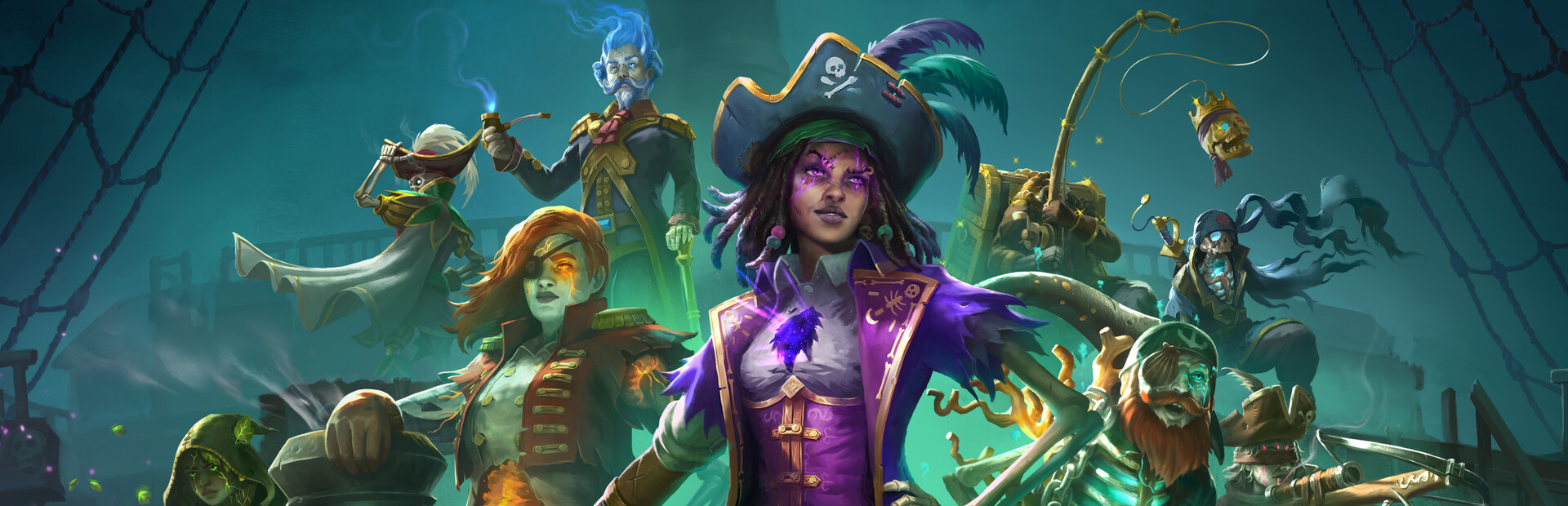
Background play and HUD controls
Keep Shadow Gambit running while you consult another window, or remove interface elements to enjoy the scenery. Both controls are reversible toggles.

Keep Playing in Background
Turn this on to keep the game running when another window has focus. If a pause menu is already open, choose Continue after enabling it. Normal pause controls remain available.
Hide HUD and Icons
Hide character portraits, interface icons and objective text to clear the gameplay display. Switch it off to restore the previous visibility settings.
Available rule modifiers
Hide HUD and IconsPremium
Hide the gameplay HUD, interface icons and objective text for a clear view of the scene.
Turn on Hide HUD and Icons to clear the view. Turn it off to restore the previous display settings.
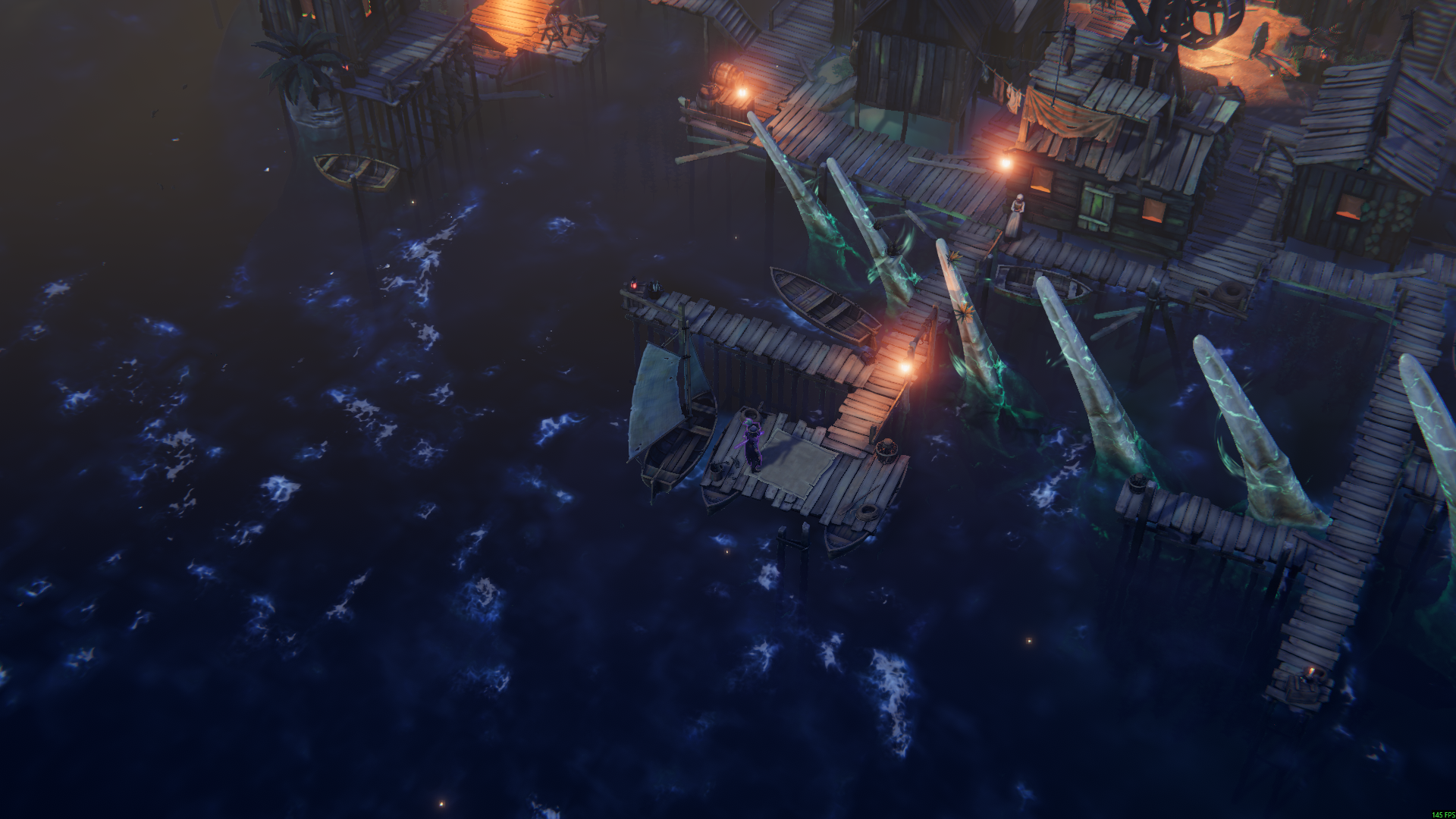
See the harbour without the HUD
Hide the portrait, on-screen objectives and interface icons for a clear view of the harbour.
Keep Playing in BackgroundFree
Keep the game running when you switch to another window.
Turn on Keep Playing in Background, then choose Continue if a pause menu is open. Switch it off to restore normal focus pausing.
Before you use it: The pause menu and loading pauses still work normally.
Using these features
Choose the feature in the Windows app after connecting your game. Check its requirements before making a change.
Setup for Shadow Gambit: The Cursed Crew →