

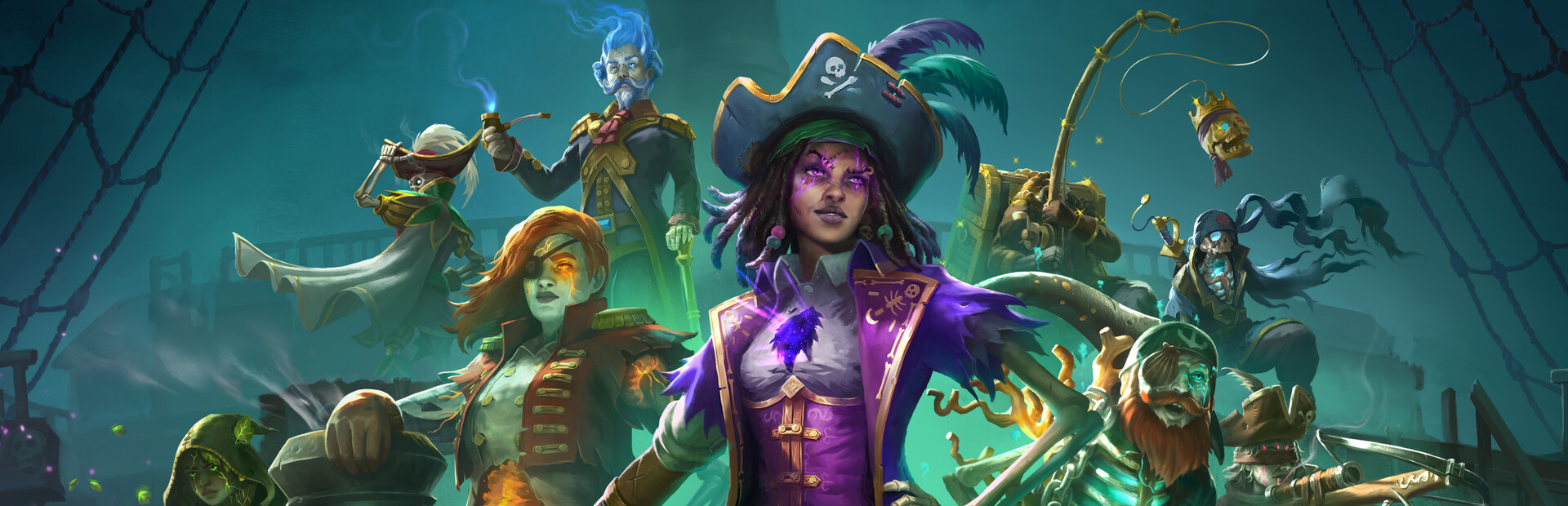
Rule Modifiers
2 optionsHide HUD and Icons, Keep Playing in Background.
View rule modifiers →Lead a cursed pirate crew through real-time stealth missions in the Lost Caribbean. These mods let you keep the game running when you switch windows and clear the gameplay display for a better view of the scenery.

Use Keep Playing in Background to continue the game when another window has focus. Hide HUD and Icons removes the gameplay interface and objective text when you want a clear view of the scenery.
Launch Shadow Gambit: The Cursed Crew through Bytonian Mods, then turn on the change you want. If a pause menu is already open when you enable background play, choose Continue in the game. Switch a toggle off to restore its previous behavior.
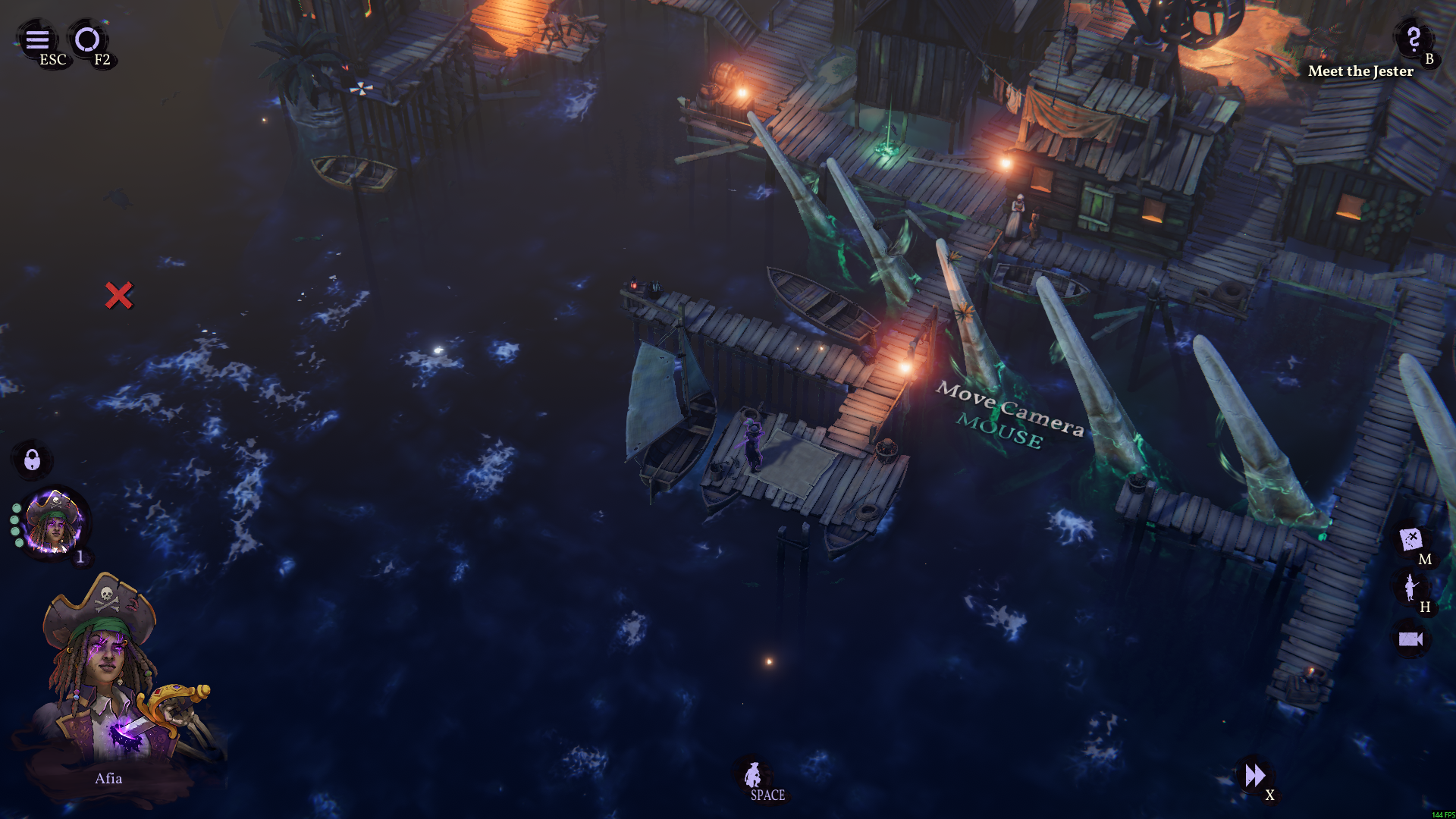
Afia at the harbour
Explore the harbour at the start of Shadow Gambit: The Cursed Crew.
Hide HUD and Icons, Keep Playing in Background.
View rule modifiers →Browse the Steam achievement names and descriptions for Shadow Gambit: The Cursed Crew. Choose and unlock achievements for free with Bytonian Mods in the Windows app.
View all achievements →Download the Windows app and follow the setup prompts.
Open Shadow Gambit: The Cursed Crew and select it in Bytonian Mods. Follow the app’s connection prompts.
Review the available options in the app and choose the ones that suit how you play.