
Choose your puzzle resources
Set screw balances and the stock of individual puzzle items. Enter the amount you want, apply it and return to the game.
Requires the Windows app and the Bytonian Mods browser extension for Chrome or Edge. Browser setup guide

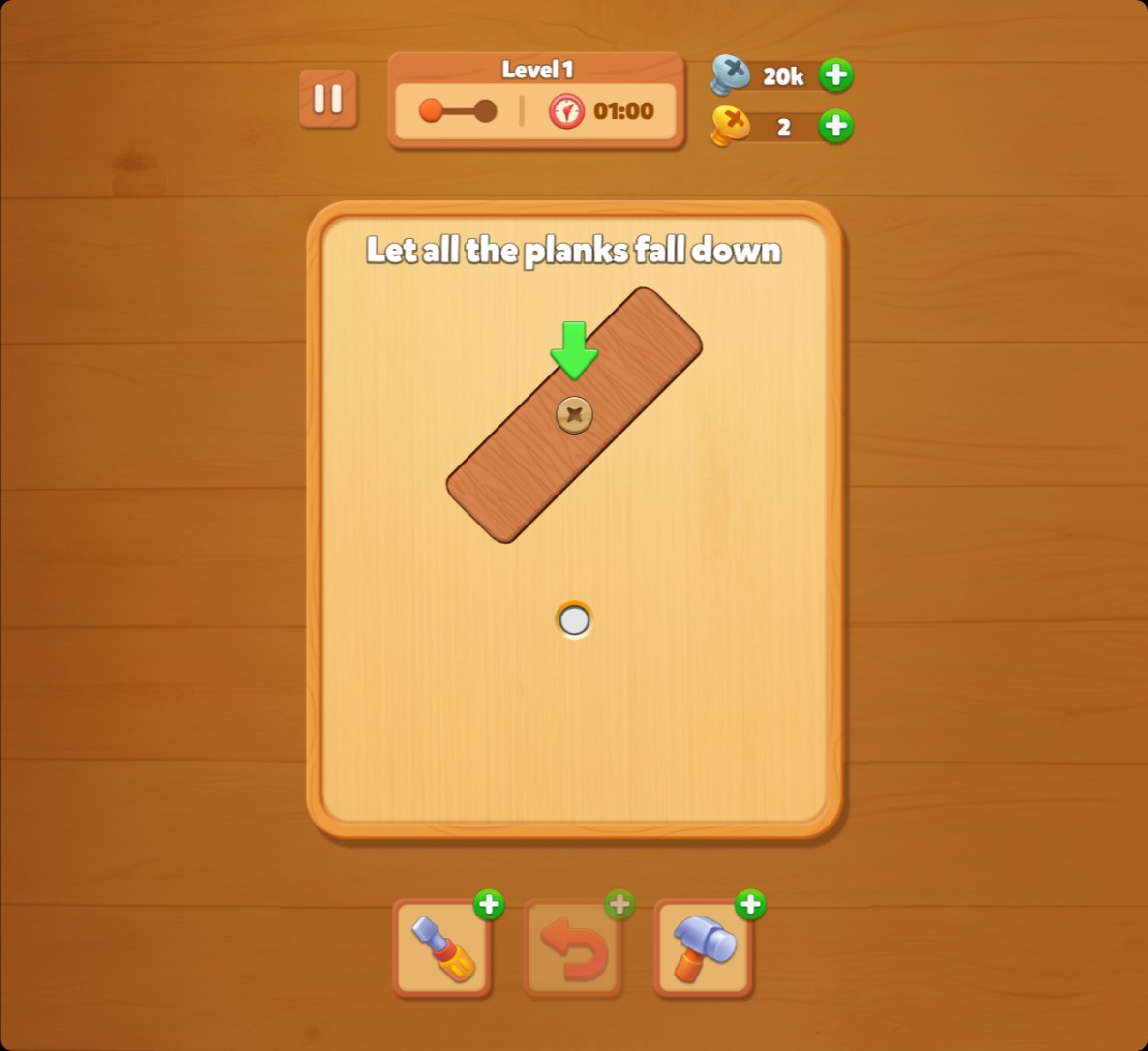
Choose your Silver Screws
Set the Silver Screws balance shown beside the silver screw icon.
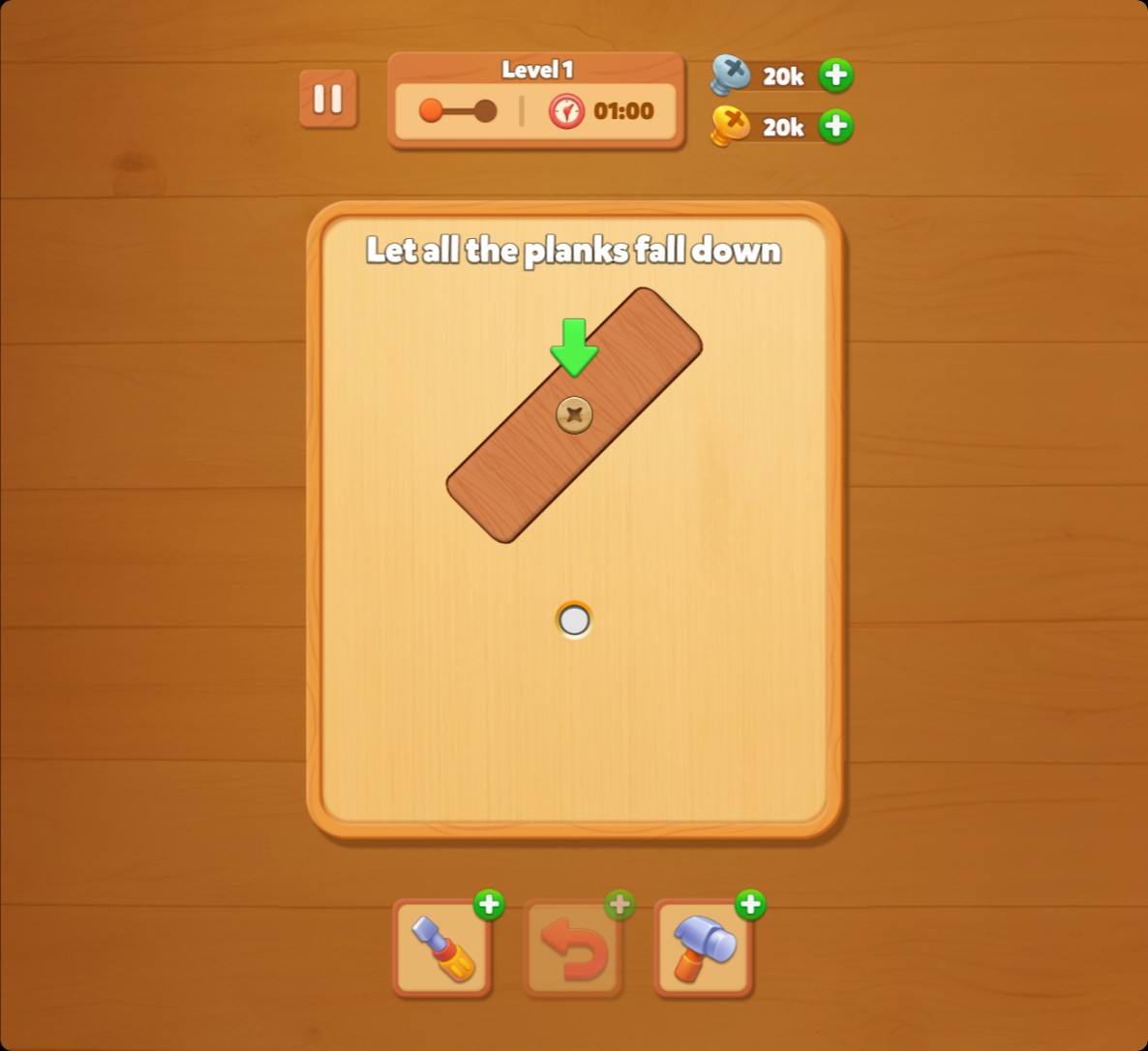
Choose your Gold Screws
Set the balance beside the gold screw icon.
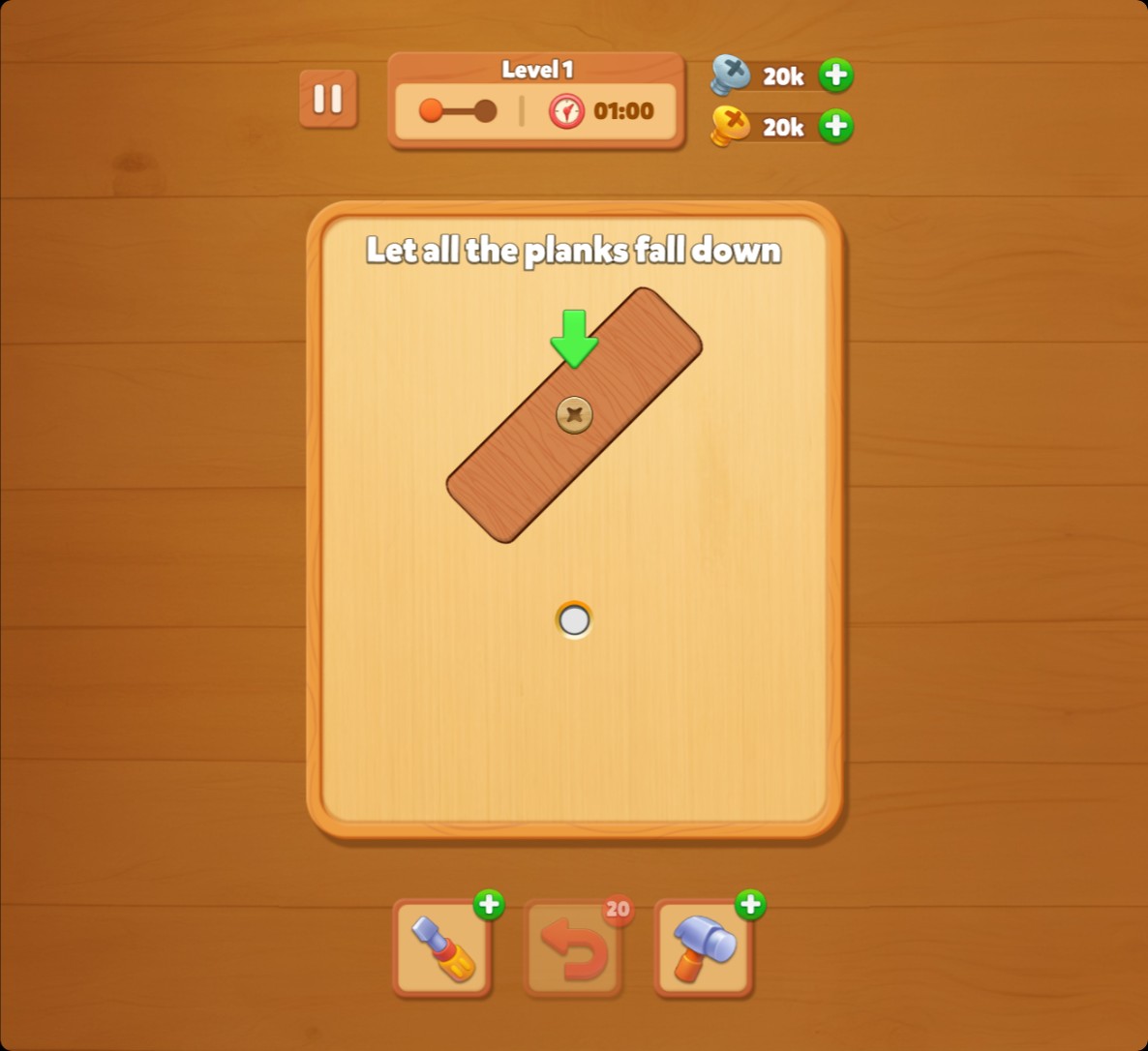
Choose your Undo stock
Set the number shown on the Undo item. Use it when a move can be undone.
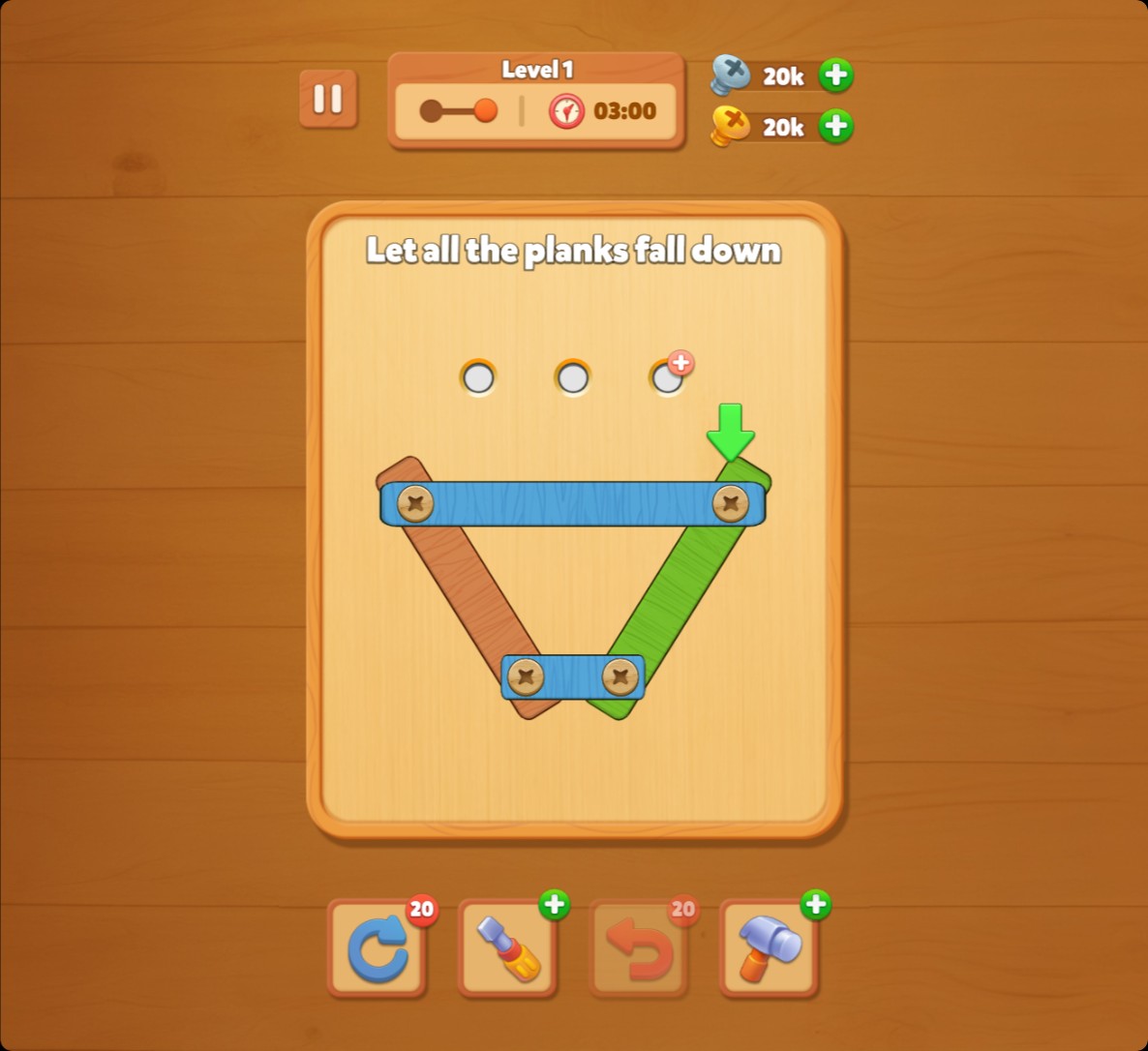
Choose your Replay stock
Set your Replay item count for the later stage of a puzzle.
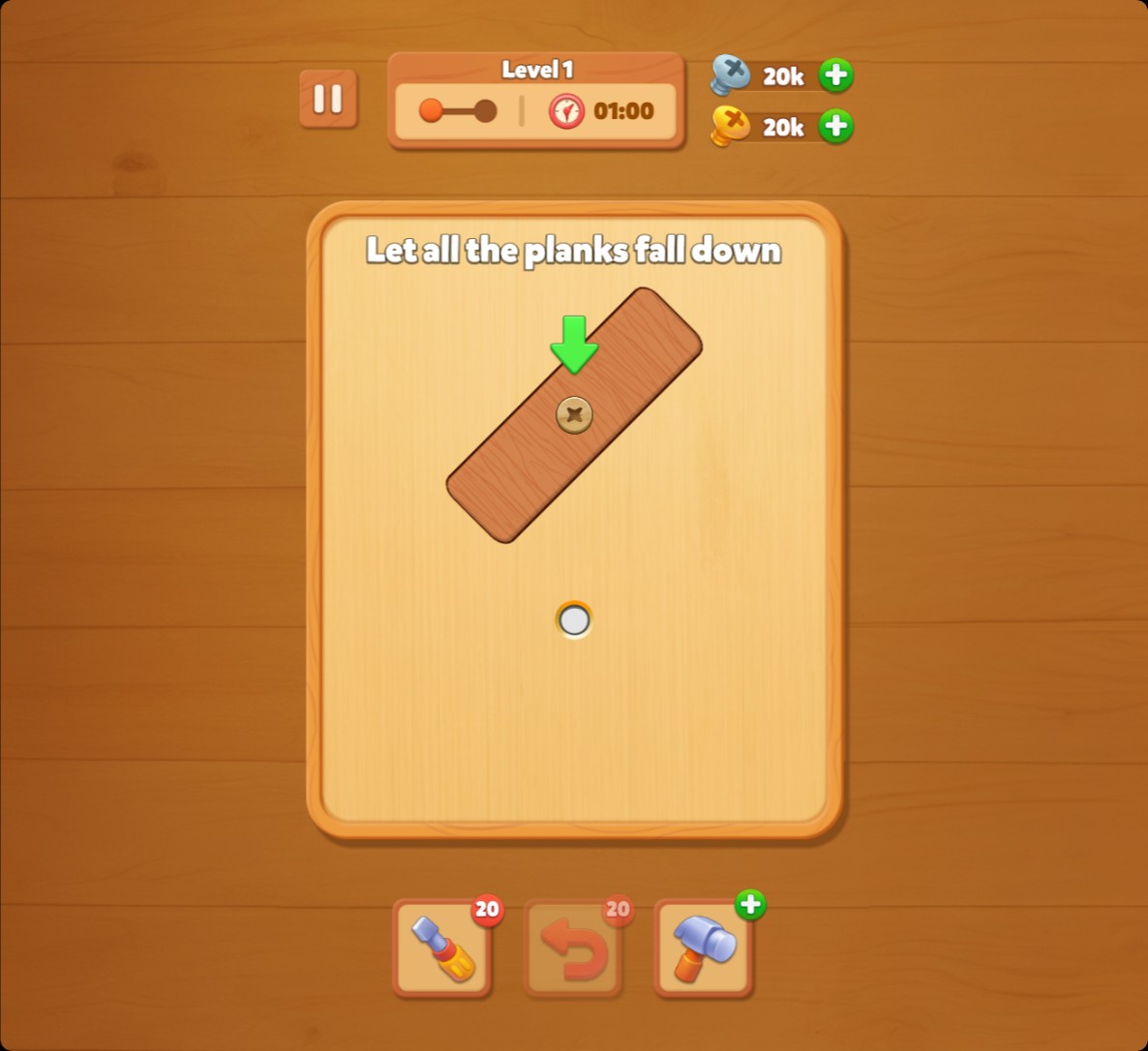
Choose your Remove Screw stock
Set the count shown on the screwdriver item.
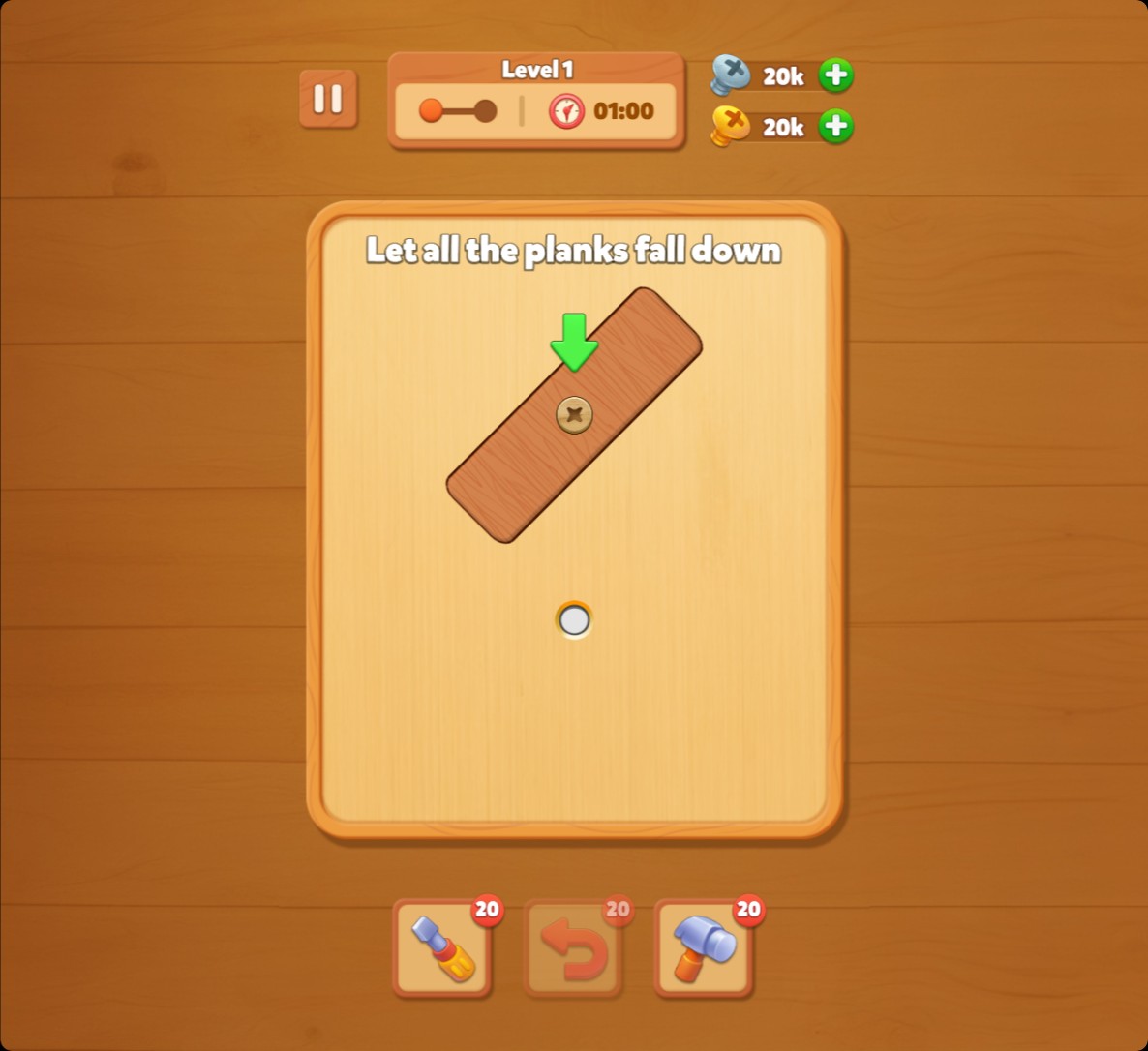
Choose your Hammer stock
Set the count shown on the hammer item.
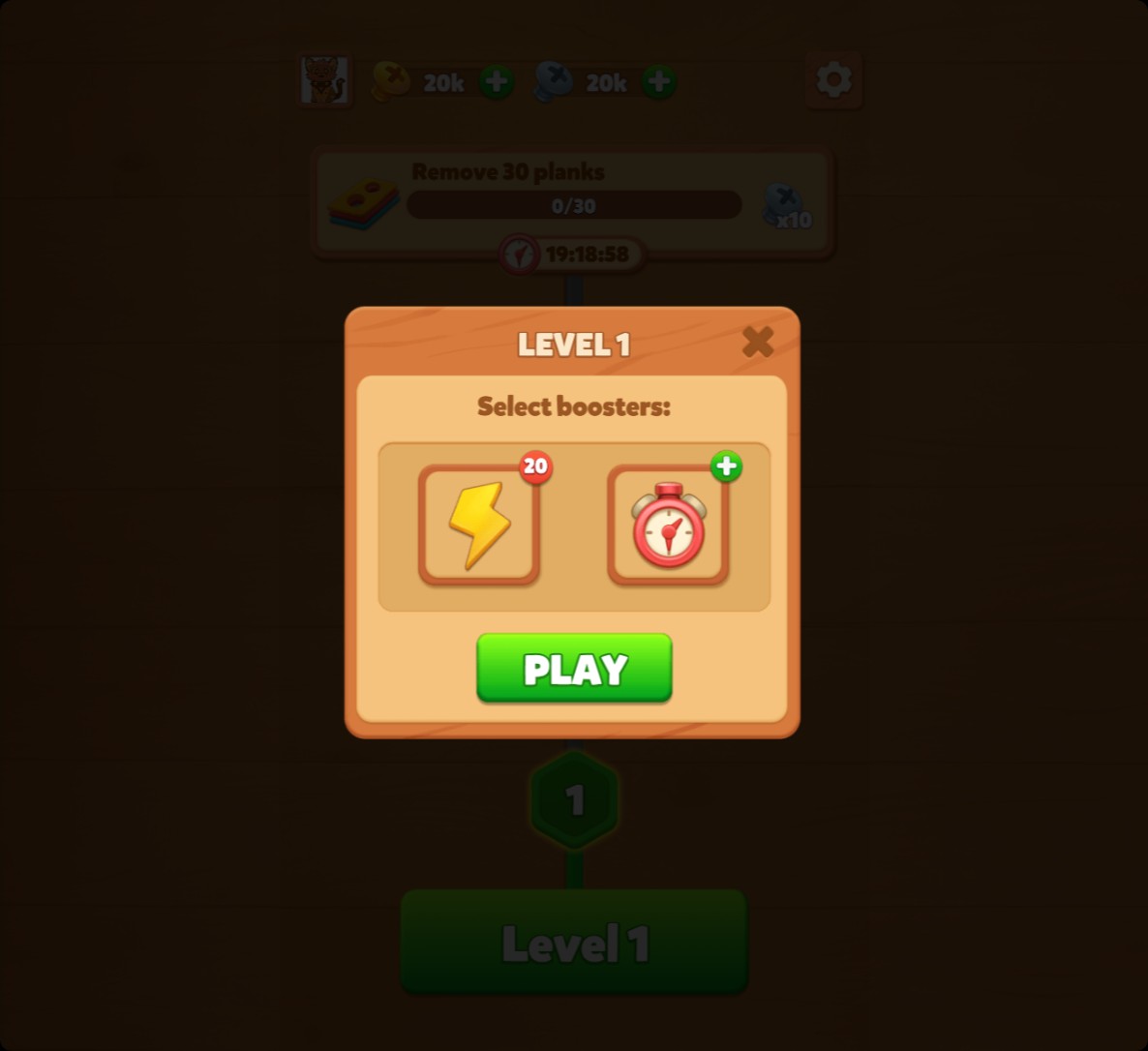
Choose your Lightning stock
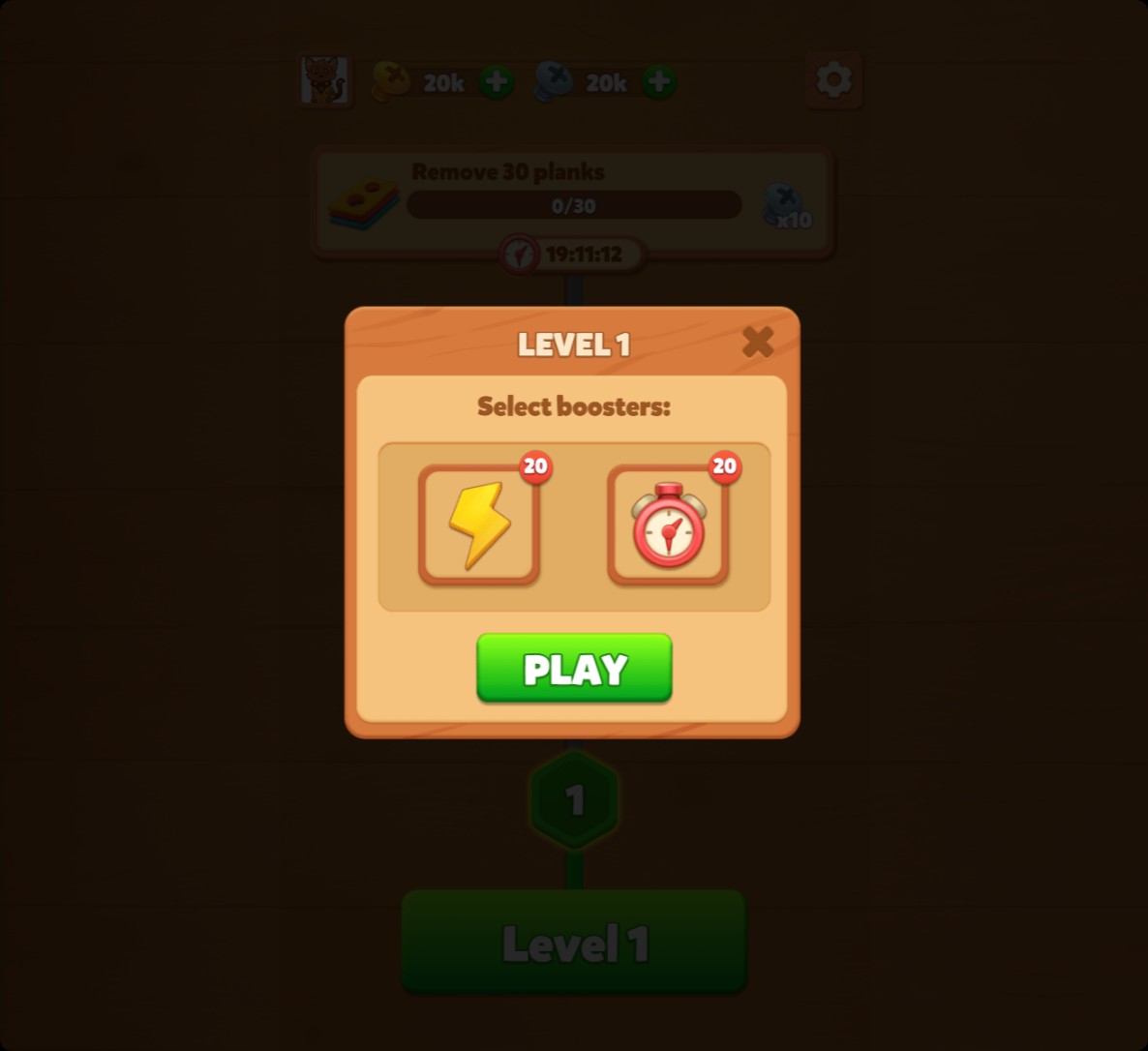
Set the Lightning count shown before starting a level.
Choose your Bonus Time stock
Set the Bonus Time count shown before starting a level.
Item counts and normal use
The chosen count appears on the corresponding item. Use the item when the game makes it available in your puzzle.
Available customisation options
Silver ScrewsPremium
Choose your Silver Screws balance.
Enter your amount and apply. The game reloads with the updated balance.
Gold ScrewsPremium
Choose your Gold Screws balance.
Enter your amount and apply. The game reloads with the updated balance.
Undo StockFree
Choose the number of Undo items in your stock.
Enter your amount and apply. The game reloads with the updated item count.
Undo becomes available after a move can be undone.
Replay StockFree
Choose the number of Replay items in your stock.
Enter your amount and apply. The game reloads with the updated item count.
Replay becomes available in the later stage of a puzzle.
Remove Screw StockPremium
Choose the number of Remove Screw items in your stock.
Enter your amount and apply. The game reloads with the updated item count.
The game’s normal screw-removal limits still apply.
Hammer StockPremium
Choose the number of Hammer items in your stock.
Enter your amount and apply. The game reloads with the updated item count.
Lightning StockPremium
Choose the number of Lightning items in your stock.
Enter your amount and apply. Return to the level’s booster panel to see the updated Lightning count.
Bonus Time StockPremium
Choose the number of Bonus Time items in your stock.
Enter your amount and apply. Return to the level’s booster panel to see the updated Bonus Time count.
Using these features
Connect your game, then open Customise in the Windows app. Choose an option, check its available values and follow its instructions. Each option lists its own requirements and limits.
Setup for Screw Puzzle: Nut and Bolt →