
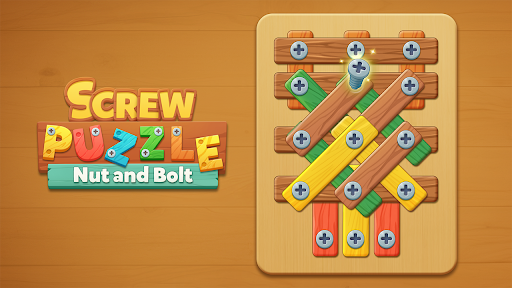
Customise
8 optionsChoose a balance or item count.
View all customisation options →Keep puzzle items such as Undo, Hammer and Bonus Time ready in Screw Puzzle: Nut and Bolt. Choose separate Silver and Gold Screw balances, then move screws into open holes to let the wooden planks fall.
Requires the Windows app and the Bytonian Mods browser extension for Chrome or Edge. Browser setup guide

Start with free mods
Download Bytonian Mods for Windows and try these free features. Choose one to see how it works and any requirements.
Choose the number of Replay items in your stock.
Enter your amount and apply. The game reloads with the updated item count.
Replay becomes available in the later stage of a puzzle.
Choose the number of Undo items in your stock.
Enter your amount and apply. The game reloads with the updated item count.
Undo becomes available after a move can be undone.
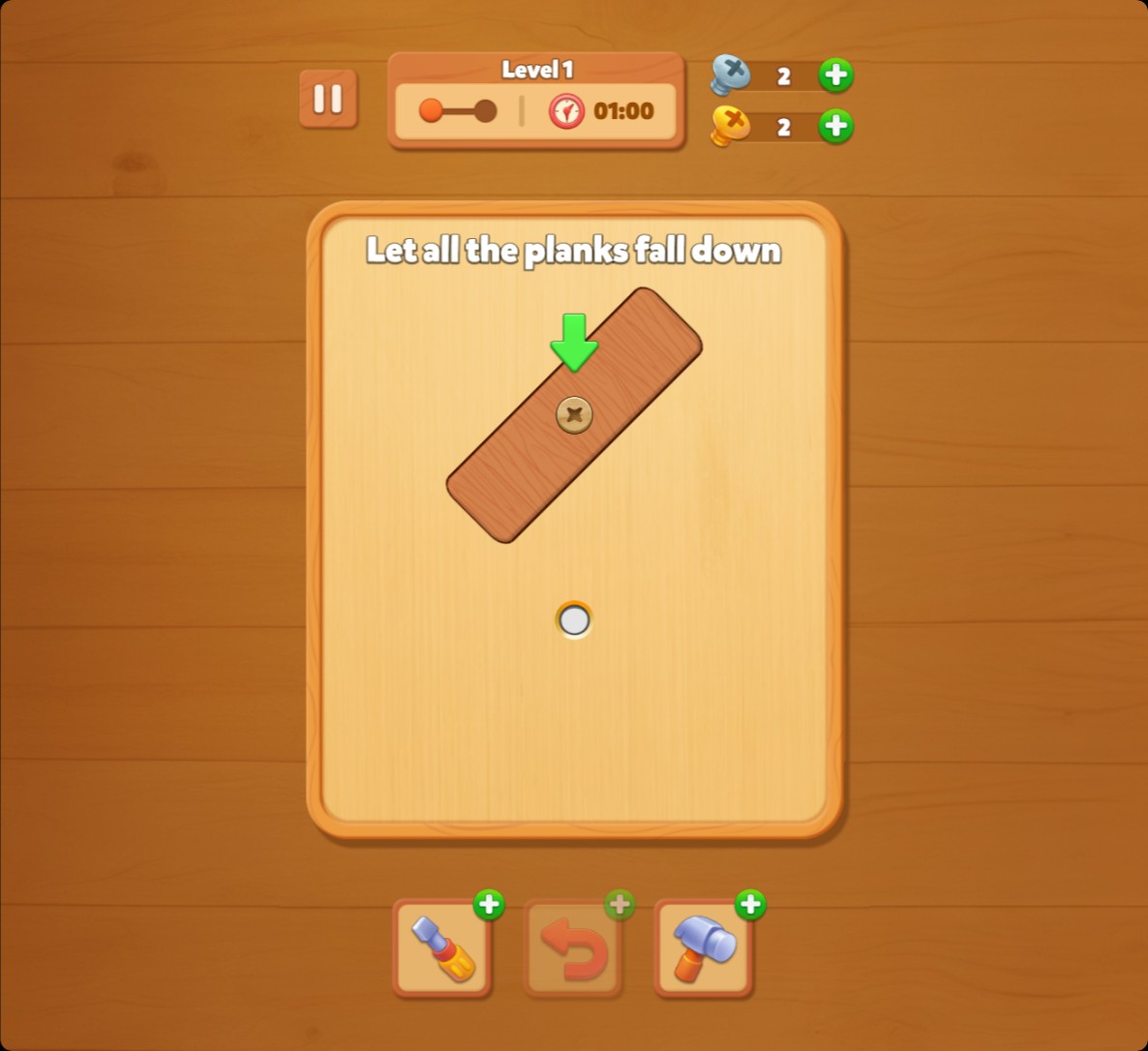
Let the planks fall
Move screws into open holes to clear the wooden planks.
Choose the resources you want in Customization, apply the change and return to the board. Each item keeps its normal use rules during a puzzle.
Open the game and let it load. In Customization, enter your chosen amount and apply. The game reloads with the updated balance or item count.
Choose a balance or item count.
View all customisation options →Download the Windows app and follow the setup prompts.
Set up the browser extension in Chrome or Edge, then open the supported YouTube Playable. Follow the connection guide if the game is already running.
Open Customise in Bytonian Mods, choose an option and follow its instructions. Check the available values and any limits before making your change.