
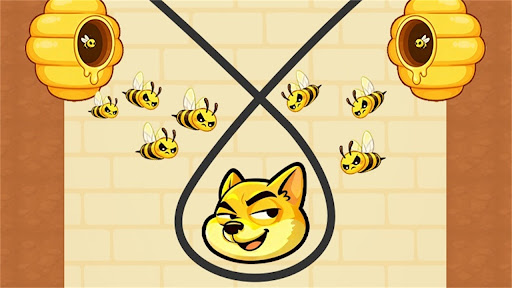
Choose your bones
Set the number of bones you want to take to the skin shop. The control accepts whole numbers from 0 to 1,000,000.
Requires the Windows app and the Bytonian Mods browser extension for Chrome or Edge. Browser setup guide

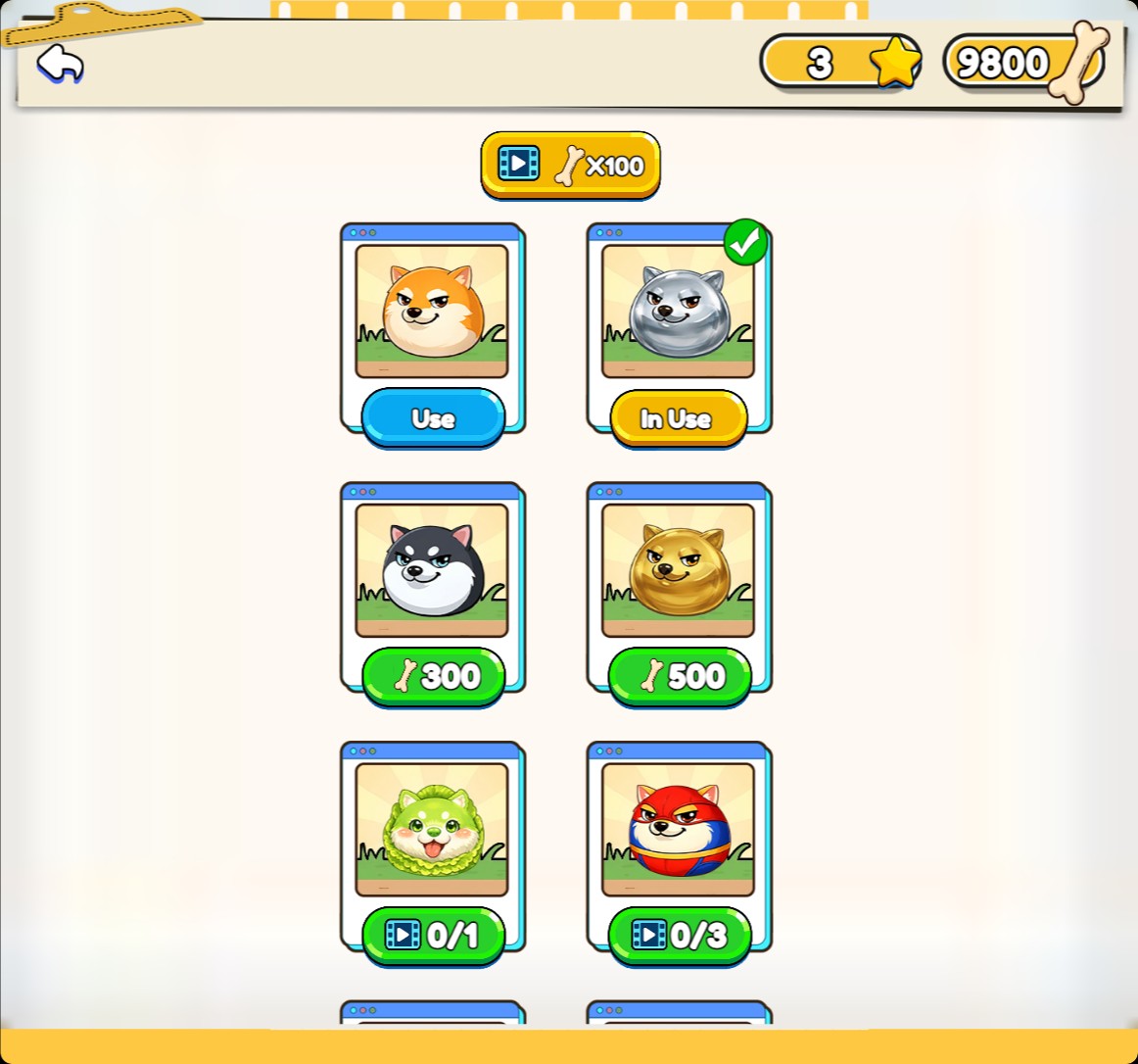
Pick a new look with your bones
Choose your bone balance, then buy skins with bones through the normal shop. Select Use to equip a skin you have purchased.
Set your balance
Enter a whole-number bone amount and apply the change. Once the game reloads, open Skin from the home screen to see your balance and the available prices.
Buy and equip a skin
Select the bone-price button on a skin you want. After purchasing it, select Use to make it your active appearance.
Available customisation options
BonesFree
Choose your bone balance for dog skin purchases in the shop.
Enter a whole-number amount and apply it. Open Skin, buy a skin using its bone-price button, then select Use.
Questions about customisation options
- Does the purchase equip the skin automatically?
- Select Use after buying a skin. The shop marks your active skin In Use.
Using these features
Connect your game, then open Customise in the Windows app. Choose an option, check its available values and follow its instructions. Each option lists its own requirements and limits.
Setup for Save the Dog-Puzzle game →