
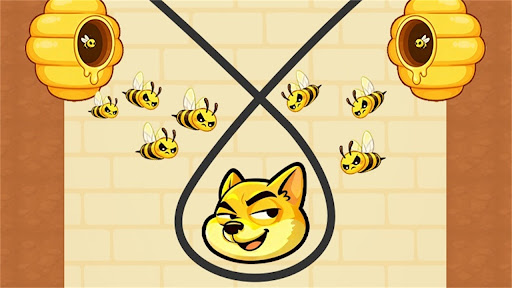
Customise
1 optionApply your balance, purchase a skin with bones and equip it through the normal shop.
View customisation options →Set your bone balance to pick a new look for your dog between puzzles. Then draw a short barrier that keeps the bees away until the timer runs out.
Requires the Windows app and the Bytonian Mods browser extension for Chrome or Edge. Browser setup guide

Start with free mods
Download Bytonian Mods for Windows and try these free features. Choose one to see how it works and any requirements.
Choose your bone balance for dog skin purchases in the shop.
Enter a whole-number amount and apply it. Open Skin, buy a skin using its bone-price button, then select Use.
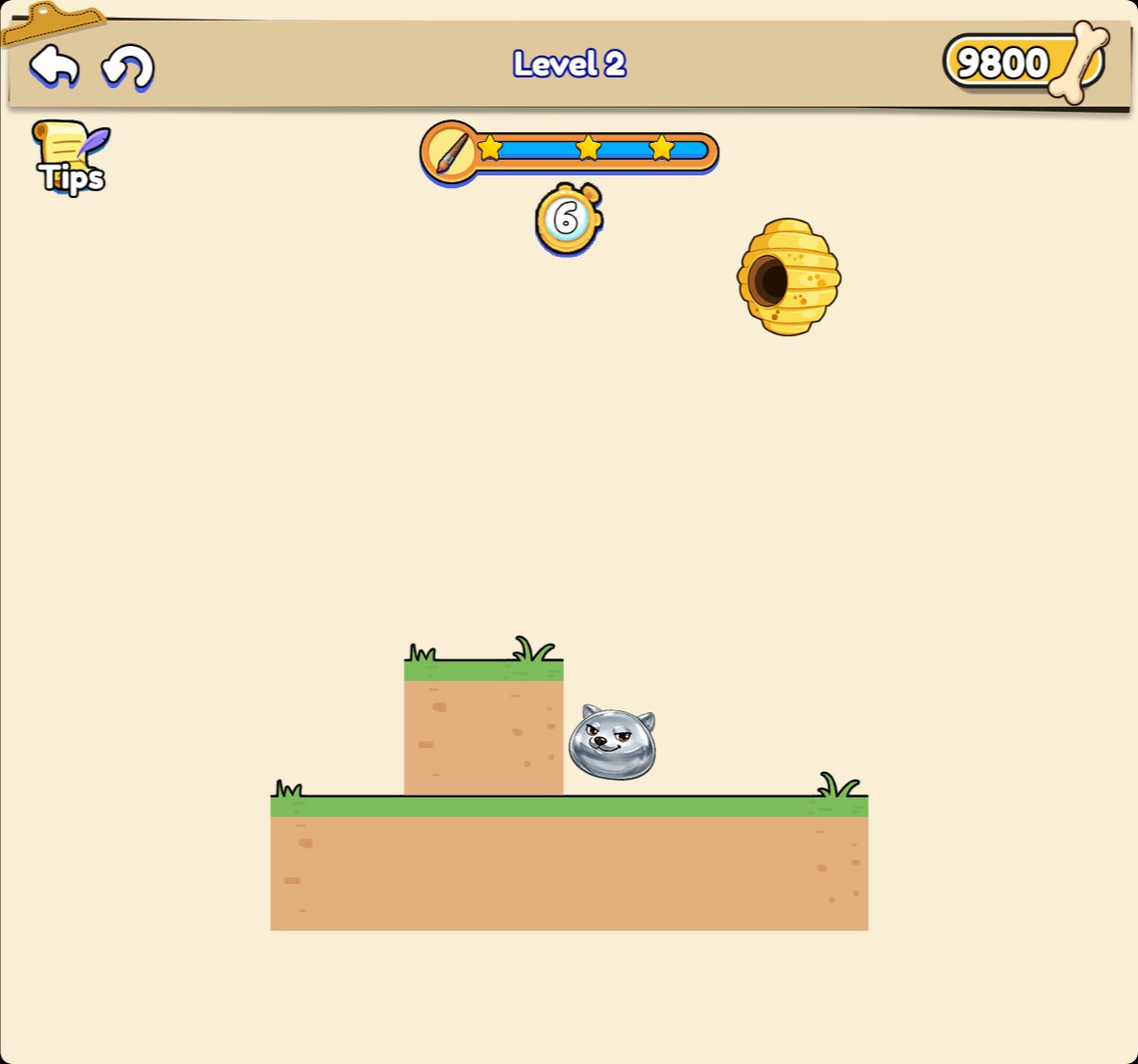
Draw a safe space for your dog
Plan a barrier around the dog and keep the bees away until the timer runs out. Spend bones in the skin shop when you want a different look.
The line you draw becomes a physical barrier. Plan around the ground and raised ledges, then watch whether your dog stays protected for the countdown.
The free Bones control lets you choose your balance before visiting the skin shop. Buy a skin with bones, then select Use to equip it.
A new look follows your dog into the next puzzle.
Apply your balance, purchase a skin with bones and equip it through the normal shop.
View customisation options →Download the Windows app and follow the setup prompts.
Set up the browser extension in Chrome or Edge, then open the supported YouTube Playable. Follow the connection guide if the game is already running.
Open Customise in Bytonian Mods, choose an option and follow its instructions. Check the available values and any limits before making your change.