

Retry or skip a Satisdom puzzle
Start the current scene again with free Retry Puzzle. When you want to move past a task, premium Skip Puzzle brings up its completion screen so you can continue.

Give the puzzle another try
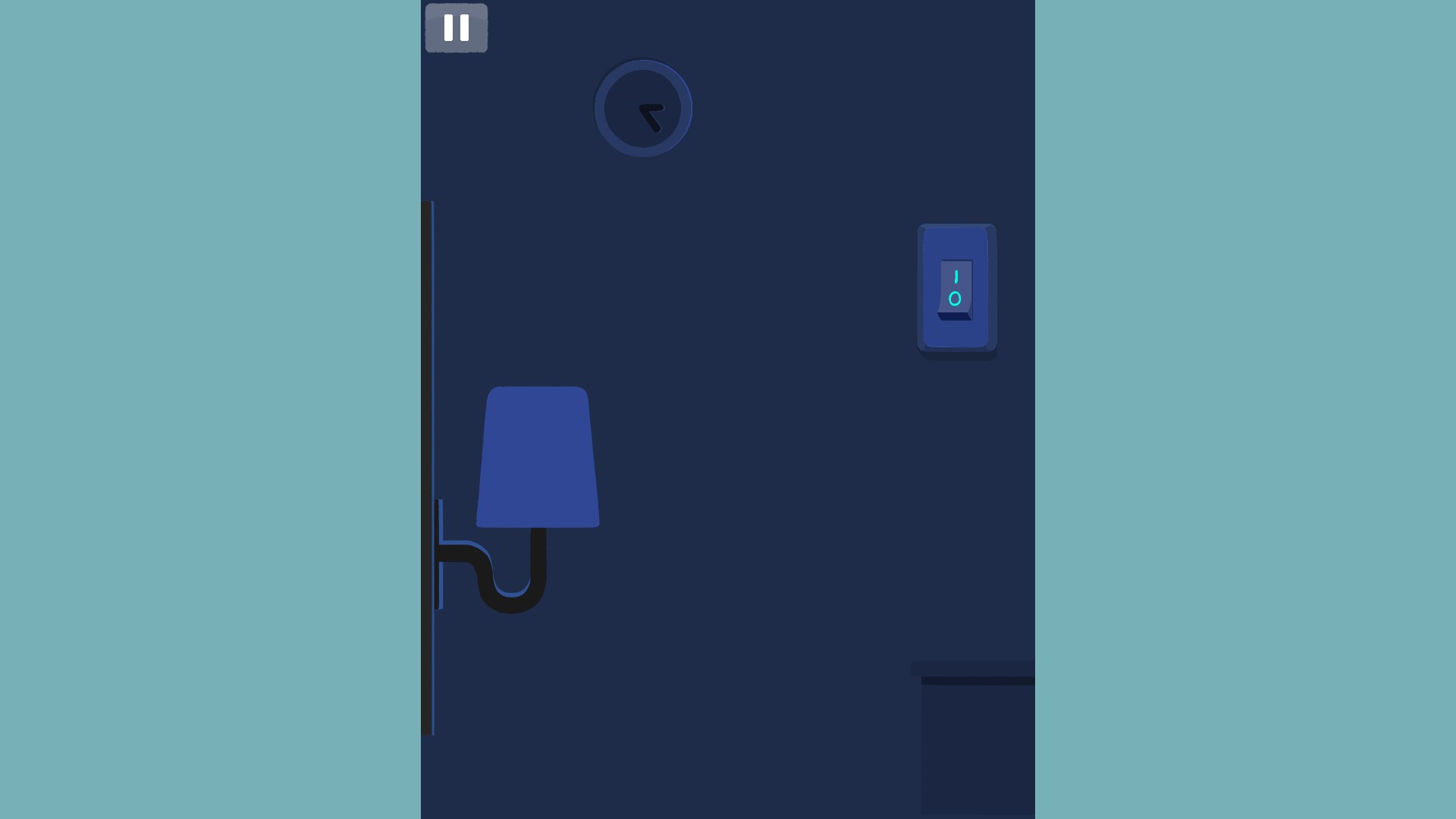
Start the same puzzle again with Retry Puzzle. In the lamp puzzle shown here, retrying turns the lamp off and returns to the start.
Move on from a tricky task
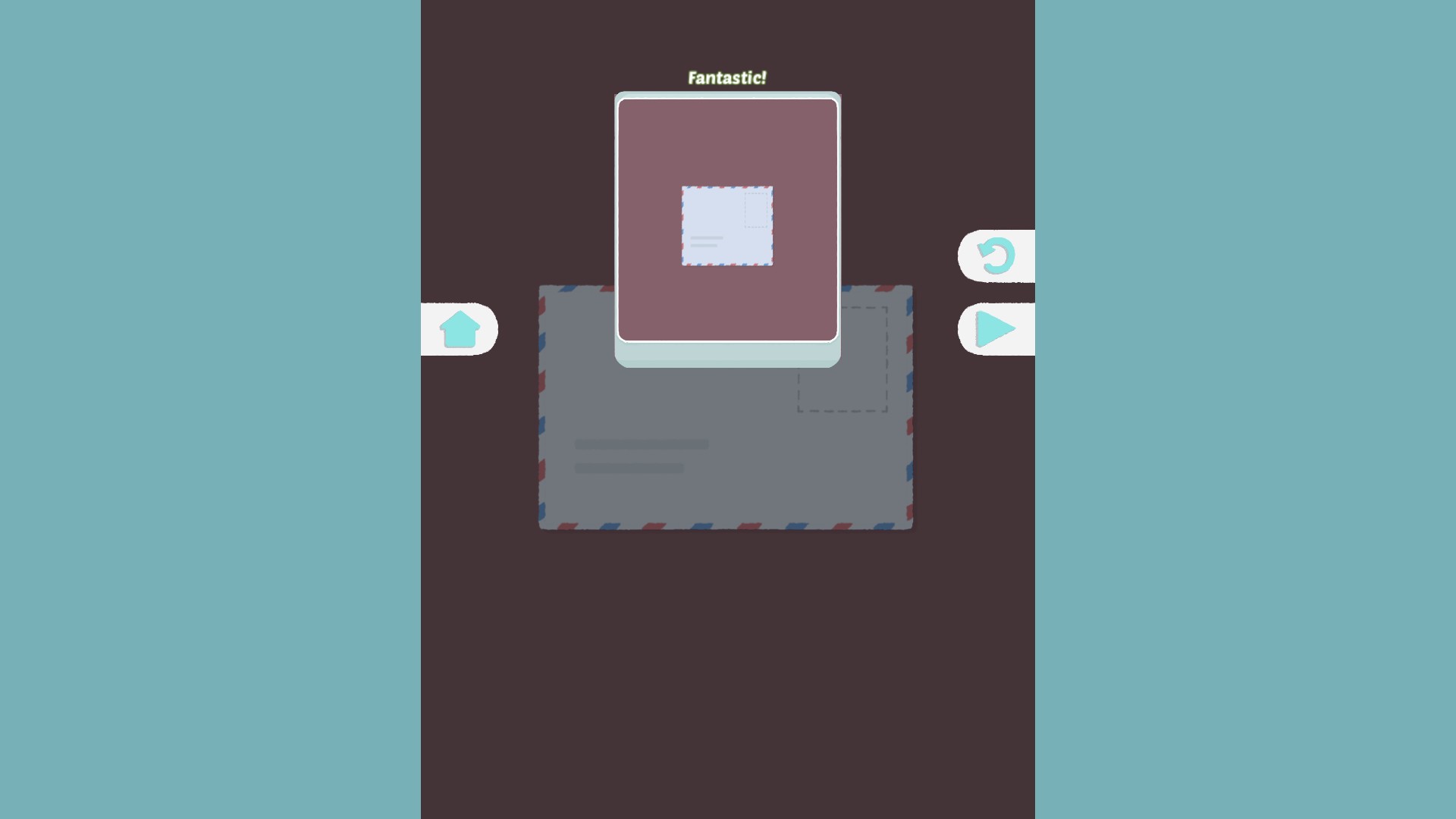
Skip Puzzle completed the envelope scene without solving the stamp placement. Press the game's normal Continue button afterwards.
Available game actions
Retry puzzleFree
Restart the current puzzle for another attempt.
Activate while the puzzle is loaded.
Before you use it: Restarts the current puzzle.
Start the puzzle again
Retry resets this completed lamp puzzle to its dark starting state.
Skip puzzlePremium
Skip the current puzzle and reach its completion screen.
Activate, then press the game's Continue button.
Before you use it: Use the game's Continue button after skipping.
Move past a tricky puzzle
Skip Puzzle brings up the completion screen. Use the game's Continue button to move on.
More ways to customise Satisdom
- Satisdom progression systems
Choose a Satisdom campaign puzzle number from 1 to 205 and load its scene.
Using these features
Choose the feature in the Windows app after connecting your game. Check its requirements before making a change.
Setup for Satisdom →