

Game Actions
2 optionsRestart the current Satisdom scene for another attempt, or skip a puzzle and use Continue to move on.
View game actions →Turn on a lamp, stamp an envelope or line up a set of switches. Satisdom builds its puzzles around small everyday tasks, with a different interaction waiting in each scene.

Retry Puzzle is free when you want another attempt. Premium Skip Puzzle reaches the completion screen, while Choose Puzzle loads a selected campaign scene.
A small task, a satisfying finish
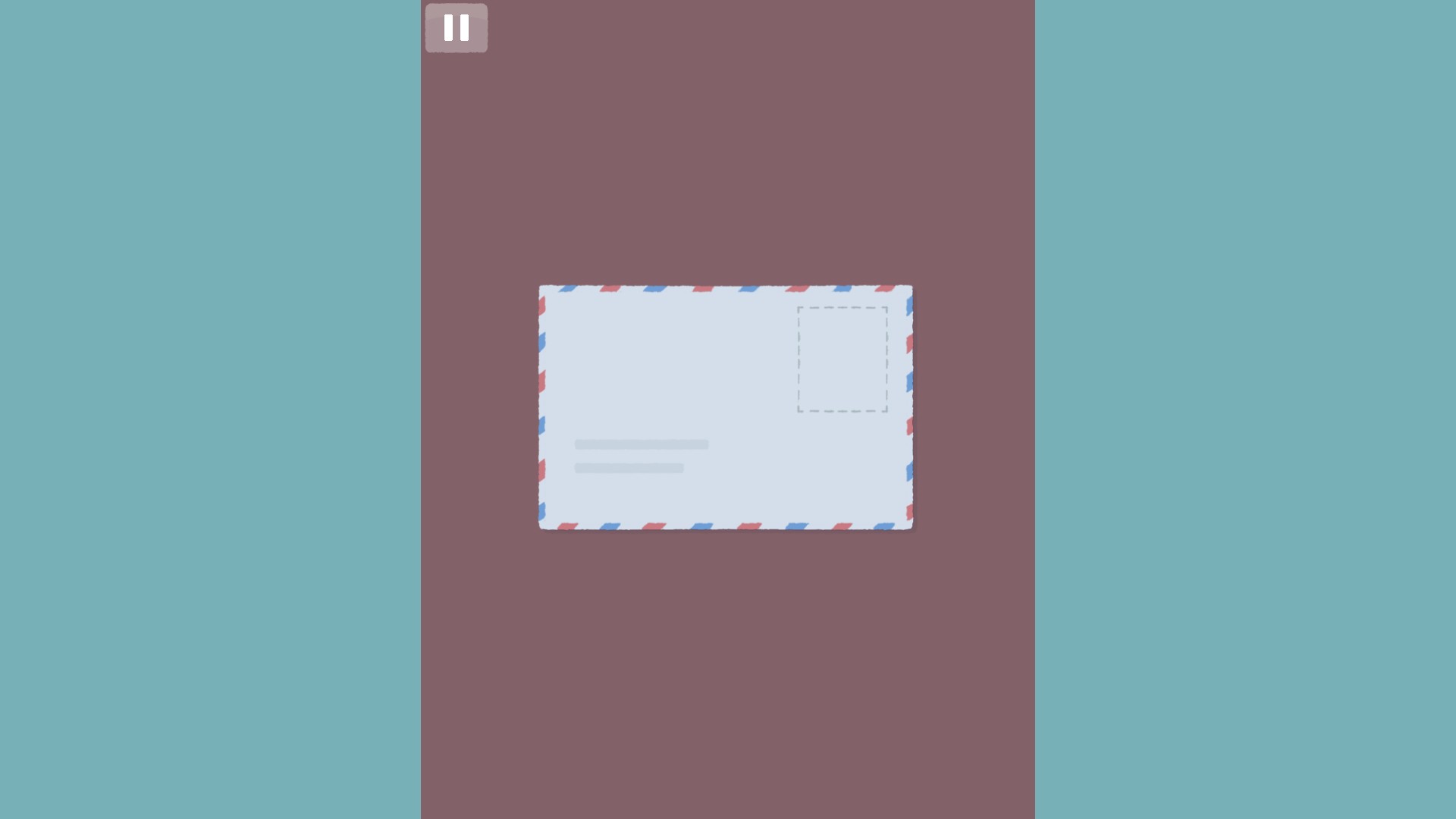
Place a stamp on the envelope in one of Satisdom's everyday puzzles.
Restart the current Satisdom scene for another attempt, or skip a puzzle and use Continue to move on.
View game actions →Choose a Satisdom campaign puzzle number from 1 to 205 and load its scene.
View progression systems →Download the Windows app and follow the setup prompts.
Set up the browser extension in Chrome or Edge, then open the supported YouTube Playable. Follow the connection guide if the game is already running.
Review the available options in the app and choose the ones that suit how you play.